


Answered
No longer able to change scale ratio on Acrobat Reader
In the past, when I have wanted to change the scale ratio in Acrobat Reader, I would select the measuring tool and then right-click on my document to get a menu from which I would select "change scale ratio."
Starting this week, the "change scale ratio" option disappeared from the right-click menu. Screenshot below of the menu I get when I right-click.
Is anyone else running into this problem? MacOS Sonoma 14.4.1, Acrobat Reader v2024.002.20736.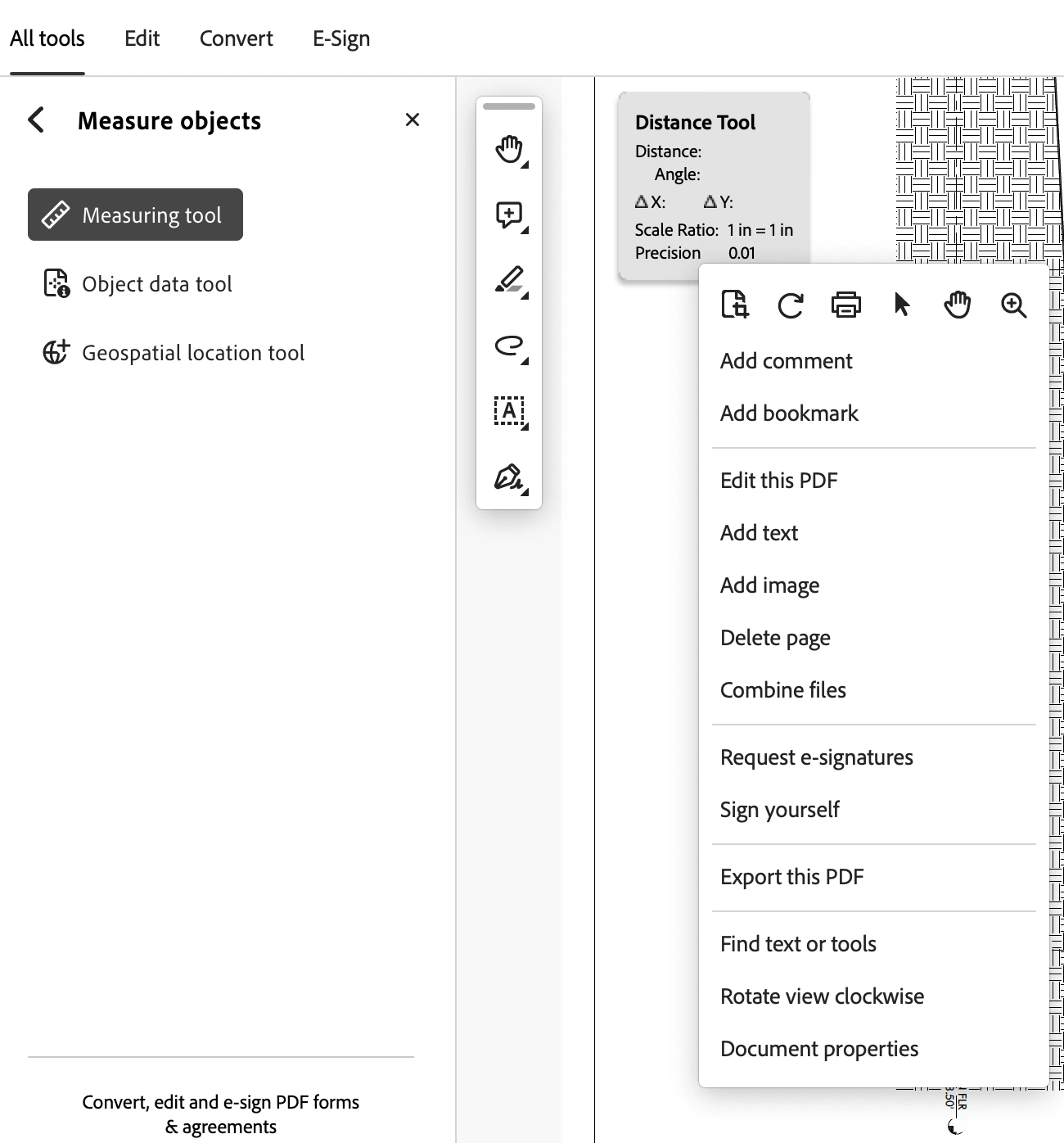
 AdChoices