


Open PDF in browser causes blank error box (Windows 7)
I just freshly installed Windows 7 today. I then installed Adobe Design Premium CS4, including Adobe Acrobat Pro. I use IE8 and Firefox 3.6.
FYI, this problem does not occur in Windows Vista or lower...only Windows 7.
The problem is that when I click on links to PDF documents that open in a browser window, a blank error message box will sometimes popup and nothing else happens (see blank error box below). But other times when I click on the same PDF, it will open just fine. I tried opening it four times in a row, and it worked 3/4 times. Then, I did it four times again, and it only worked 1/4 that time. Totally random.
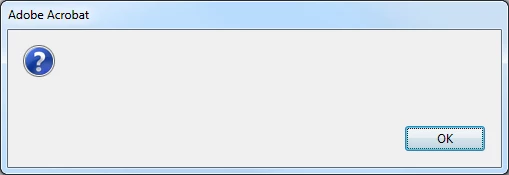
So I tried clearing the browser cache - no luck.
Tried reinstalling Adobe Reader 9.3 - no luck.
Tried uninstalling Adobe.com and Adobe AIR - no luck.
Tried both IE8 and Firefox - both randomly showed the blank error box.
The PDF documents are being rendered through PHP, so I also tried changing the PHP header(), but the same blank error box kept randomly showing up.
What in the world is going on here?
 AdChoices