


[Proofreading] The comment cannot start or end with space or any other whitespace character
Hello,
I'm asking for help with the new version of Adobe Acrobat Reader.
I'm working as a proofreader and I have used a lot the commenting feature to mark errors and point potential improvements to typesetter working in InDesign.
Especially useful was the feature of typing leading or trailing spaces in comments (e.g., in Add Text or Replace Text features) such that typesetter in InDesign can automatically apply my remarks to the book.
Recently, however, I've discovered that Adobe removed the possibility of leading/trailing whitespaces - see What's new in Adobe Acrobat (and the below screenshot from the linked webpage).
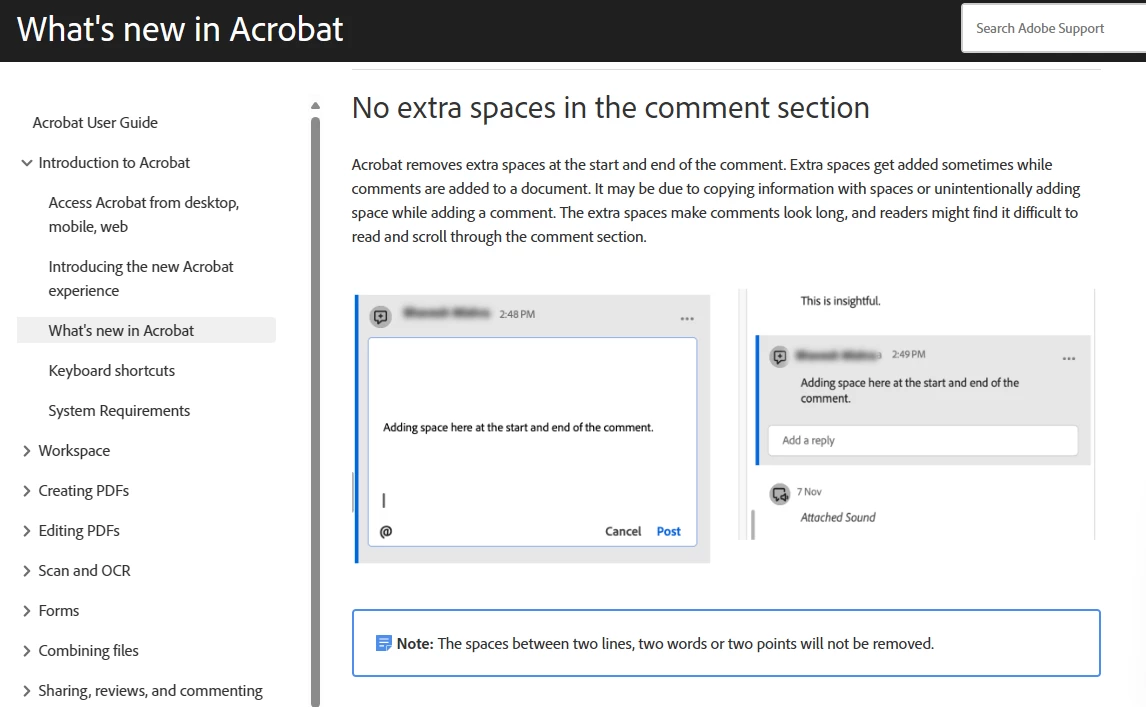
Is it possible to disable this "enhancement" somewhere in options? If it is not, then, dear Adobe, I'd be very glad if you allowed us to at least to configure it in the options in the future update?
Cheers!
 AdChoices