Participant
March 31, 2022
Question

Search Registry Keys to configure the Adobe Edge Addon ( Plugin )

  • March 31, 2022
  • 1 reply
  • 1072 views

Hi there , 

I rolled out the Adobe Acrobat Extension from Chrome Webstore over an GPO to our Clients . 
Adobe Acrobat: Werkzeuge zum Bearbeiten, Konvertieren und Signieren von PDF-Dateien - Chrome Web Store (google.com)
Now i want to configure this Addon over Registry Keys . Is it possible . 

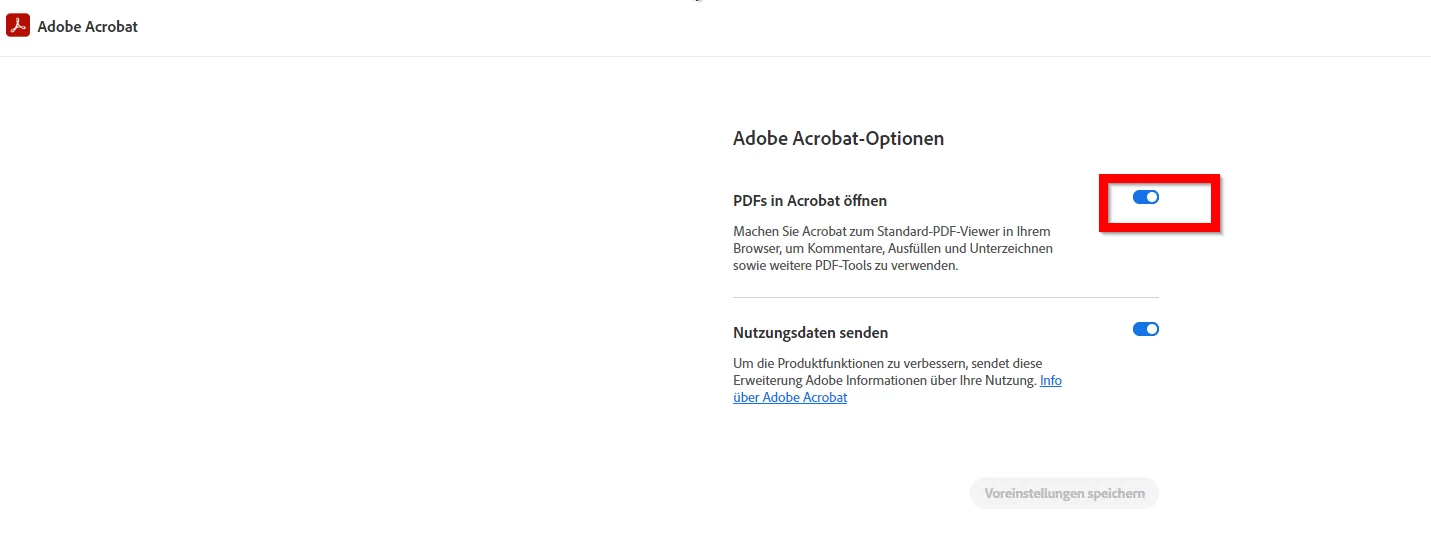
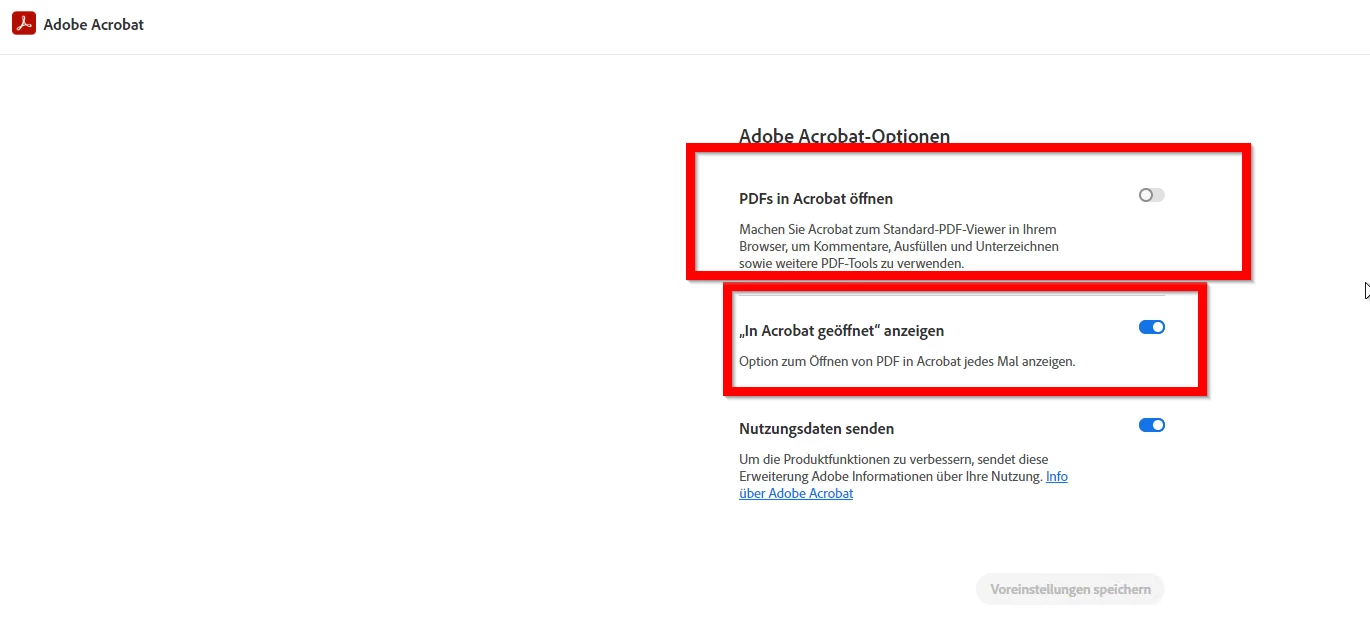
Because i need under Options of this Addon : 

The Option "PDFs open in Acrobat should set to "off" disabled . 
I only need the Option "View opened in Acrobat" . 
The other thing is i search an Registry Key which not allow the first Info Window in Edge after the Adobe Addon is installed . 


Hope someone can help me. 

Thanks 

Michael 

This topic has been closed for replies.

1 reply

Participant
April 8, 2022

Did you get it resolved ??

Participant
April 8, 2022

Hi , 

No unfortunately not . 

I found it very strange . The Adobe Support wrote me this : 

Please note that we at Adobe Customer Service do not handle Chrome extensions or Export PDF issues.

If you still need help, the Adobe Community will be happy to help you by creating a new thread with your request.

Seems nobody can help . But i find it is not an exotic Problem what i have . 

I think it should be possible to find out how i can manage the Settings from the Adobe Addon via GPO / Registry Settings. 

Michael 


Participant
April 8, 2022

i did not find any registry for extension yet :(. Let me know if anyone have luck with this.