


Participating Frequently
February 4, 2020
Question

Strange issue with opening PDF displays correctly, but when I try to copy part it is unreadable

  • February 4, 2020
  • 4 replies
  • 1987 views

When I open particular PDF service manual for my HP printer I have problems with copying part of it,  search for words is not working, the result of copying is on the screenshot attached.
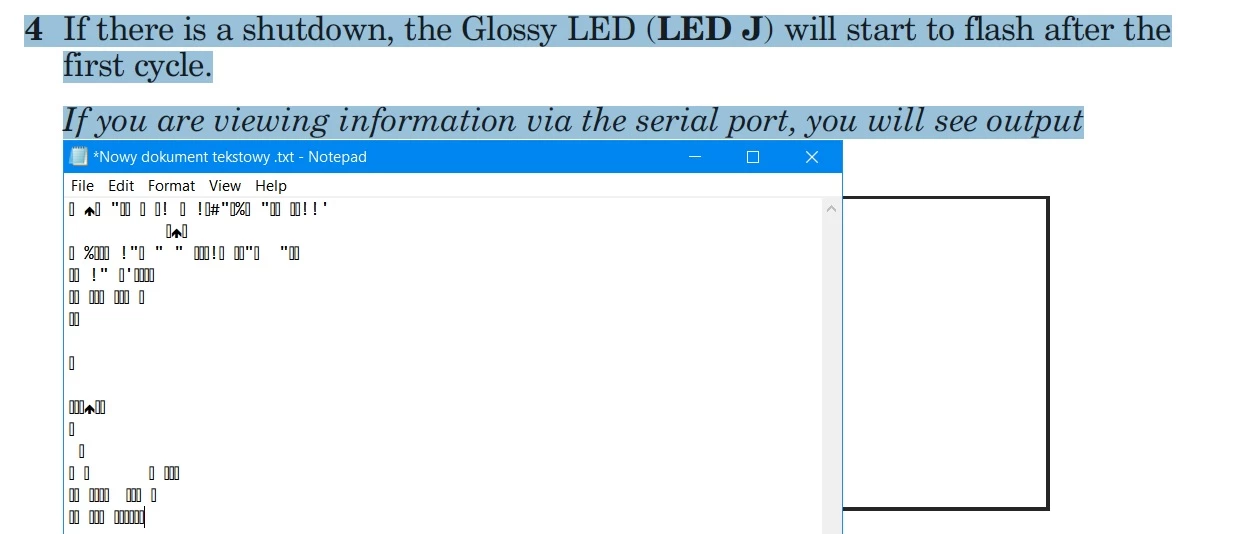
Most annoying is that search is not finding what I see in document.

I can print this document correctly. So this is not issue displaying nor printing.

But working with it is unbearable...

What is wrong with it?

Please help.

This topic has been closed for replies.

4 replies

JR Boulay
Community Expert
Community Expert
February 13, 2020

OK.

It looks like a (PostScript) font encoding issue.

This PDF was made with Distiller 3.0 and is 23 years old, so I guess there is nothing that we can do to repair it.


Using Acrobat Pro you can try this:

1- Export all pages as TIFF (or PNG) images,

2- Combine all these images and run the OCR.

Acrobate du PDF, InDesigner et Photoshopographe
JR Boulay
Community Expert
Community Expert
February 12, 2020

Use WeTransfert, Dropbox, Gdrive…

Acrobate du PDF, InDesigner et Photoshopographe
JR Boulay
Community Expert
Community Expert
February 4, 2020

Share (Acrobat Reader : File menu : Share File : Get link) or send me your document if you want me to repair it.

Acrobate du PDF, InDesigner et Photoshopographe
PitKozAuthor
Participating Frequently
February 4, 2020

Sure thanks, how to send you this file? It is about 4 Mb.


PitKozAuthor
Participating Frequently
February 6, 2020

Have no such option... I can send it in mail or as attachment anywhere.


I have AR XI only and this is not equipped with this function.

Bernd Alheit
Community Expert
Community Expert
February 4, 2020

It is a problem of the font encoding in the PDF file.

PitKozAuthor
Participating Frequently
February 4, 2020

So how to repair it? Make this file properly usable?

Bernd Alheit
Community Expert
Community Expert
February 4, 2020

Not possible with Acrobat Reader.