


Question
Unable to Save Edited Comments in Adobe Acrobat - "Dictionary Keys Must Be Direct Name Objects"
I'm facing an issue with saving edits to comments in Adobe Acrobat. Here's the situation:
- I created a document using LaTeX (compiler unknown, possibly Overleaf or MikTeX locally).
- I potentially used GhostScript to reduce the file size.
- I used Adobe Acrobat to leave comments during a meeting and saved the PDF successfully.
- Now, I'm trying to modify some of the comments by marking them as complete, but I can't save the changes.
When attempting to save, I receive the following error message:
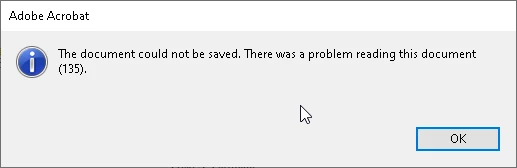
"The document could not be saved. There was a problem reading this document (135)."
Pressing Ctrl + OK reveals a further message:
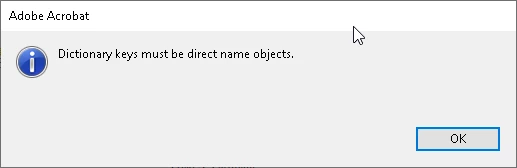
"Dictionary keys must be direct name objects."
Does anyone have any suggestions on resolving this issue and saving the edited comments in Adobe Acrobat? I would greatly appreciate any insights into the "Dictionary keys must be direct name objects" error in this context.
Additional Information:
- I'm unsure about the specific LaTeX compiler used (potentially Overleaf or MikTeX).
- GhostScript might have been involved in reducing the file size, but I'm not sure.
Thank you in advance for your assistance!
 AdChoices