Participating Frequently
September 3, 2020
Answered

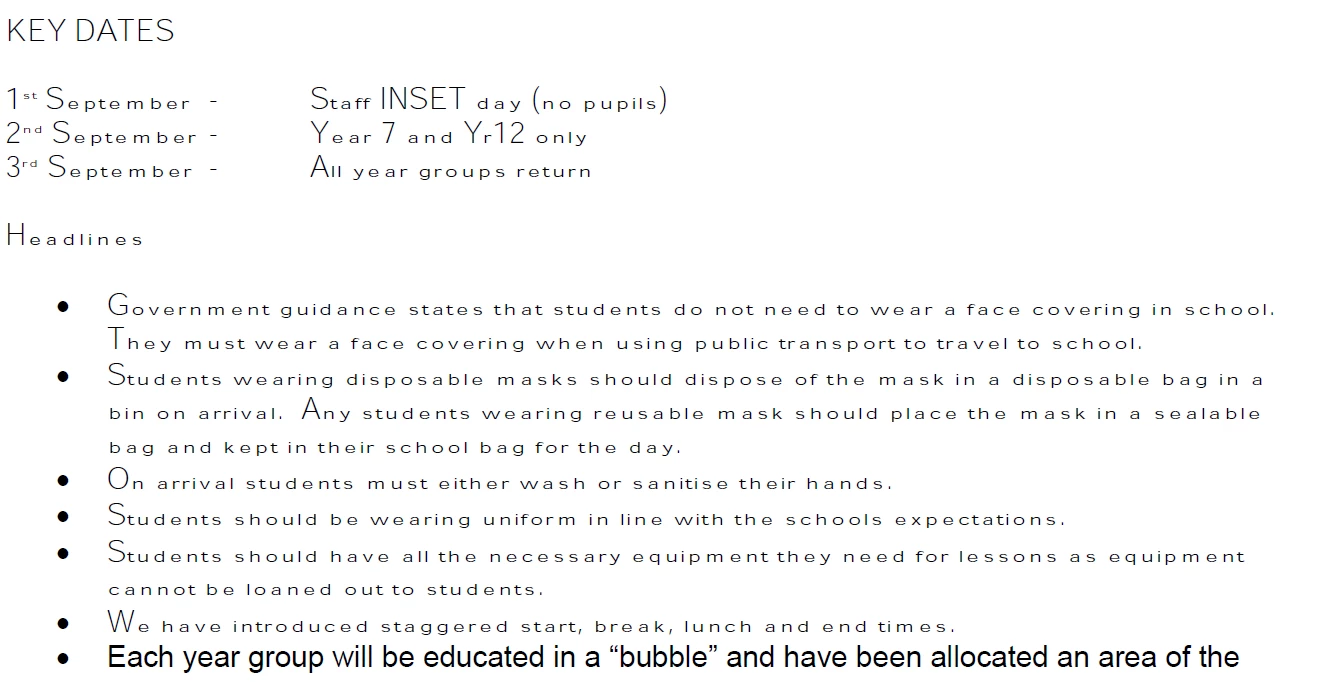
Weird font with large upper case letters

  • September 3, 2020
  • 1 reply
  • 5699 views

Hi


Reader on Windows has just started displaying some docs in a weird font. On my mobile (Android) they display fine, as do they with Firefox and Chrome. I've done a Repair Installation and then uninstalled and reinstalled Reader , then updated it, all with no difference, so I'm stumped.


How do I fix this?


This topic has been closed for replies.
Correct answer Dov Isaacs

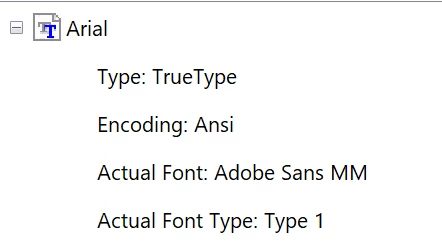
I'm not sure how that page says what is being substituted.

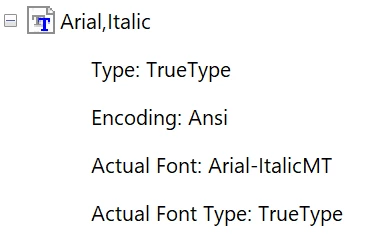
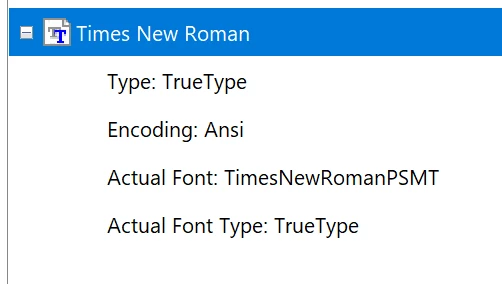
It just says stuff like this:


Ditto for Arial, Bold.


That answers the question. Somehow Reader is not able to find Arial on your system. It is either damaged or not properly installed for all users.


1 reply

Dov Isaacs
Brainiac
September 3, 2020

We are not aware of such a problem at this point. We would appreciate it if you could share such a PDF file with us such that we can duplicate the problem and determine exactly what is going on.


- Dov Isaacs, former Adobe Principal Scientist (April 30, 1990 - May 30, 2021)
bruno15C3Author
Participating Frequently
September 3, 2020