

Answered
when running the program Pop-up windows appear
Pop-up windows appear every time you run a program.
If you update and reboot, it's the same thing. How do you fix it?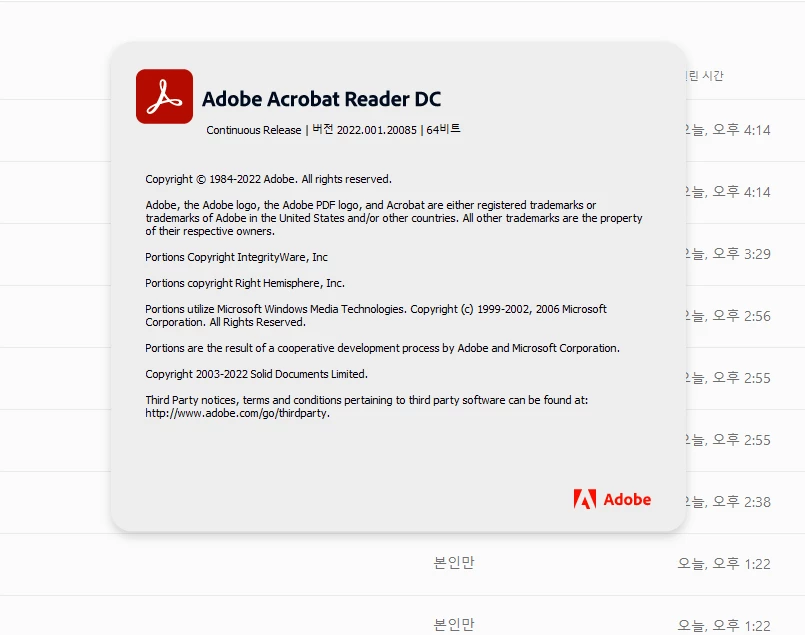

Pop-up windows appear every time you run a program.
If you update and reboot, it's the same thing. How do you fix it?
If you log in from Photoshop to use Photoshop, a pop-up window pops up again.
Kindly try to run the Acrobat cleaner and uninstall the application completely and then install it again. Follow the below links for reference:
Cleaner tool- https://www.adobe.com/devnet-docs/acrobatetk/tools/Labs/cleaner.html
Installer- https://get.adobe.com/reader/enterprise/
Let us know if that helps.
Already have an account? Login
Enter your E-mail address. We'll send you an e-mail with instructions to reset your password.
 AdChoices