


My pdf file keeps corrupted

Copy link to clipboard
Copied
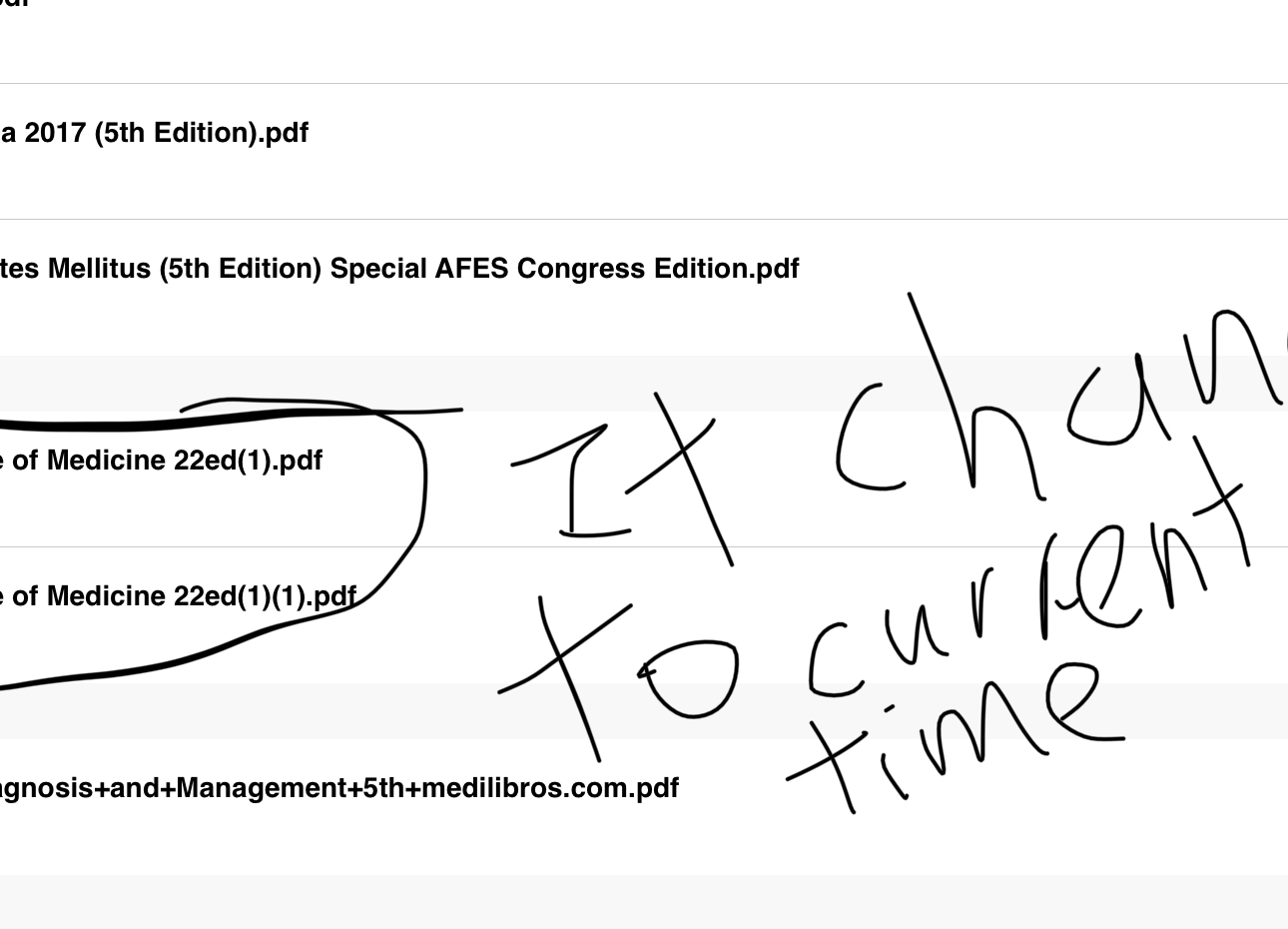
After the update i not sure why my pdf file corurpted. It show create a local copy or discard where it normally wont show on my ipad. After i exitand reenter, the pdf file that i choose wont load and the time and date of the file changed to now. I tried uniinstall and reinstall the apps but the pRoblem maintain. I am sad as all my one year of hardwork studying and highlighting gone inA blink of an eye.


 10
Replies
10
10
Replies
10




Copy link to clipboard
Copied
Hi yaph79276059,
Sorry for the problem.
I am not sure if the PDF documents are actually corrupted.
Would you try restarting your iPad/iPhone after updating to the latest version (17.12.15) of Acrobat Reader?
Restart your iPhone, iPad, or iPod touch - Apple Support
Restarting your device should clear the bad state.
When you see the alert again, please choose to create a local copy so you will not lose new changes. The copy will appear in the "Local" file browser in Acrobat.
Please let us know what you find.
Thank you.
Copy link to clipboard
Copied
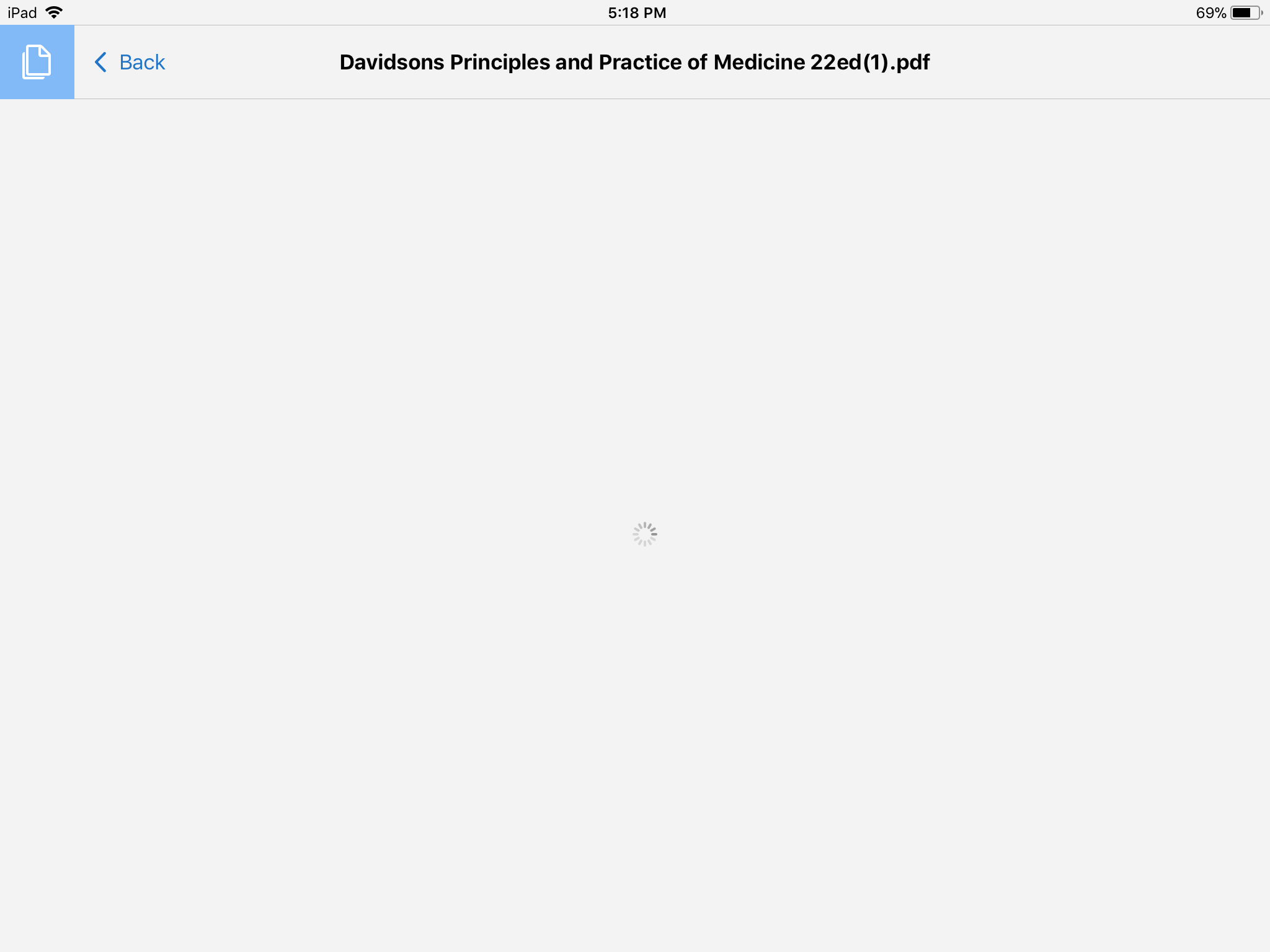
I have tried to restart my iPad. Ut the problem still presist. The file that i wanted to open has change its saved date to now and thr file toook forever to open as the loading sign keep on and on
Copy link to clipboard
Copied
And it is running on the 17.12.15 version too.
Copy link to clipboard
Copied
Hi again,
At this point, I'd recommend the following steps.
- Make backup copies of the existing Local files (i.e. transfer the files to your Windows/Mac computer).
How to back up and restore PDF documents on iPad/iPhone using iTunes - Open the backup copies in the desktop version of Acrobat Reader on your Windows/Mac computer.
Can you open the files in the desktop version of Acrobat Reader?
Proceed to the next step only when you confirm that the files are not corrupted. - Uninstall Acrobat Reader on your iPhone/iPad. (Note that iOS will erase all of your local files and preferences.)
- Restart your iPhone/iPad.
Restart your iPhone, iPad, or iPod touch - Apple Support - Reinstall Acrobat Reader on your iPhone/iPad.
- Transfer the backup copies from your Windows/Mac computer to your iPhone/iPad.
Sorry for your trouble.
Copy link to clipboard
Copied
Yeah. The file cannot be open on the computer version of adobe. If the problem cotinue i will screenshot it and let you see.
Copy link to clipboard
Copied
Hello.the problem exist today again. I will show u the screenshot. Any comment or opinion to try? So what i highlighted just now gone again. As my last backup is this morning. Help me pls. Thanks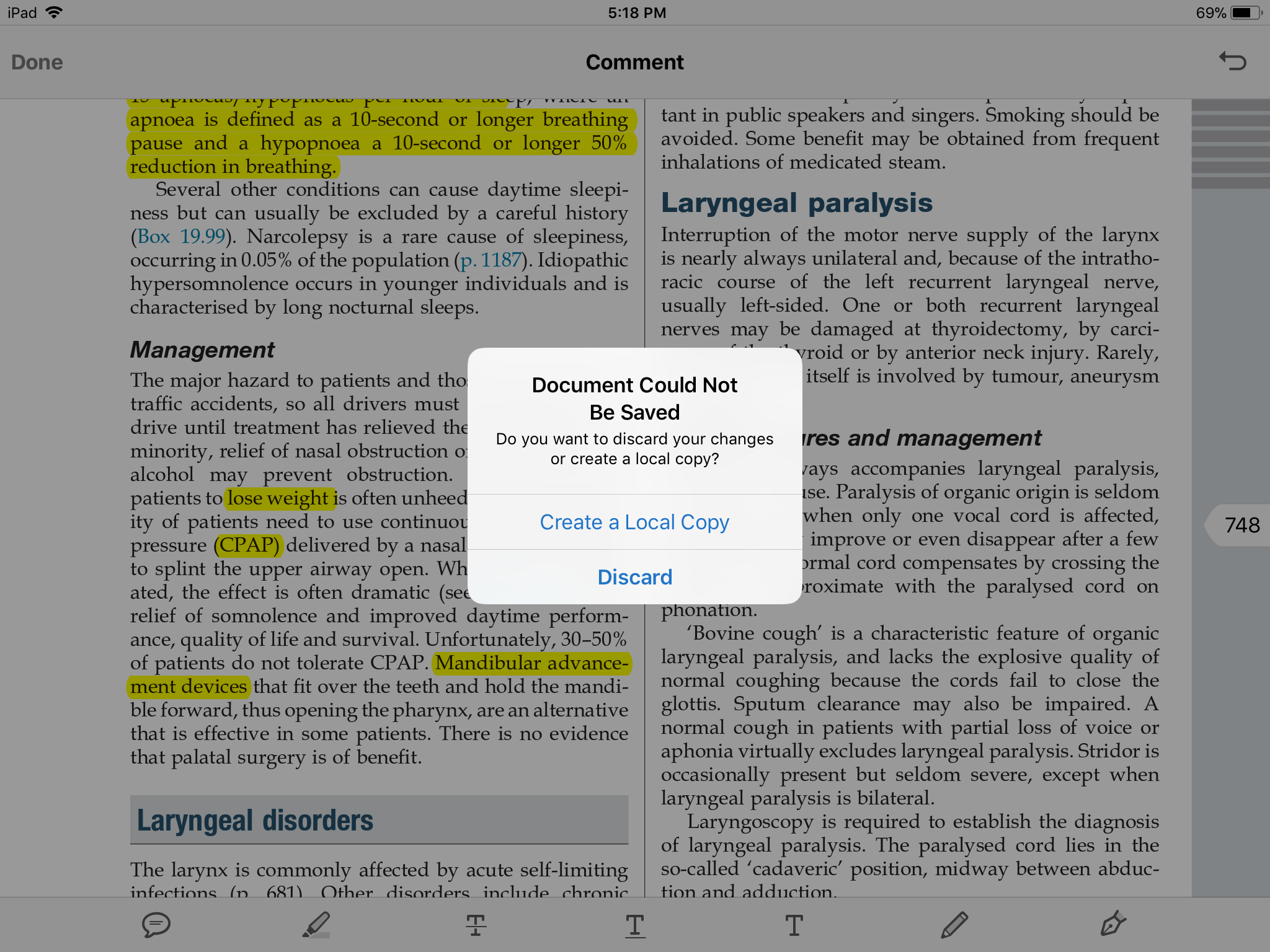
Copy link to clipboard
Copied
Hi yaph79276059,
Acrobat Reader displays the alert with the title "Document Could Not Be Saved" when it fails to save changes to the PDF document due to an error.
Because the PDF document is already corrupted/damaged, you will not be able to save any additional changes to it (no matter how many times you try).
We can inspect the corrupted PDF document and try to repair damage, if you are willing to share the PDF document with us (Adobe).
I sent you a forum private message yesterday. Please respond if you would like us to try repairing the corrupted PDF document.
Thank you.

Copy link to clipboard
Copied
I have the same problem. how can i send you the pdf?
Copy link to clipboard
Copied
HI yaph79276059, rsn18022893,
We just released Acrobat Reader 18.01.15 to the App Store today (January 10, 2018).
As always, we'd highly recommend making backup copies of your valuable PDF documents regularly.
Please try it out by making small changes to a large PDF document and see if it works for you.
We apologize for the inconvenience caused by the previous version.

Copy link to clipboard
Copied


Get ready! An upgraded Adobe Community experience is coming in January.
Learn more
 AdChoices