









Get Acrobat Reader Mobile answers, news, tips. Join us!
Recently active
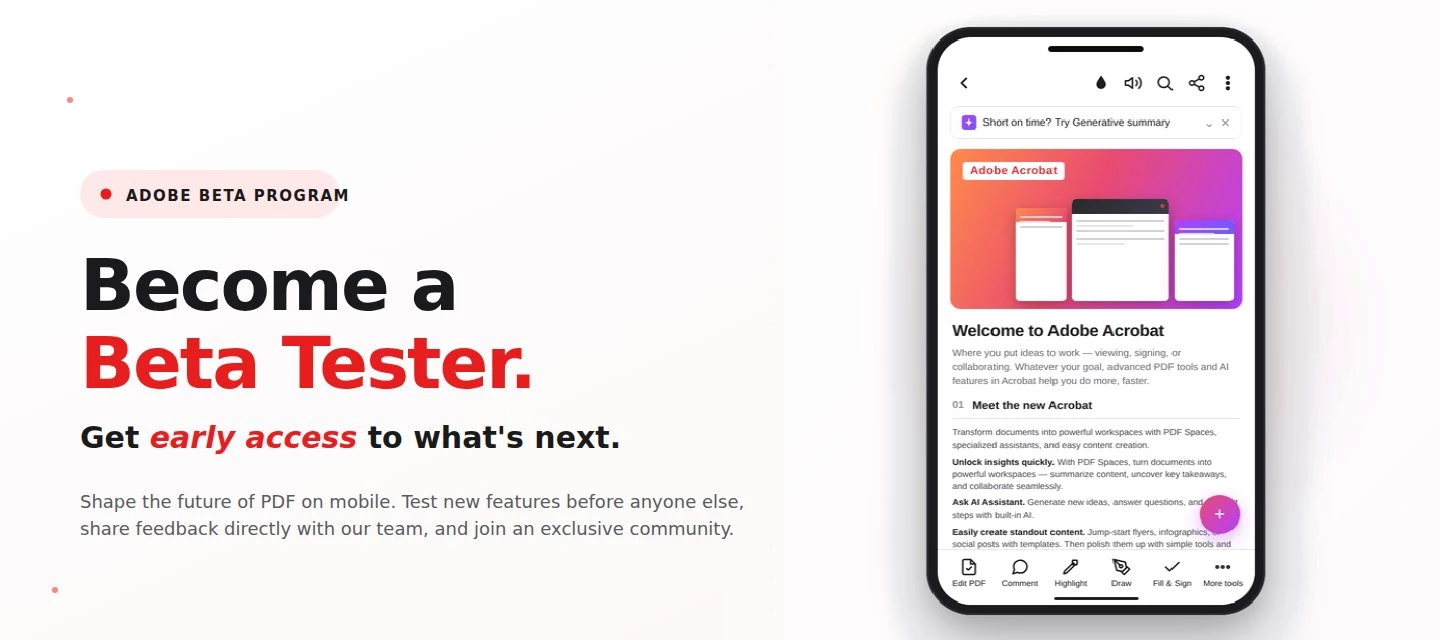
About this articleRead time: 3 min.Published: May 21, 2026 Author: Amal Jaiswal – Community Manager TL;DRThe Adobe Acrobat Reader Android beta program gives Android users free, early access to new Adobe Acrobat Reader features via Google Play. Enrolment takes one tap, it's reversible anytime, and your in-app feedback routes directly to the Adobe Acrobat Reader product team.Adobe Acrobat Reader beta access is an opt-in Google Play testing track for the app on Android that lets everyday users try new features before public release. If you sign PDFs on the bus, scan receipts at lunch, and mark up docs at midnight, this is your backstage pass. What is the Adobe Acrobat Reader beta program?The Adobe Acrobat Reader beta program is the side door into the app on Android, a free testing track on the Google Play Store where the features land before they hit everyone else's phone. Beta testers get pre-release builds straight from the team, a dedicated in-app feedback form wired straight to the p
About this articleRead time: ~3 min Published: May 18, 2026 TL;DR: See an unfamiliar Adobe charge on your statement? Use the Adobe Charge Finder tool to identify it , enter your card and transaction details exactly as they appear on your statement, and it'll show the linked Adobe account, subscription type, and date.Spotted an unfamiliar charge from Adobe on your bank or credit card statement? You’re not alone, and in most cases, the charge can be traced and resolved within minutes. Use the Adobe Charge Finder tool to identify the transaction, locate the associated Adobe account, and take the right next step. We know how unsettling it feels to see a charge you don’t recognize. That’s why Adobe has streamlined the process of identifying unknown charges, so you can quickly confirm whether the transaction came from Adobe, trace it to the right account, and resolve it without the back-and-forth. With the Adobe Charge Finder tool, you can look up any Adobe charge using the transaction ID fr
About this articleRead time: ~3 min Published: May 8, 2026 TL;DR: Podcasts in Adobe Acrobat mobile turns the documents inside a PDF Space into AI-generated audio you can listen to on the go. Pick Highlights for a quick summary or Deep dive for a longer walkthrough then edit the transcript so it sounds exactly how you want. Reading a 40-page spec. or listening to it like a podcast while you walk to your next meeting? That’s the move. Acrobat on mobile now lets you turn the contents of a PDF Space into a custom AI-generated podcast built around the focus you define, for the audience you choose, on iOS and Android.We would love to hear what’s working, what’s weird, and what you wish it did next. Drop your thoughts in the reply, we are listening. What is “Podcasts” in PDF Spaces?Podcasts in PDF Spaces is an AI Assistant feature in Adobe Acrobat on mobile that converts the documents grouped inside a PDF Space into a listenable, audio-first version of that content. Each podcast is generated
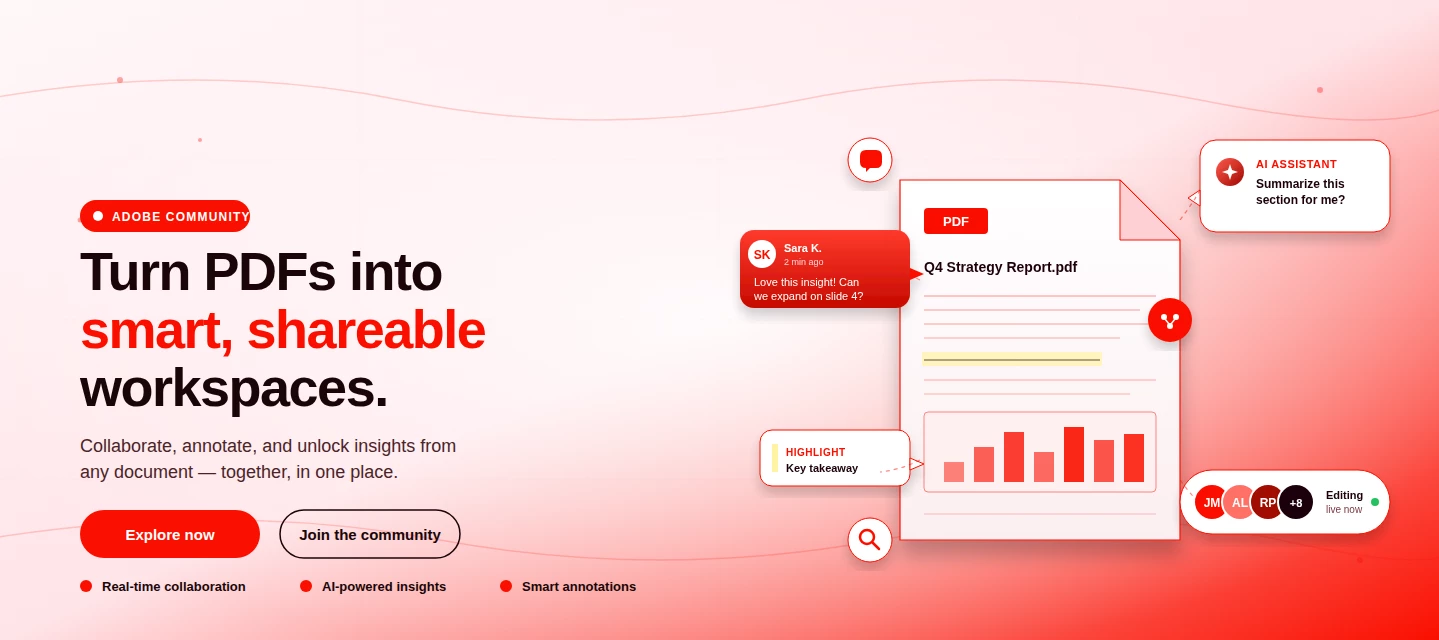
About This Article Read time: ~3 minPublished: May 8, 2026 TL;DR: PDF Spaces in Adobe Acrobat Mobile brings PDFs, photos, webpages, and notes into one AI-powered workspace you can customize and share right from your phone. Add your sources, let AI Assistant summarize and answer questions grounded in your content, then share with role-based permissions.Nobody wants to open multiple PDFs on their phone to find one paragraph. That’s the whole problem PDF Spaces solves. Instead of a folder you scroll past, you get one workspace where AI reads everything for you, and you just ask. This post is part announcement, part open discussion, we want to hear what’s working and what we should improve next. What is PDF Spaces in Acrobat Mobile?PDF Spaces is an AI-powered workspace inside Adobe Acrobat Mobile (Android and iOS) that lets you collect PDFs, scanned documents, photos, webpage links, and text snippets into one place then use AI Assistant to summarize, answer questions, and generate two
We truly appreciate the time you've spent with Acrobat Mobile or Scan. While we’re sad to see you go, our priority is to make cancellation simple, transparent, and respectful of your time. Before you proceed, here’s what you need to know about refunds:If you cancel within 14 days of your original purchase, you’ll get a full refund. If you cancel after 14 days, your subscription will remain active until the end of the current billing period, but no refund will be given. For full details, please review our Subscription Terms & Cancellation Policy. Here’s how to cancel based on your subscription type:On Android: Use our automated cancellation form to submit your request. It only takes a few moments. On iOS (iPhone or iPad): To cancel your subscription, follow the instructions outlined in the help article. On Desktop (Acrobat Pro): You can cancel anytime through your Adobe Account by following the steps in this guide. Wondering about your account, payment, or plan? Ask away right he
Is there a free updated version of Adobe other than what I already have?
Já paguei pela assinatura. Tenho direito a alguma coisa?? Porque até sexta-feira estava usando tudo! Caso não volte a ser como era antes, vou buscar um jeito de cancelar, vou na Delegacia de Crimes Cibernéticos, vou fazer alguma coisa, o que não dá é pagar o valor que paguei pra não ter nada
Not able to Re-order page in Acrobat in Android. Using Samsung S26 Ultra. Acrobat Version - 26.5.0 When I press and hold, no option shows to move pages. Screen Recording Attached.
Witam,W dniu wczorajszym zostały pobrane pieniądze za subskrybcję. Niestety za późno ją anulowałam. Chciałam odzyskać pieniądze. Aplikacja nie spełnia moich oczekiwań i niestety za pozno zostala anulowana. Dział Samsung kazał mi napisać do was o zwrot pieniędzy. Niestety nie mogłam zablokować transakcji, pobrania pieniędzy z konta. Subskrybcję juz anulowałam ale niestety środki zostały pobrane. Chciałbym je odzyskać. Proszę o odpowiedź z waszej strony czy jest to możliwe. Pozdrawiam
Bonjour. J’ai fais un essai gratuit et j’ai été débité de 75€. j’aimerais me faire rembourser
I canceled my free subscription the same day I registered, now a week later I am seeing a change to my card. Kindly have the money refunded and guide me as to how to remove my card Edit
Hi I used the adobe app to combine files just last week. Then the other day I tried to combine files and it says cannot convert your file in red. Since then I keep trying and it still won't work. is there any reason why this may be happening? Or any suggestions on what to do to fix it? I have a subscription to adobe and don't want to keep paying if I can't use its features. I attached a picture of the error message. Thank you Megan
Eu desejo criar um ebook e pra facilitar, nao quero anexar um link ao PDF mas sim um video onde seria somente apertar o "play"
I am using the adobe on my iPhone. When I attempt to do anything it is asking me to upgrade. But I checked my subscription on my Apple subscriptions and that verifies that my subscription is active through February 2027.
What’s the meaning of free trial if you are going to charge beforehand? I need this money back.
Mon abonnement premium a été résilié dans les 7 jours mais j'ai été prélevée 2 fois : 35,99€ et 8,05€Je souhaite être remboursée
Sin embargo aquí se puede ver que la suscripción es anual y no ha vencido
Hi, I opted for 7 days free trial subscription and was directed to pay 349 rs. for auto repayment. I wanted to explore the trial version. I humbly request to refund the payment. I cancelled my subscription immediately.
This is a wrong order. cancel this order and please refund
Hello,Our team is experiencing a widespread issue with the Adobe Acrobat mobile app and Dropbox integration on Android.We use Dropbox to store PDF forms and open them in Adobe Acrobat for editing. This workflow has worked successfully for several years. However, for approximately one week, Acrobat has stopped saving edited PDFs back to their original Dropbox location.The normal workflow was:Open the PDF from the Dropbox Android app. Select Adobe Acrobat to edit the file. Make the required changes. Tap the back arrow in the top-left corner of Acrobat. Acrobat saves the edits to the original Dropbox file and returns the user to Dropbox. A small notification confirms that the edits were saved successfully.What happens now:Tapping the back arrow does not return the user to Dropbox. The PDF remains open inside Adobe Acrobat. The previous “saved successfully” notification does not appear. The changes are not saved to the original Dropbox PDF. Dropbox does not receive or sync the updated file
I have Adobe Acrobat Reader on my Android cellphone (with the newest Andriod version) and on my iPad. I can easily connect to my OneDrive Account on the iPad app, but I keep on getting these messages when trying to connect the Andriod App to my OneDrive. I have tried on more than one Andriod device, but the problem is the same (both Samsung phones). I have also contacted out IT department. Can someone please give me an answer or guidance on how to solve this, please? Thank you.
Quando dou início pra produzir o áudio, ele fica carregando e nada acontece na leitura de PDF
my issue started with the case number above, which seemed to be an activation issue. The tool, “Request e–signatures” was no longer available to me and I had noticed that under my account when I click my icon in the upper right hand corner, it stated that I was a free user. I have paid a subscription to Acrobat Pro for many many years. The above case was a result of my phone call and waiting hours on the phone and finally speaking with someone that was unable to resolve the issue. Then I get that email above. Tell me the case was closed without resolution.After my own troubleshooting, I discovered that the price of the Acrobat Pro plan went up from $15.99 per month to $19.99 a month. So I upgraded my plan and I had to do that process on both, my iPhone and my iPad. After doing that, they told, “Request e-signatures” Became an option on my iPad; however, it still does not show on the iPhone. I do run beta software on the iPad and I run non-beta software with the latest version on my iPh
Tell me how do I make a PDF file? I just downloaded Adobe and am the free trail
Remix with Firefly Community Gallery
Thousands of free creations to fall in love with and remix in Firefly.
Already have an account? Login
No account yet? Create an account
Enter your E-mail address. We'll send you an e-mail with instructions to reset your password.