









Get Acrobat Reader Mobile answers, news, tips. Join us!
Recently active
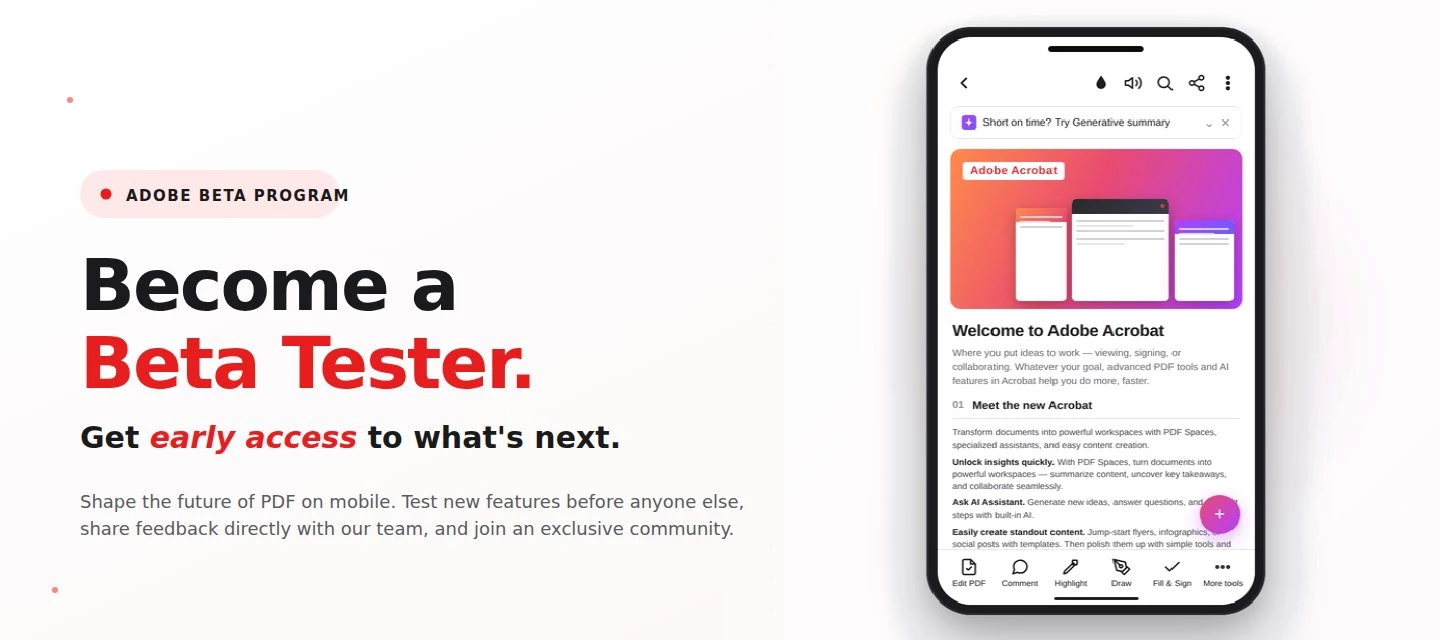
About this articleRead time: 3 min.Published: May 21, 2026 Author: Amal Jaiswal – Community Manager TL;DRThe Adobe Acrobat Reader Android beta program gives Android users free, early access to new Adobe Acrobat Reader features via Google Play. Enrolment takes one tap, it's reversible anytime, and your in-app feedback routes directly to the Adobe Acrobat Reader product team.Adobe Acrobat Reader beta access is an opt-in Google Play testing track for the app on Android that lets everyday users try new features before public release. If you sign PDFs on the bus, scan receipts at lunch, and mark up docs at midnight, this is your backstage pass. What is the Adobe Acrobat Reader beta program?The Adobe Acrobat Reader beta program is the side door into the app on Android, a free testing track on the Google Play Store where the features land before they hit everyone else's phone. Beta testers get pre-release builds straight from the team, a dedicated in-app feedback form wired straight to the p
About this articleRead time: ~3 min Published: May 18, 2026 TL;DR: See an unfamiliar Adobe charge on your statement? Use the Adobe Charge Finder tool to identify it , enter your card and transaction details exactly as they appear on your statement, and it'll show the linked Adobe account, subscription type, and date.Spotted an unfamiliar charge from Adobe on your bank or credit card statement? You’re not alone, and in most cases, the charge can be traced and resolved within minutes. Use the Adobe Charge Finder tool to identify the transaction, locate the associated Adobe account, and take the right next step. We know how unsettling it feels to see a charge you don’t recognize. That’s why Adobe has streamlined the process of identifying unknown charges, so you can quickly confirm whether the transaction came from Adobe, trace it to the right account, and resolve it without the back-and-forth. With the Adobe Charge Finder tool, you can look up any Adobe charge using the transaction ID fr
About this articleRead time: ~3 min Published: May 8, 2026 TL;DR: Podcasts in Adobe Acrobat mobile turns the documents inside a PDF Space into AI-generated audio you can listen to on the go. Pick Highlights for a quick summary or Deep dive for a longer walkthrough then edit the transcript so it sounds exactly how you want. Reading a 40-page spec. or listening to it like a podcast while you walk to your next meeting? That’s the move. Acrobat on mobile now lets you turn the contents of a PDF Space into a custom AI-generated podcast built around the focus you define, for the audience you choose, on iOS and Android.We would love to hear what’s working, what’s weird, and what you wish it did next. Drop your thoughts in the reply, we are listening. What is “Podcasts” in PDF Spaces?Podcasts in PDF Spaces is an AI Assistant feature in Adobe Acrobat on mobile that converts the documents grouped inside a PDF Space into a listenable, audio-first version of that content. Each podcast is generated
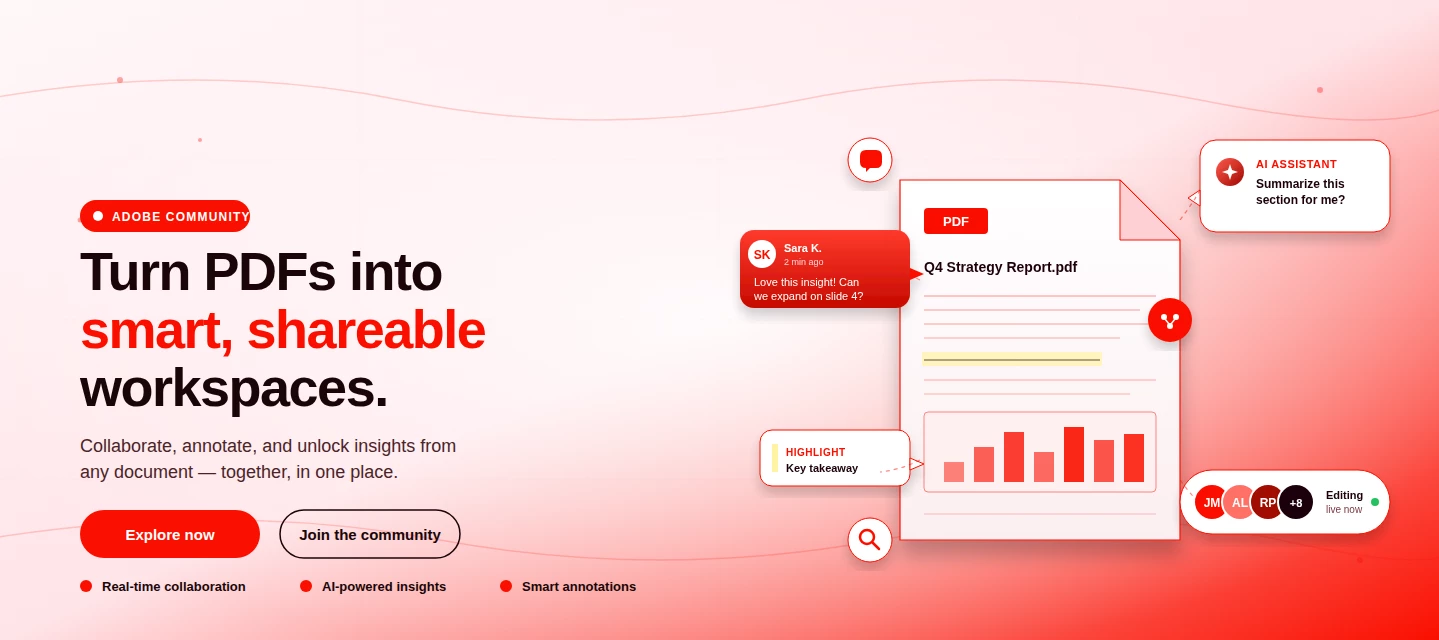
About This Article Read time: ~3 minPublished: May 8, 2026 TL;DR: PDF Spaces in Adobe Acrobat Mobile brings PDFs, photos, webpages, and notes into one AI-powered workspace you can customize and share right from your phone. Add your sources, let AI Assistant summarize and answer questions grounded in your content, then share with role-based permissions.Nobody wants to open multiple PDFs on their phone to find one paragraph. That’s the whole problem PDF Spaces solves. Instead of a folder you scroll past, you get one workspace where AI reads everything for you, and you just ask. This post is part announcement, part open discussion, we want to hear what’s working and what we should improve next. What is PDF Spaces in Acrobat Mobile?PDF Spaces is an AI-powered workspace inside Adobe Acrobat Mobile (Android and iOS) that lets you collect PDFs, scanned documents, photos, webpage links, and text snippets into one place then use AI Assistant to summarize, answer questions, and generate two
We truly appreciate the time you've spent with Acrobat Mobile or Scan. While we’re sad to see you go, our priority is to make cancellation simple, transparent, and respectful of your time. Before you proceed, here’s what you need to know about refunds:If you cancel within 14 days of your original purchase, you’ll get a full refund. If you cancel after 14 days, your subscription will remain active until the end of the current billing period, but no refund will be given. For full details, please review our Subscription Terms & Cancellation Policy. Here’s how to cancel based on your subscription type:On Android: Use our automated cancellation form to submit your request. It only takes a few moments. On iOS (iPhone or iPad): To cancel your subscription, follow the instructions outlined in the help article. On Desktop (Acrobat Pro): You can cancel anytime through your Adobe Account by following the steps in this guide. Wondering about your account, payment, or plan? Ask away right he
Did Adobe forget to enable Zoom in/ Out on tablet Android app? I can't imagine that such a tging should be a hassle to find.Using Adobe Acrobat on Samsung S9 Ultra
Does Anyone know why Zooming Out in Adobe Acrobot app for TABLETS (not phones) doesn't work using 2 fingers pinching, and no alternative exist? Using a Samsung S9 Ultra tablet latest Android/UI/Adobe software.
Hello, I had purchased Lightroom 4 and 6 and had them both installed on my old computer. I have serial numbers for both. I just bought a new laptop (Windows) and I see the Lightroom 4 icon on my desktop. I clicked a setup file for Lightroom 6, it asked me to enter both serial numbers, and it installed the icon on my desktop. When I click on it, I get the message “ Adobe Application Manager, required to start your trial, is missing or damaged. Please download a new copy of Adobe Application Manager from http://www.adobe.com/go/applicationmanager” I know Application Manager has now been replaced by the Adobe Creative Cloud. How can I get Lightroom 6 to open on my laptop so I can see my photos? Thank you
Bonjour, Je souhaite annuler l’essai gratuit.Il est indiqué que cela peut être effectué à tout moment en cliquant sur “gérer la formule”.Or, cela n’est pas possible (message “vous pourrez bientôt gérer cette formule”).Je ne souhaite ni l’abonnement ni être facturée.Merci de m’indiquer comment procéder ? Cordialement
Após atualizar para o Adobe Premium para usar a leitura em voz alta de PDFs, só aparecem duas vozes femininas. Antes havia uma voz masculina. As vozes 3, 4 e 5 (Português-Brasil) apresentam erro. Solicito a correção e a liberação da voz masculina.
Today I took the subscription to edit a pdf file . I want to cancel that subscription
My highlighter not working inspite of its are in free version
Quiero hablar con un agente
I have previously been able to apply these red boxes with rounded edges on my Android tablet. You could apply them everywhere and stretch them to the desired size and edit the lines. I believe the function was called Fill & sign. But now, after some update, the function is no longer available. I know you can make a sharp edged rectangle but I really liked the previous rounded one.I have tried reinstalling previous APKs from 2025-2026 with no succes.Any suggestions?Samsung Galaxy Tab S5e, SM-T725, Android 11
I started a free trail on 13th July and cancelled my trial subscription on July 16, before the free trial ended on July 20. However, I was charged 69,87 RON on July 21. Please review my account and issue a refund.
Hallo . Wann adobel Acrobat etwas gespeichert habe , und danach öffne , verschiebt es die Dateien . Ist nicht gut ...
Aconteceu logo após alguma atualização do Android, depois troquei de celular e tentei novamente com o celular novo mas o problema foi o mesmo
já faz um tempo em que quando vou tirar um print da tela no acrobat mobile, aparece um pop-up me dando algumas opções extras (e isso é do adobe, não do sistema do aparelho) mas isso é estressante desnecessário, principalmente quando se quer continuar rolando o print para tirar um print maior. Então: como desabilitar essa função?-segue em anexo vídeo mostrando o fato.
I convert my Excel generated invoices into PDF’s before sending them to my customers. I would press Create pdf, select the file to convert, it would then show on my recents screen and send a copy of the file into the same file I originally selected ? It tells me it is converting the file and will let me know when it has been completed. Never get the completed pop up. This has only started to happen recently ?
Hi, I opted for 7 days free trial subscription and was directed to pay 349 rs. for auto repayment. I wanted to explore the trial version. I humbly request to refund the payment. I cancelled my subscription immediately.
Today I made the payment through Adobe application an amount of Rs. 340 got deducted from my account but my subscription which i paid for haven't got active.
I was charged before the free trail was up. How do I get a refund?
He descargado un documento de una fuente confiable pmi.org , cuando intento abrir con adobe me solicita contraseña; sin embargo , el pmi no genera contraseña a sus documentos, pedí ayuda con ellos y me comentaron que el problema lo genera adobe. Por favor su soporte con este inconveniente, he intentado abrir el PDF con otros lectores de PDF sin problemas.
I was actually editing a PDF document and I finalised typing and went on to for the edit however suddenly a message pop up dating that the work couldn't be saved and the app crashed by the way I am using Adobe acrobat on my tablet. Now I cannot recover the work I completed by editing and that's a very Grave loss please help. Thank you
Remix with Firefly Community Gallery
Thousands of free creations to fall in love with and remix in Firefly.
Already have an account? Login
No account yet? Create an account
Enter your E-mail address. We'll send you an e-mail with instructions to reset your password.