martinb65415671
Participant
February 20, 2019
Question

Acrobat reader DC - some PDF files won't open

  • February 20, 2019
  • 2 replies
  • 5370 views

Hi,

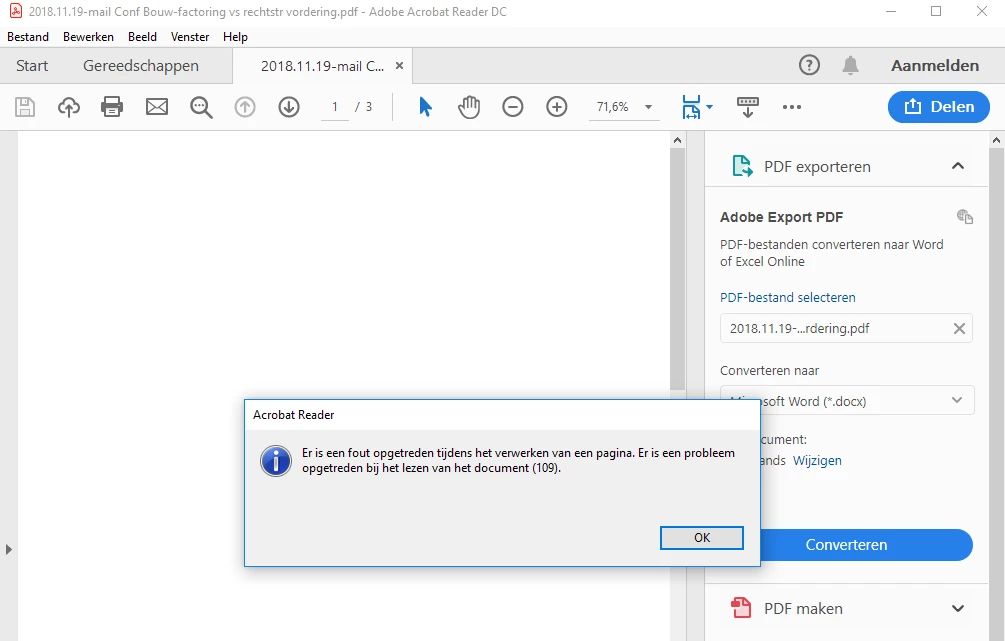
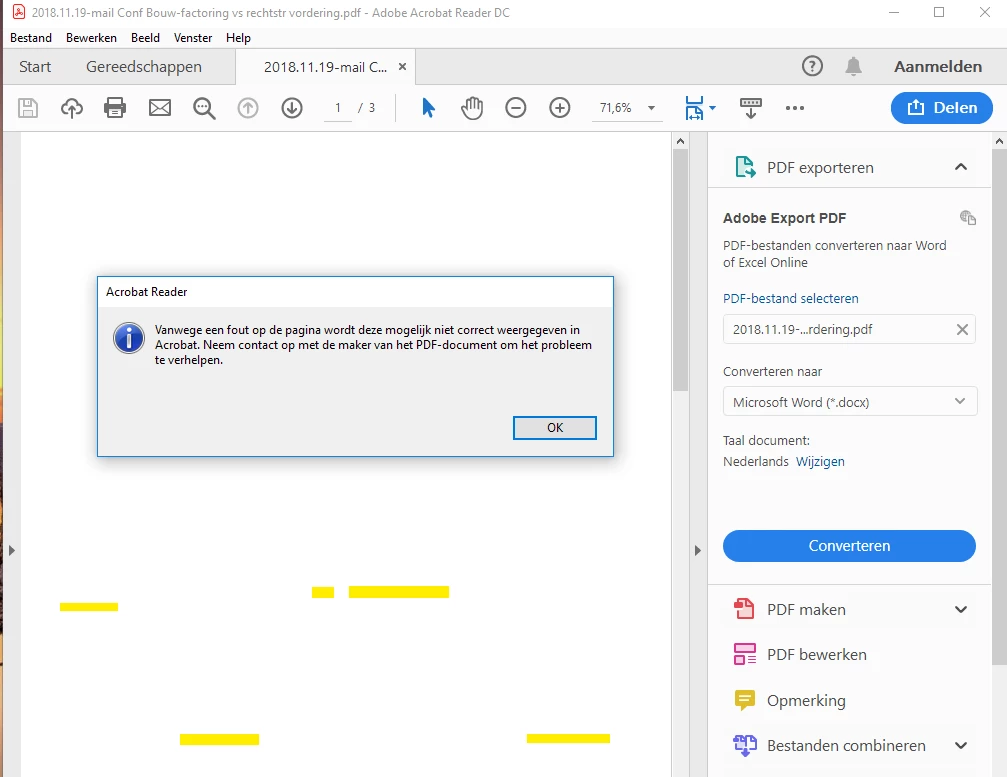
We have issues opening some PDF files. (screenshots at the bottom of this post)

Computers are running on Windows 10, Adobe version is 2019.010.20091.

The PDF file opens perfectly in Foxit reader.

I reinstalled Acrobat Reader DC but that didn't solve the problem.
This topic has been closed for replies.

2 replies

~graffiti
Legend
February 20, 2019

Hard to say but if I had to guess, the pdf's were probably made by some third party product that doesn't meet pdf standards completely. Foxit is a little less picky about those standards.

I don't use Foxit so I don't know if you can do this, but is there a way to check the file properties to see what the PDF Producer (the product that was used to create the pdf) is?

martinb65415671
Participant
February 21, 2019

The metadata shows: 'Microsoft: Print to PDF' as PDF-producer.

Maybe we should try to use 'Foxit reader PDF printer' instead?

~graffiti
Legend
February 21, 2019

That might be worth a try, yes. Unfortunately, using a third party pdf producer can have various results so there's no guarantees. For very basic pdf files, they mostly do ok but not always.

~graffiti
Legend
February 20, 2019

Unfortunately, I can't read the language in the error messages. Can you translate them for us?

martinb65415671
Participant
February 20, 2019

Of course,

Upper screenshot: due to an error on the page, it may not be displayed correctly in Acrobat. Contact the creator of the PDF document to correct the problem.

Lower screenshot: there was an error while processing a page. there was a problem reading the document (109).

Thanks in advance