


Answered
Windows cannot find 'c:\.....\AcroRd32.exe'
Every time I try to launch Acrobat reader from the start menu I get this message:
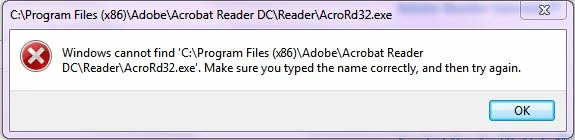
When I browse to the folder and double click on the AcroRD32.exe icon - I get the same message
When try to open a .pdf file by double clicking on it - I get the message that the file can't be found - even though I can open these files within a browser
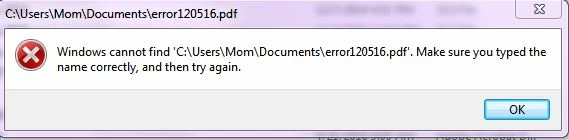
Again - I can open these pdf files (with or without acrobat?) in my browser but it doesn't seem to work independent of an HTML browser
I have uninstalled and reinstalled Acrobat Reader - please don't tell me to do that and let you know how it worked - it didn't
Thanks
Natasha

 AdChoices