


danieln77247329
New Participant
March 2, 2020
Question

File preview not available, please reload to try again. - Azure

  • March 2, 2020
  • 1 reply
  • 4499 views

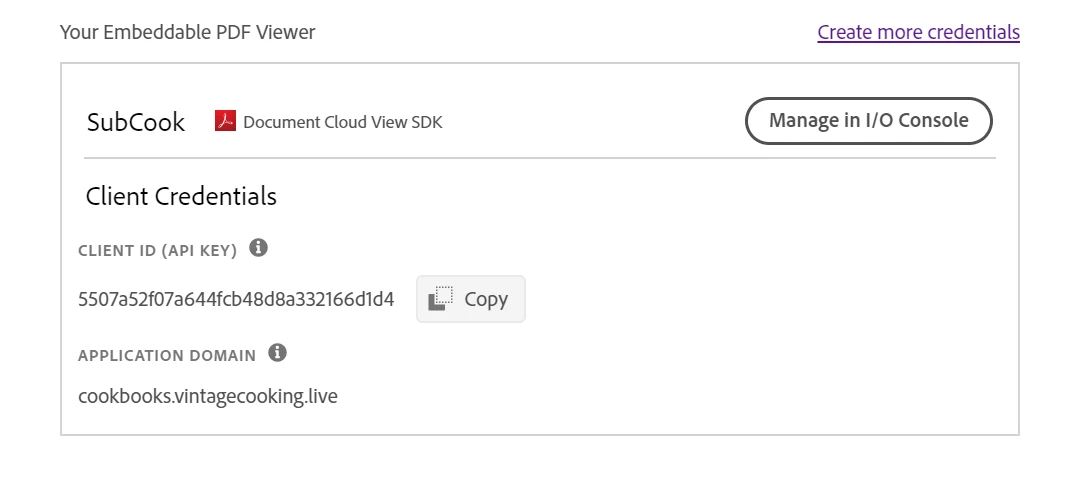
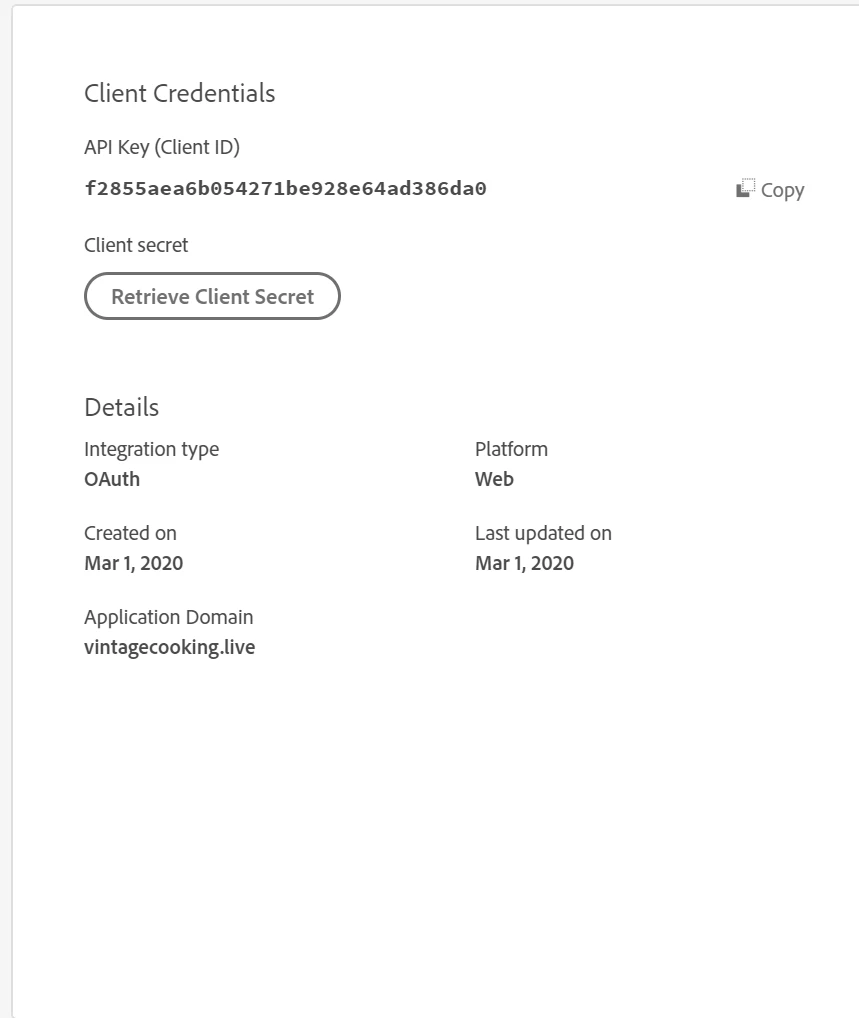
I am running Azure with Blob Storage. I created credentials for my domain and my subdomain. My subdomain is the blob storage. No matter which credential I use I get the error "File Preview Not Available"


<div id="adobe-dc-view"></div>
<script src="https://documentcloud.adobe.com/view-sdk/main.js"></script>
<script type="text/javascript">
    document.addEventListener("adobe_dc_view_sdk.ready", function () {
        var adobeDCView = new AdobeDC.View({ clientId: "f2855aea6b054271be928e64ad386da0", divId: "adobe-dc-view" });
        adobeDCView.previewFile({
            content: { location: { url: "https://cookbooks.vintagecooking.live/pdf/test.pdf" } },
            metaData: { fileName: "test.pdf" }
        }, {});
    });
</script>


This topic has been closed for replies.

1 reply

Adobe Employee
March 5, 2020

Looks like file location (https://cookbooks.vintagecooking.live/pdf/test.pdf) which you have provided in the code snippet is not reachable. If for a valid file location you keep getting the error then please do let us know. Thanks.

danieln77247329
New Participant
March 5, 2020

Thank you for the reply. I believe I figured out the solution. https://cookbooks.vintagecooking.live was a blob container I created in Azure to hold my files. I don't think Document SDK recognizes subdomains. Because for testing purposes, I created this http://vintagecooking.live/test.html and it works fine. 

Adobe Employee
March 6, 2020

Thanks for the update, its good to know that it worked for you. SDK do recongnizes subdomains but browser do put some restrictions while downloading file content, for example around CORS means if file serving domain is different from where it is used then CORS need to be enabled while serving the file.