


Participant
May 10, 2023
Answered

Updating Adobe Power Automate connector from JWT to OAuth2.0 credentials

  • May 10, 2023
  • 1 reply
  • 1877 views

Hi all,

I'd like to preface this post by saying I am not a developer, just someone who likes to use tools available to make work asier. I've created multiple Power Automate flows using the Acrobat API connector, and am now getting a lot of emaile about creating new credentials with OAuth2.0 or my flows will break (albeit not until Jan 2025). 


I've gotten as far as creating the OAuth credential, but not sure how to complete the migration away from the old JWT.
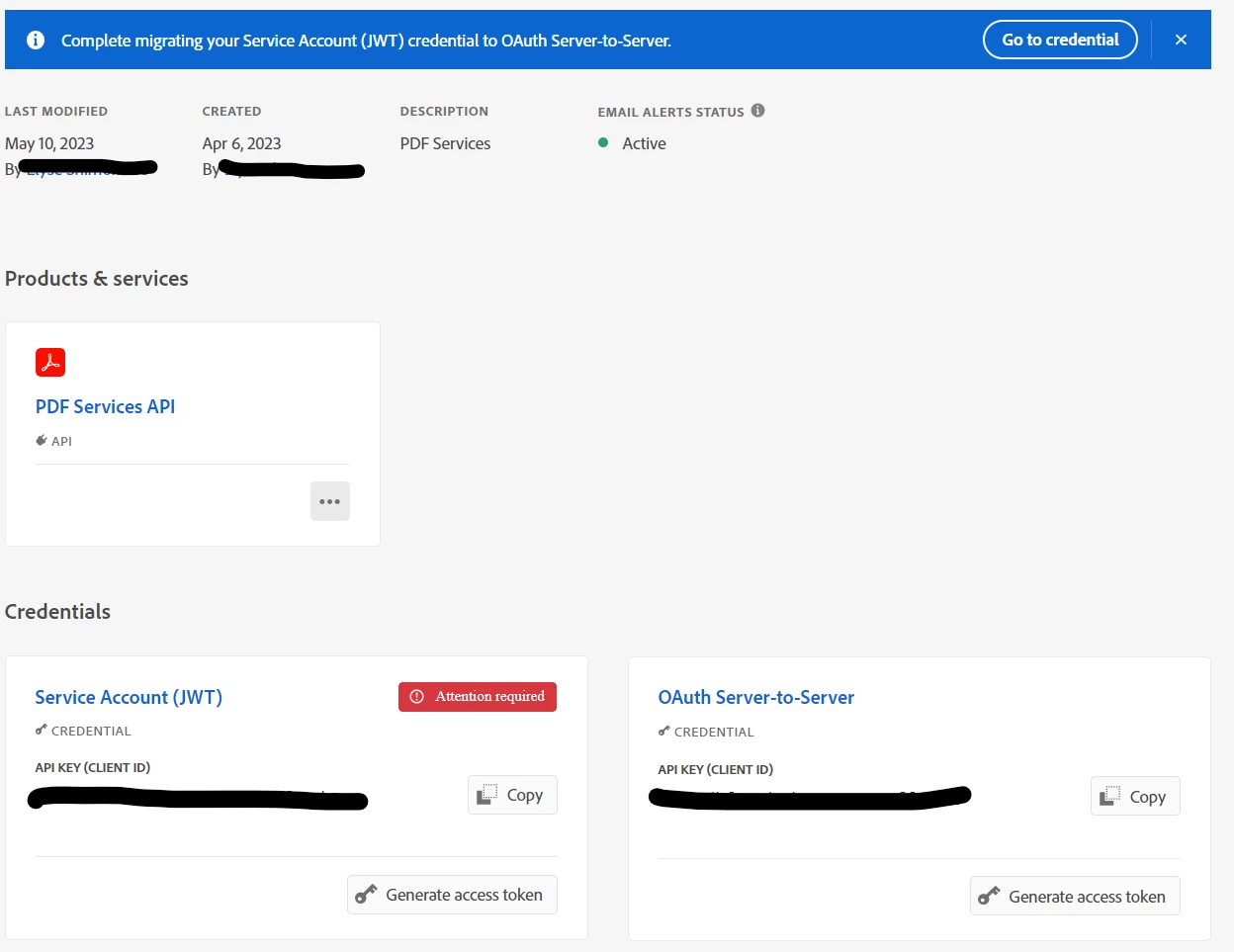


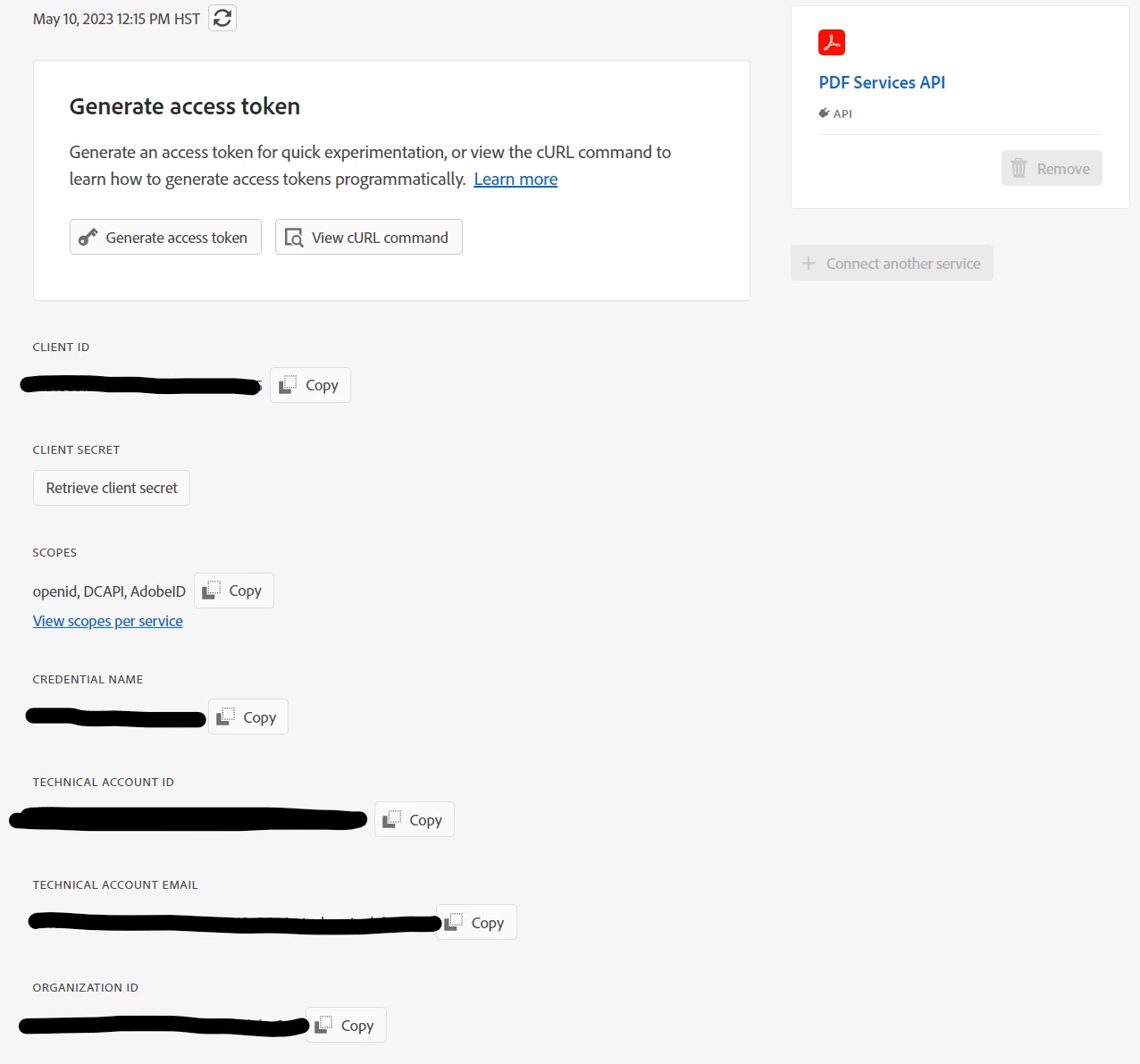
When I click on the OAuth Server-to-server credential, I see the following fields that I can then copy and paste into the Adobe PDF Services Power Automate connector:
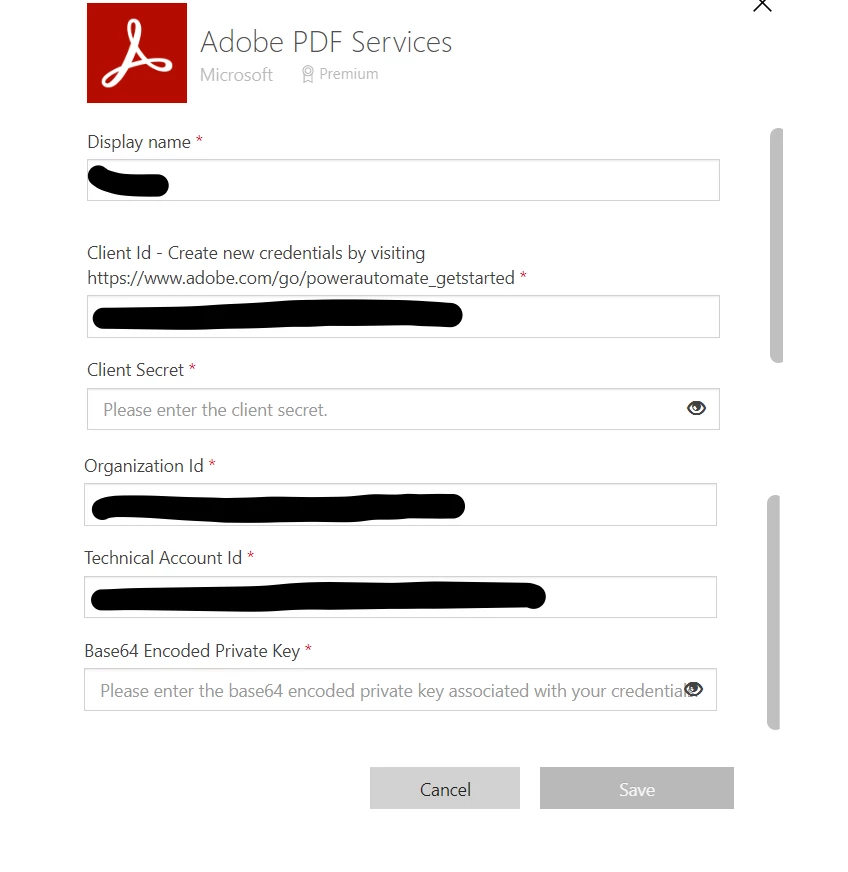


My question is this: What do I put in the Base64 encoded private key? In the JWT credentials, there was an option to generate a public/private access key, that downloaded a zip file containing the private key that I could then paste in there.


I've clicked on the OAuth generate access token and entered that into the box, but got an error message. 


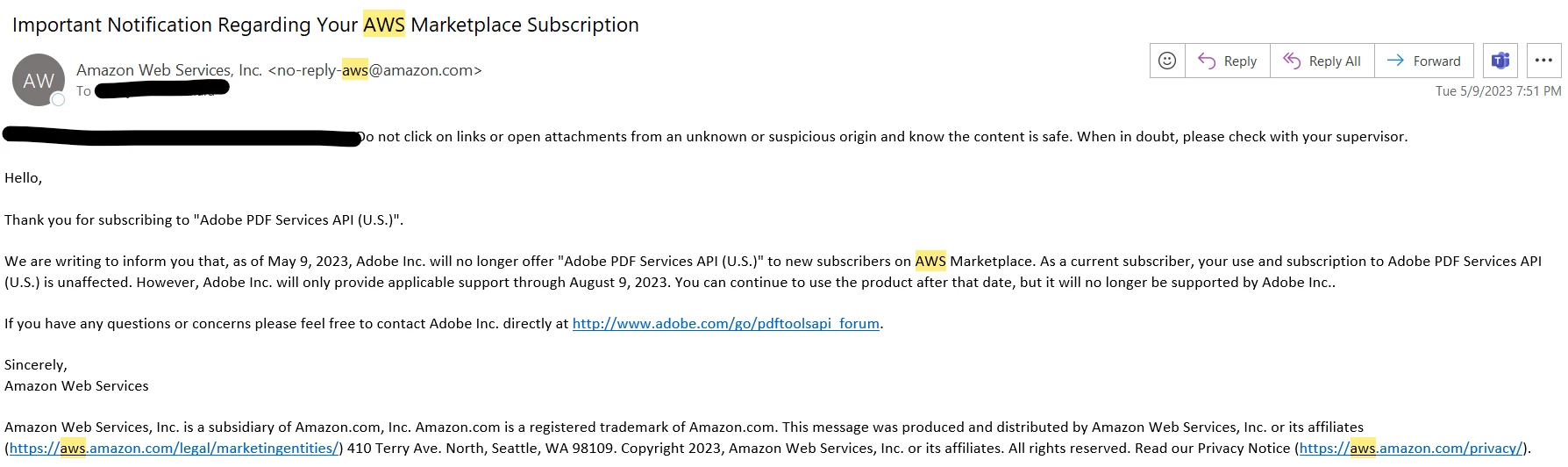
I should also note that I am no longer using the free version of the PDF Services API, and am paying per API call through AWS Marketplace subscription. I recently gotten the below email. I assume it must have to do with the JWT credentials they're phasing out, but seein gas how I'm getting billed through AWS, how can they no longer support it? Prob a question from AWS, but thought it might be relevant to the above issue.
 

    This topic has been closed for replies.
    Correct answer Raymond Camden

    Hi, so you've got two things going on:


    1) We (Adobe as a whole, not just Acrobat Services), launched a new authentication system. However, the various SDKs and implementations like PA have *not* been updated yet. For now, just sit tight. If for some reason you are using the REST APIs outside of PA, you can use the new credentials, but PA and SDK users need to just wait for now.


    2) Yes, we no longer support AWS as a way to pay. See this post for info: https://community.adobe.com/t5/acrobat-services-api-discussions/adobe-pdf-services-api-availability-on-amazon-aws/td-p/13782839

    1 reply

    Raymond Camden
    Community Manager
    Raymond CamdenCommunity ManagerCorrect answer
    Community Manager
    May 16, 2023

    Hi, so you've got two things going on:


    1) We (Adobe as a whole, not just Acrobat Services), launched a new authentication system. However, the various SDKs and implementations like PA have *not* been updated yet. For now, just sit tight. If for some reason you are using the REST APIs outside of PA, you can use the new credentials, but PA and SDK users need to just wait for now.


    2) Yes, we no longer support AWS as a way to pay. See this post for info: https://community.adobe.com/t5/acrobat-services-api-discussions/adobe-pdf-services-api-availability-on-amazon-aws/td-p/13782839

    Participant
    May 17, 2023

    Hi Raymond,

    Thanks for the explanation - makes sense that it wasn't working. Will be following for more updates on the free tier for APIs. Thanks again.