stephanied5
Inspiring
May 3, 2021
Question

Acrobat 2017 unable to open PDF Portfolio files

  • May 3, 2021
  • 2 replies
  • 3409 views

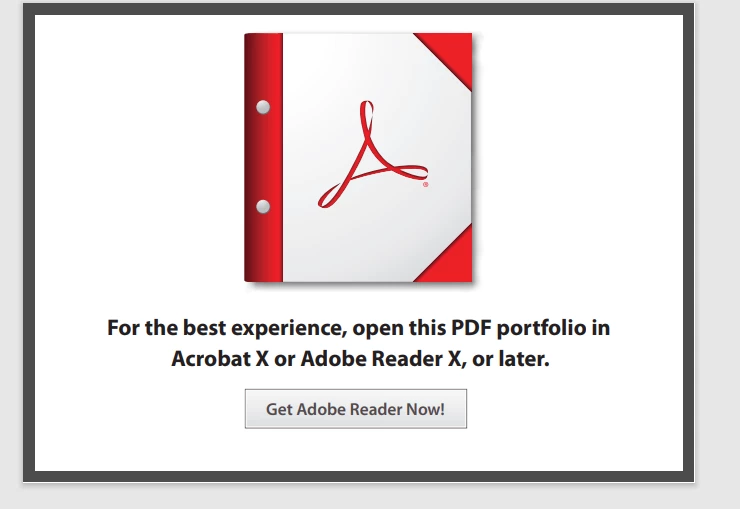
I have a user with the latest version of Acrobat Reader and the full version of Acrobat 2017 on a Windows 10 machine. They're receiving PDF Portfolio files and are unable to open the files, instead receiving the warning message "For the best experience, open this PDF portfolio in Acrobat X or Adobe Reader X, or later."


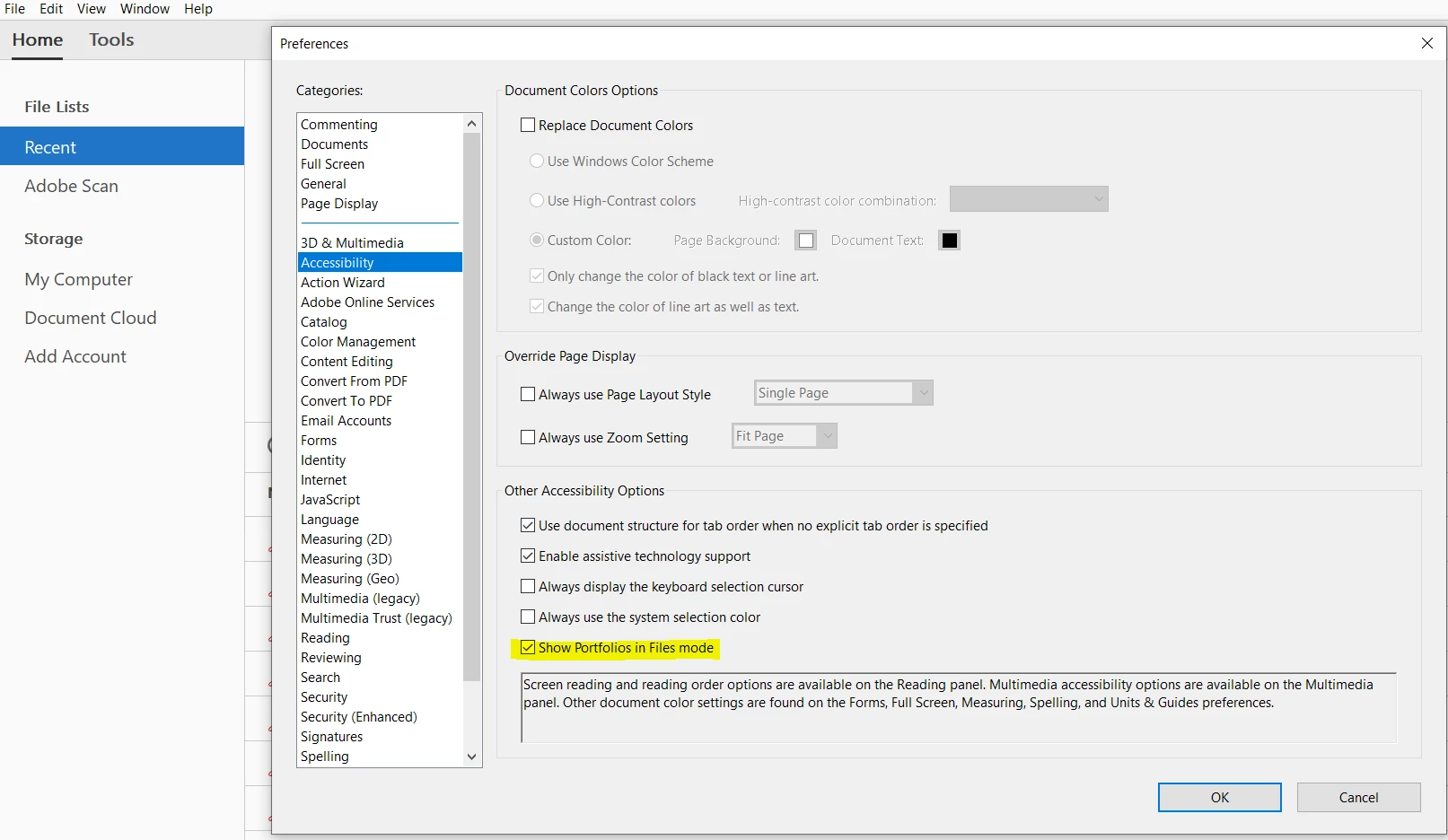
Followed the steps to turn on "Show Portofolios in Files mode" but that made no difference.


Is this an issue of speaking to the person supplying the portfolio files and have them resave them with a specific setting? I would expect Acrobat 2017 to be able to open the portfolios without a problem.


Thank you
 

This topic has been closed for replies.

2 replies

Legend
May 3, 2021

I recommend getting the exact versions of Acrobat 2017 and of Reader DC (something like 2016.123.34344).

Users often assume things are up to date when actually updating failed.

Changes to work without Flash were surprisingly recent (perhaps nobody told Adobe that Flash was going away...)

stephanied5
Inspiring
May 3, 2021

I can see (remote asset software) that Acrobat 2017 is 17.011.30194 and Reader is 21.001.20142


That should be new enough, right?

Legend
May 3, 2021

It should. Now, I think, it's time to look at how the file got on the computer. The other time I've seen this is where people have been...inventive...about saving or downloading PDF files.


For some people "I downloaded a PDF from a web site", translates as "I saw a PDF in a web site so I choose Print to PDF which saves the PDF". That will do it.  If you can't ask directly, but have access to the file on the user's computer,  bring the file BACK from the user's computer, and try it on your own system; compare File > Properties with the original file.

try67
Community Expert
Community Expert
May 3, 2021

This is happening because the Flash technology has been retired, and old Portfolios relied on Flash to work.

You would need Acrobat (or Reader) DC to be able to open those files. I would recommend telling the supplier to convert their files to non-Flash based Portfolios, or to switch to regular PDF files, if at all possible, to make them backwards-compatible with older versions.

stephanied5
Inspiring
May 3, 2021

Thank you for the reply. If Acrobat Reader DC is unable to open the file then it's definitely a Flash issue?

try67
Community Expert
Community Expert
May 3, 2021

No, Reader DC should be able to open it, even if it was a Flash file. Earlier versions won't be.