


New Participant
September 30, 2020
Question

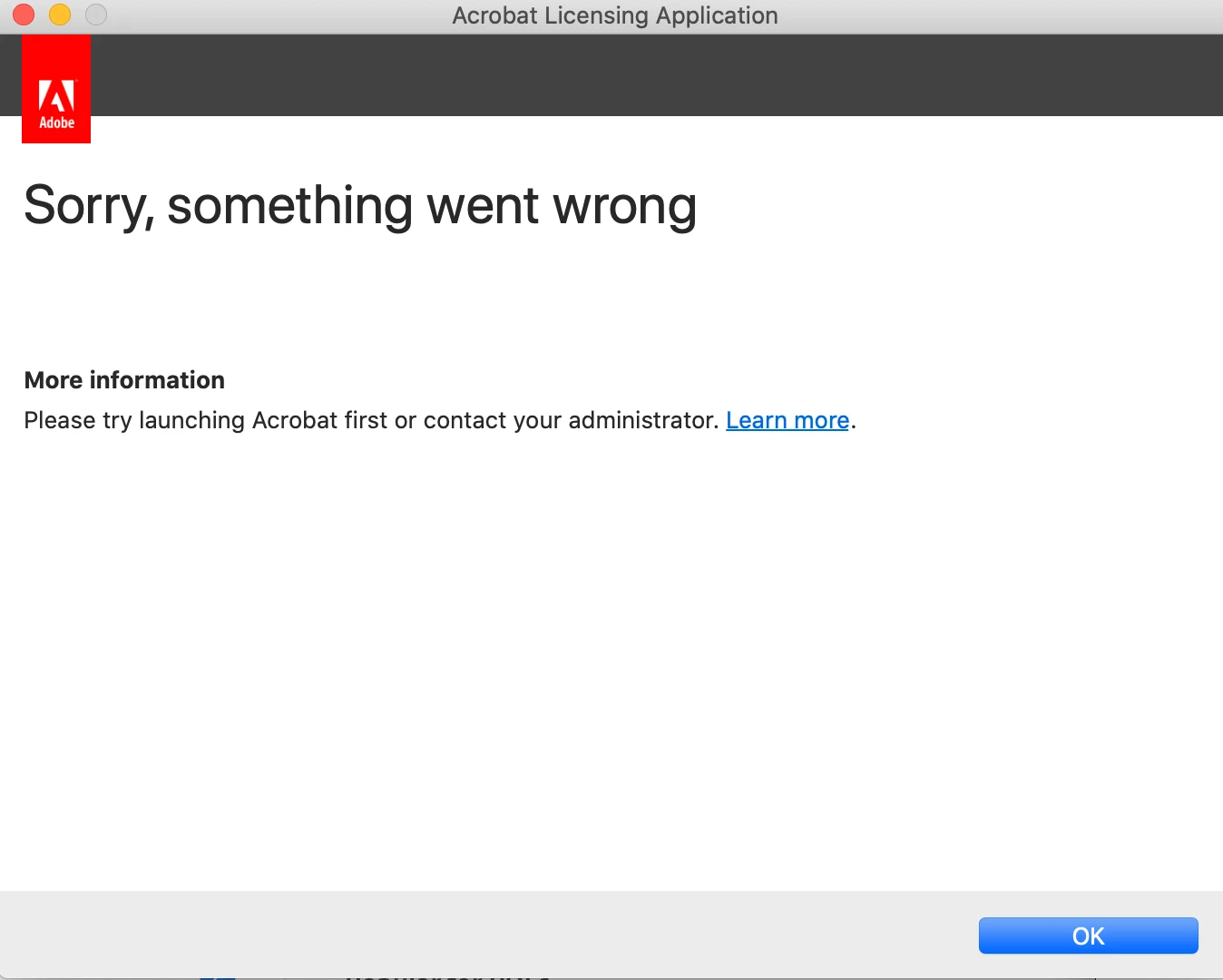
Acrobat DC won't open on Mac 10.15.7

  • September 30, 2020
  • 2 replies
  • 784 views

Since updating to 10.15.7 on Mac, whenever I try to launch Acrobat DC, I get a message from Acrobat Licensing Application, "Sorry something went wrong". This is a personal subscription (and I'm running CC2020). I've tried uninstalling and reinstalling, launching from Terminal, and many of the suggestions I've found in posts about similar issues with Acrobat 2017.
I've also tried using the Cleaner tool, but continually get an error when that runs as well (log says "CleanerHelper: No app path received from CleanerTool...").


Any suggestions?

This topic has been closed for replies.

2 replies

New Participant
November 9, 2020

Had the same problem - since 10.15.7 Acrobat crashed immediately on click of the app icon and a crash report for Apple was generated. I uninstalled using the Creative Cloud master app and reinstalled and now it works. I even got the PDFs from my last session to restore. 

AkanchhaS8194121
Brainiac
September 30, 2020

Hi Scotty.


Sorry to hear about the trouble caused. Looking at the whole scenario, I see that you have tried all the possible solutions. Seems none of them has worked, in that case you may please run this log collector tool to help us with the system log files: https://helpx.adobe.com/creative-cloud/kb/cc-log-collector.html 

In addition to that, collect the file from the following location as well:

"/Users/<USER_NAME>/Library/Preferences/com.adobe.Acrobat.Pro.plist
You can upload the files on document cloud web https://documentcloud.adobe.com/ or any other cloud storage and share the link with us.
These details would help our engineering team to further investigate it. 


Thanks,

Akanchha

New Participant
October 16, 2020

Hello!


I, too, am running 10.15.7 and have the same issue - when I start Acrobat DC, I get a window labeled "Acrobat Licensing Application" with "Sorry, something went wrong."  


I've tried uninstalls, removing files manually, running the cleaner tool, etc to no effect.  Worth noting, in regards to the plist file, the folder /System/Library/Preferences is not writable, at all, in this version of macOS (and I believe in all versions of 10.15).


Links to logs and plist:

https://documentcloud.adobe.com/link/track?uri=urn:aaid:scds:US:428ceaa9-0363-4d5e-91b9-c6167fe3ee04

https://documentcloud.adobe.com/link/track?uri=urn:aaid:scds:US:6dc50f13-3f21-4fda-8ef1-a9447be3ff24


Thank you!