


Question
Adobe Acrobat 2017 Standard - Disable prompt to make acrobat my default application
Hi teams,
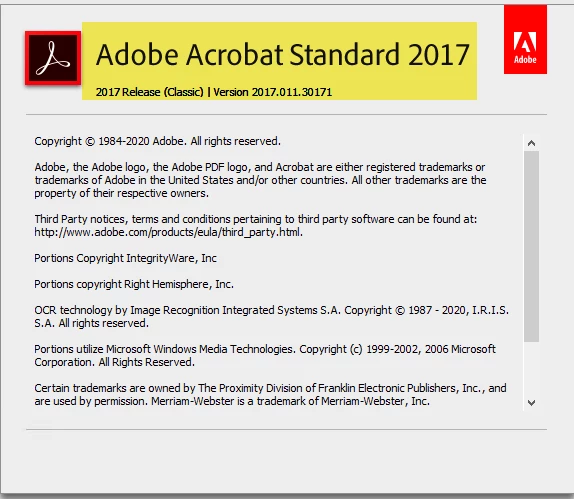
please i have an issue when packaging Adobe Acrobat 2017 Standards in windows 10 environment.
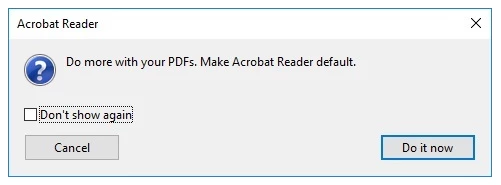
how to disable this popup.
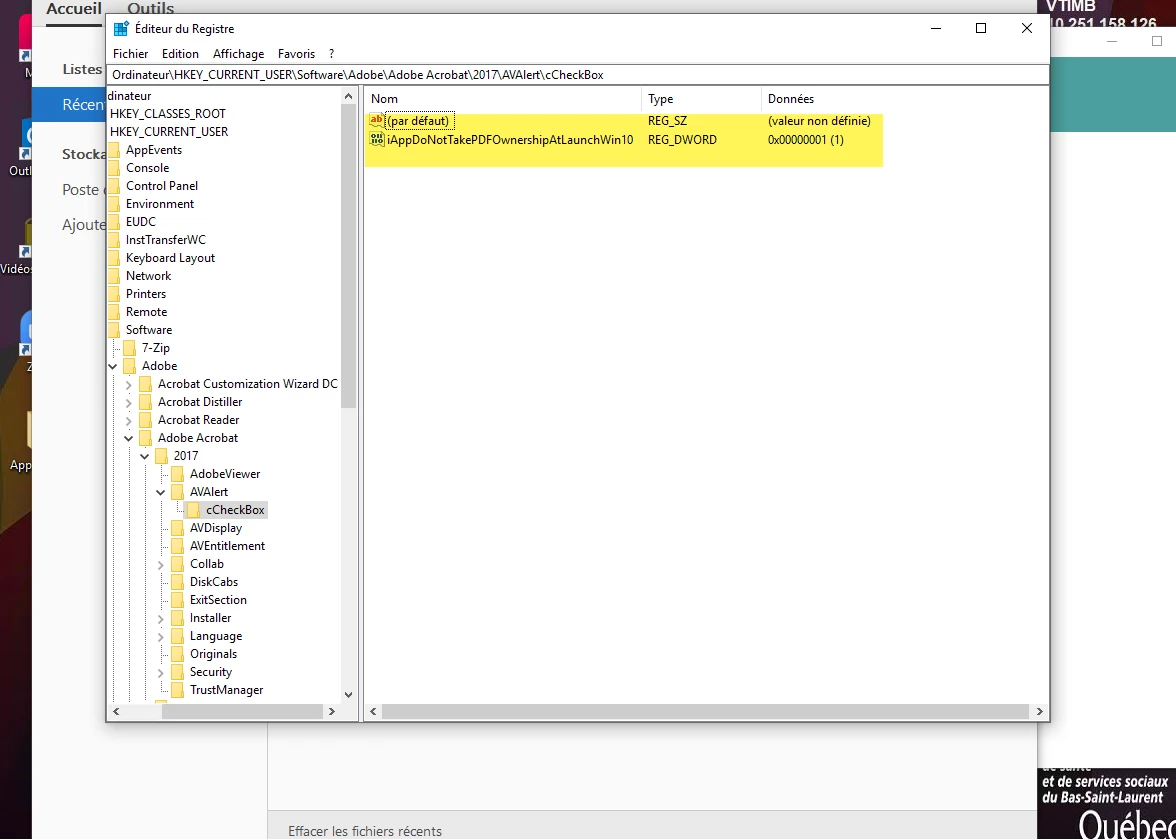
i changed the reg key
Ordinateur\HKEY_CURRENT_USER\Software\Adobe\Adobe Acrobat\2017\AVAlert\cCheckBox
"iAppDoNotTakePDFOwnershipAtLaunchWin10"=dword:00000001
but nothing changed.
for Adobe Acrobat DC it work but not for Acrobat 2017.
 AdChoices