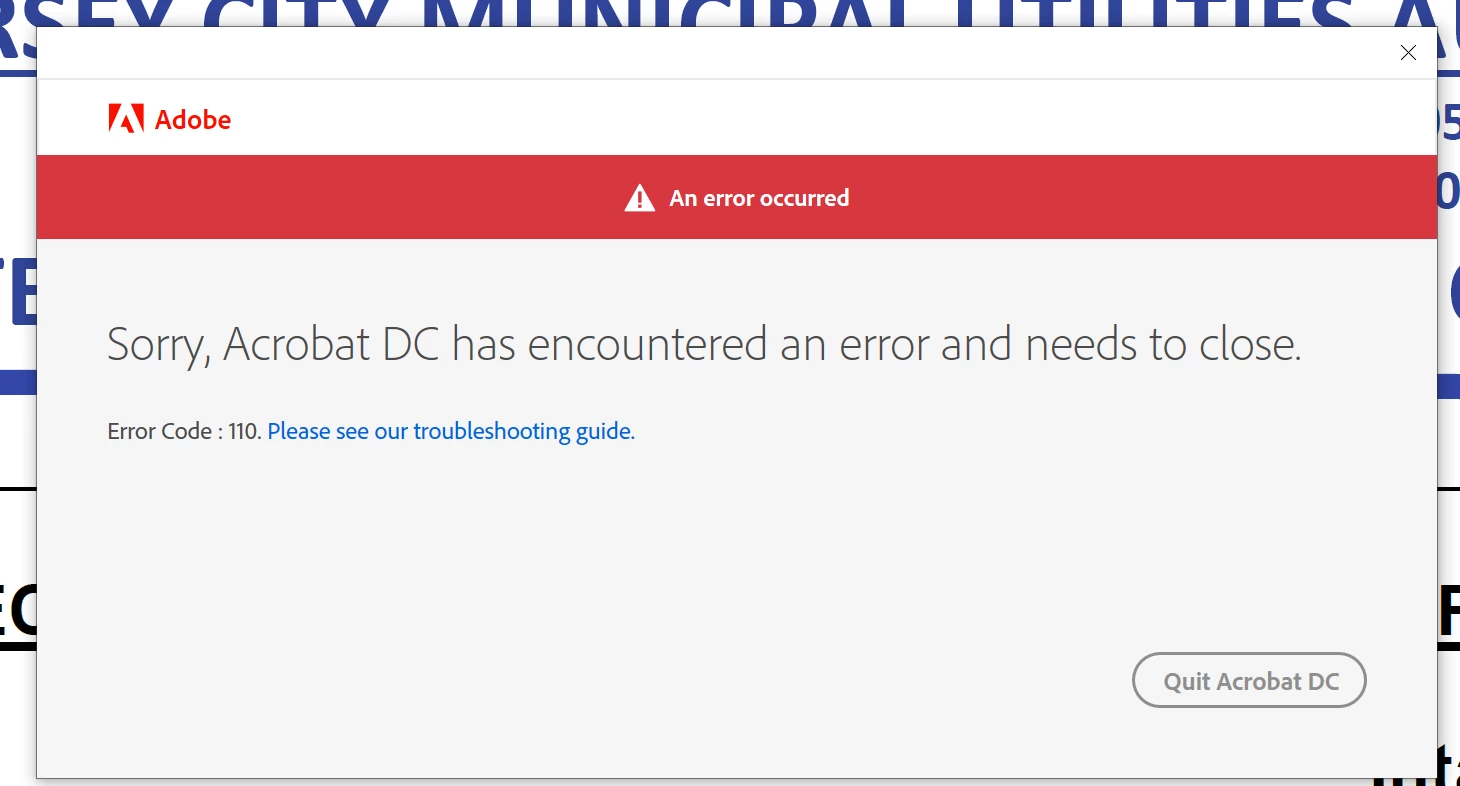
I got two licenses for Acrobat on a business plan. The other computer is working fine, but my computer keeps giving me this error. Not able to do a single task. Time sync is off, app was uninstalled after dectivation and reinstalled, no firewalls and the internet is working fine. Need this to be sorted out asap.
I have done the steps listed in your comment above and that seems to have sorted the issue with Acrobat for now. However, another popped up. I am not able to use Adobe Printer any more. Please see the screenshot below:
Dear Adobe support - I have this problem too. Last two months, almost everyday, this error keeps appearing. The process is simple. I start the computer, I start any of your applications (be it Photoshop, InDesign, Illustrator, Acrobat) and this message pops up. I am sorry, but since you offer subscriptions, errors are so often that it damages my work. I lose my working time by solving the problems with the software. Please, do something about it. Another type of error which keeps appearing almost daily - Application Creative Cloud is damaged and need to be re-instaled. I'm sorry, but I can't lose every working day one or two hours by solving problems with your software.
I am sorry for the trouble you had, would you mind sharing some sample PDF files with us on which you are getting this error message so that we can investigate further?
If yes, please upload the sample PDF files to Document Cloud, generate the share link, and send it to us via private message only.
To initiate the Private message, please click on my profile icon>choose to send a private message.
Thanks for your time, patience & cooperation on this.
Same Problem. All of the suddent started to do this. I uninstalled , reinstalled, nothing. Every solution given requires to navigate in the application but it will not stay open.
"i: Are you connected to the Internet (YES!) We can't verify your subscription status. We can't connect to the Adobe servers" If I click Try Again I get this,
"Sorry Acrobat has encountered an error and needs to close"
We are sorry for the trouble. As described you are getting the error 'Acrobat DC encountered an error and needs to be closed'
We need some more information for a better understanding:
Would you mind sharing the workflow/steps you are doing that leads you to this error?
What is the version of the Adobe Acrobat DC you are using? To check the version go to Help > Adobe Acrobat DC. Make sure you have the latest version 20.009.20074 installed. Go to Help > Check for Updates.
Also, please try the following preference settings and see if that works for you. Go to Edit (Windows), Adobe Acrobat DC (Mac) > Preferences > Enhanced Security > Uncheck 'Enable protected mode at startup' > Reboot the application and check.



 AdChoices