


New Participant
September 25, 2019
Answered

Error merge/combine files ( one is a signed pdf )

  • September 25, 2019
  • 3 replies
  • 7515 views

Hi ,

I am trying to combine three files with different characteristics in a single pdf file. One is a simple pdf. Another is a signed and blocked pdf. And the last one is a tiff file.


Its the screen ( in spanish ) with the initial information.
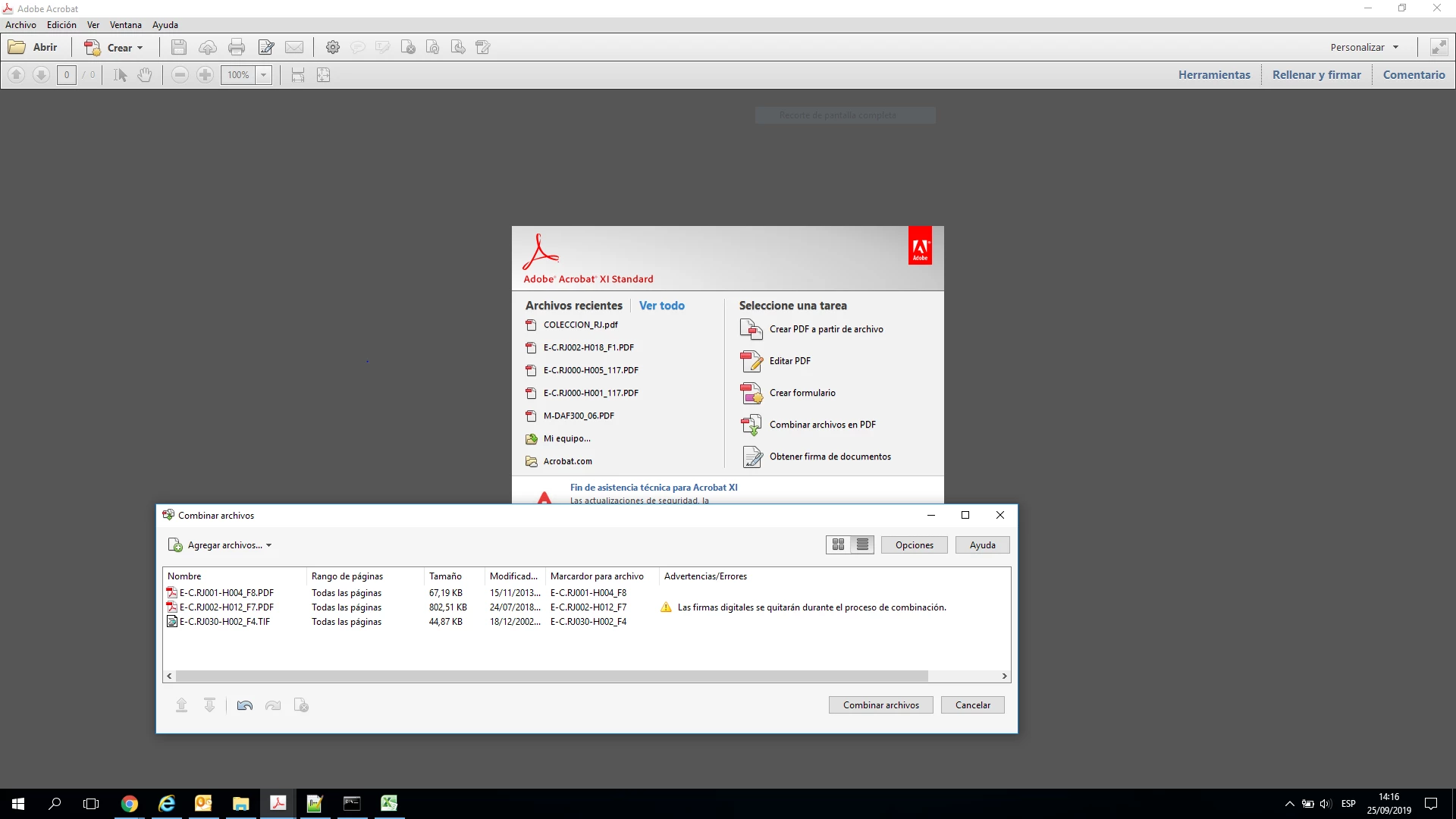
 

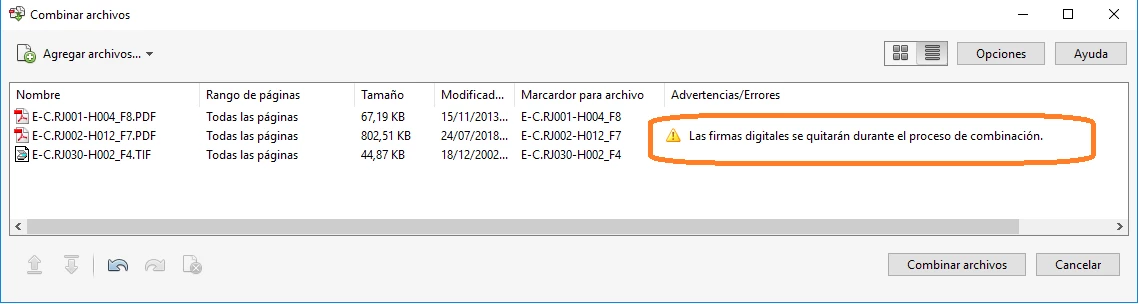
I observe the warning that "digital signatures will be removed during the merge process" :
 

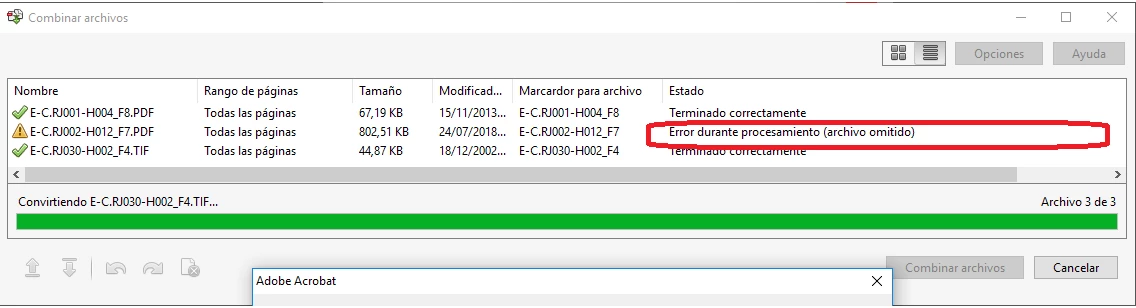
After clicking on "merge files" I get the following error message (error during processing - (skipped file)) associated with the file that was signed :


How can I solve the problem and combine these three types of files?


Thank tou very much for your anwers.


This topic has been closed for replies.
Correct answer gkaiseril

A signed PDF cannot be modied without invalidating the signature. If you signed the PDF then you could remove the signature. If you cannot remove the signature, you can combine the PDFs into a Portfolio. Note that not all PDF viewers can open a PDF Portfolio.

3 replies

FrixkyKitty
Participating Frequently
March 16, 2021
  1. Open the signed pdf in Adobe.
  2. Open print dialogue (Ctrl+p)
  3. Change the printer to "Microsoft Print to PDF" then print.
  4. The newly created PDF will have the signatures and will behave as a normal pdf for combine/merge activities.

Note: This approach converts a signed document to a standard pdf. The result displays the signature information but the underlying digital signature is lost. In my case the original signers understand the distinction.

Creating a summary file is my goal. I combine a variety of digitally signed, along with other related, documentation into a single summary pdf. The original, digitally signed documents, are stored for future reference. I am increasingly convinced that it is not possible to combine digitally signed documents into a single, summary pdf, while maintaining the underlying digital signatures.

Users needing summary packets will benefit from my suggested approach. Keep in mind that my my approach remains "legally valid" to the extent that the original digitally signed documents are available on demand.

try67
Adobe Expert
March 16, 2021
Keep in mind that my my approach remains "legally valid" to the extent that the original digitally signed documents are available on demand.


I would not be giving legal advice like that. It's certainly only not the case in many places, and I doubt it's where you are... Consult your lawyers before assuming it is!

Amal.
Community Manager
Community Manager
September 25, 2019

Hi There,


Thanks for reaching out. As described above you are getting the error while combining the signed PDF, correct?


If a PDF is signed using a digital ID or certificate, it's locked to prevent changes to the document. Generally, the PDF is locked for editing. If you're the only one signer, you can remove the signature and then work on the document or edit the source document.

To remove your signature, right-click the signature and then choose Clear Signature.


If you got a signed PDF, you can request the signer to remove the signature and share the PDF or send an unsigned copy of the PDF.


I hope this will help


Regards,

Amal


New Participant
September 27, 2019
Thank you for your answer. I know this but I need to bind many ( more thant 400 ) signed pdf to print in batch as only it is one pf. I dont like to madify any , just to proccess many pdf ( signed or nor ) with also many tiff file and print all of together.
Brainiac
October 1, 2019
You cannot combine signed files just because it is a time saver. Combining files is editing them, absolutely. But you can make a portfolio, by changing Settings (gear icon) in the Combine Files dialog. How well it prints you'll need to see. If you send it somewhere else for printing, I cannot recommend portfolios.
gkaiserilCorrect answer
Inspiring
September 25, 2019

A signed PDF cannot be modied without invalidating the signature. If you signed the PDF then you could remove the signature. If you cannot remove the signature, you can combine the PDFs into a Portfolio. Note that not all PDF viewers can open a PDF Portfolio.

New Participant
September 30, 2019
thank very much for your answer . but, How to create a PDF Portafolio ? . After looking for how to create I think I need to use the Acrobat Pro. There are any other to create a Portafolio. Thank you.