



Error when combining multiple Visio 2010 files to 1 PDF
Hello,
I am running Acrobat 11.0.19 via a windows 2008 Server -Citrix (7.5) session on a thin client.
When I try to combine multiple Microsoft Visio 2010 Documents into a single PDF file, I select them, then right click - Combine into Adobe Acrobat...
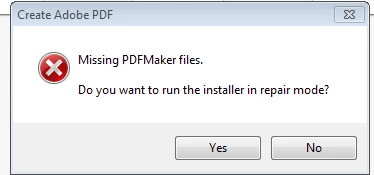
I receive a notification "Missing PDFMaker files Do you want to run the installer in repair mode?" I click Yes
Windows Installer Coordinator Windows (three) pop up and state Please wait while the application is preparing for first use.
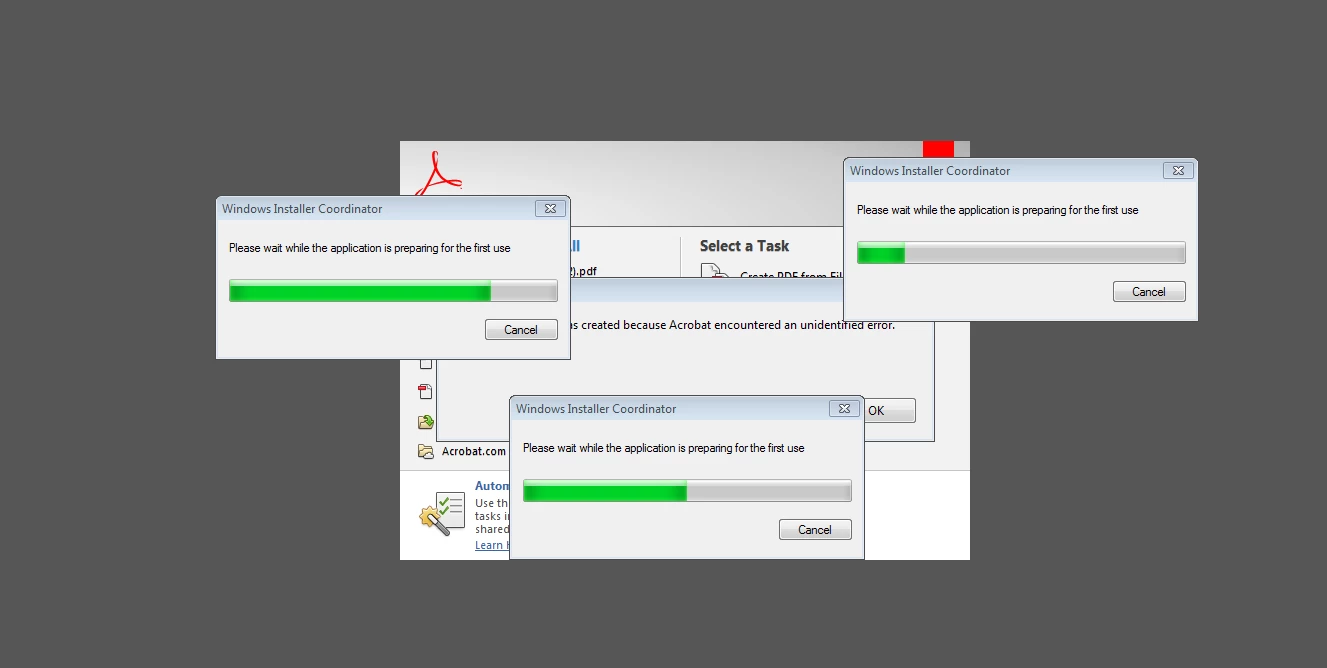
The Progress bar on each of these reach the end and then begin again & again, but eventually do complete, then a reboot is required.
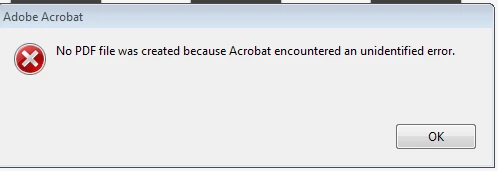
Once rebooted, the same sequence occurs, this time I Select no to run the installer in repair mode. I then receive "No PDF file was created because Acrobat encountered an unidentified error.
I've checked logs and do not see any related entries.
This occurs to all staff who use this feature. I have tested with a stand alone full PC and it creates the PDF file without issue.
Thank you
 AdChoices