Hi
Sorry for not being able to address your query on time.
Hello, we faced with an issue when the export to XLSX put all the document's content to the first column of excel document. What can be the reason? |
This seems to be a case with a specific pdf conversion to XLSX document? Have you experienced this issue with any other file containing tables in it?
Portable Document Format files are not like word processing or spreadsheet files, meaning they don’t contain formatting, rows, and columns. While exporting pdf to excel, you may try changing the settings and see if that makes a difference.
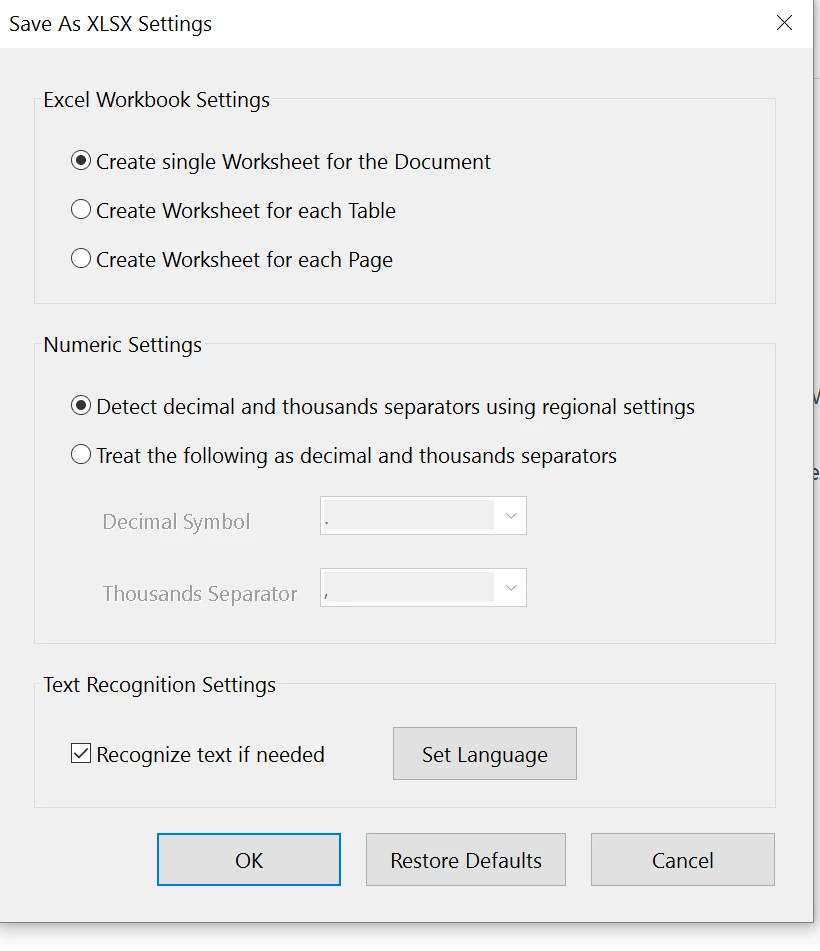
Since there isn't any issue when converting to the word. Make sure that you have the updated version of MS Excel installed.
In Excel, also check : Go to File > Options > General settings.
Regards,
Akanchha



 AdChoices