


Hide page controls by default
I use Acrobat Pro DC 2015 -- and make heavy use of a set of Custom Tools on a small screen.
Can't easily get the page Controls bar at the bottom to close without having all of its tools pop into the toolbar, crowding many of my Custom Tools off the screen to the right.
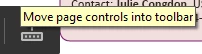
Only thing I can do is click a similar button in the toolbar that moves the page controls back to the bottom of my screen.
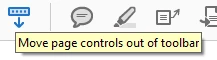
But I want to hide the page controls and only have them show up if I request them.
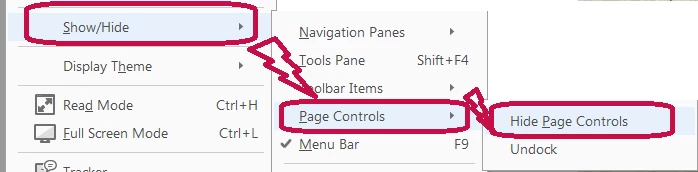
I can hide them if I:
- Click the View tab in Acrobat's menu bar.
- Select Show/Hide.
- Click Hide Page Controls.
If I want to see them again, I click Show Page Controls.
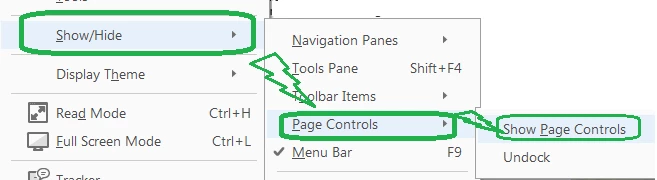
Once I hide page controls in a particular PDF, they stay hidden if I open it later to make further edits.
But the next time I export a new PDF, have to repeat the process again.
I want to set things up so the only time I see Page Controls is if I reverse the process and go into the View menu and tell it show them.
Any way to hide Page Controls, by default?
 AdChoices