



Phillip M  Jones
Inspiring
February 28, 2017
Answered

How do I setup Print as Adobe PDF automator Action for Mac OS 12.3

  • February 28, 2017
  • 2 replies
  • 2176 views

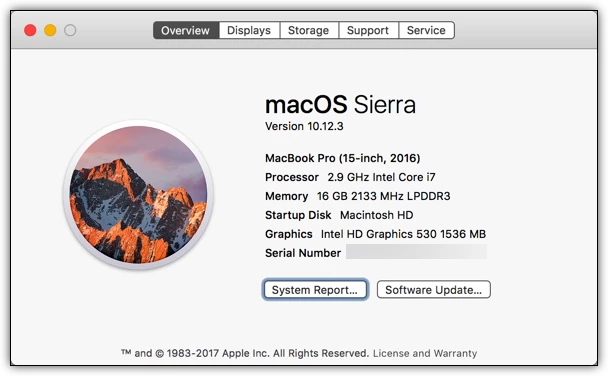
Purchased a New MacBook Pro with the FKey Strip. Uses 17 Processor 16GB Ram and 1 TB SSD. Had Apple store Migrate information from my 17" MacBook Pro purchased Feb 15, 2011.

I've attempted to Print to PDF using the  Print to PDF Automator Application.  And I receive this Error:
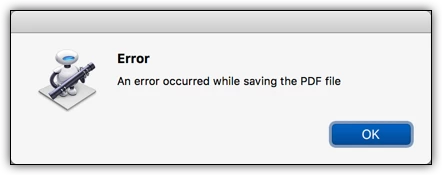
Suggestion for fixing?

Mac OS 12.3
This topic has been closed for replies.
Correct answer Phillip M Jones

I fixed the issue. Since I am subscribed to Acrobat DC through Creative Cloud I uninstalled Acrobat DC waited a few seconds then reinstalled.  The installer update the Automator action I can now create PDF's using The adobe PDF engine instead of the apple version.

2 replies

Phillip M  Jones
Phillip M JonesAuthorCorrect answer
Inspiring
March 1, 2017

I fixed the issue. Since I am subscribed to Acrobat DC through Creative Cloud I uninstalled Acrobat DC waited a few seconds then reinstalled.  The installer update the Automator action I can now create PDF's using The adobe PDF engine instead of the apple version.

Legend
February 28, 2017

You can't automate what does not exist. This has not existed since Apple blocked it after Mac OS 10.7. You must use a different way to make PDF, automated or not.