



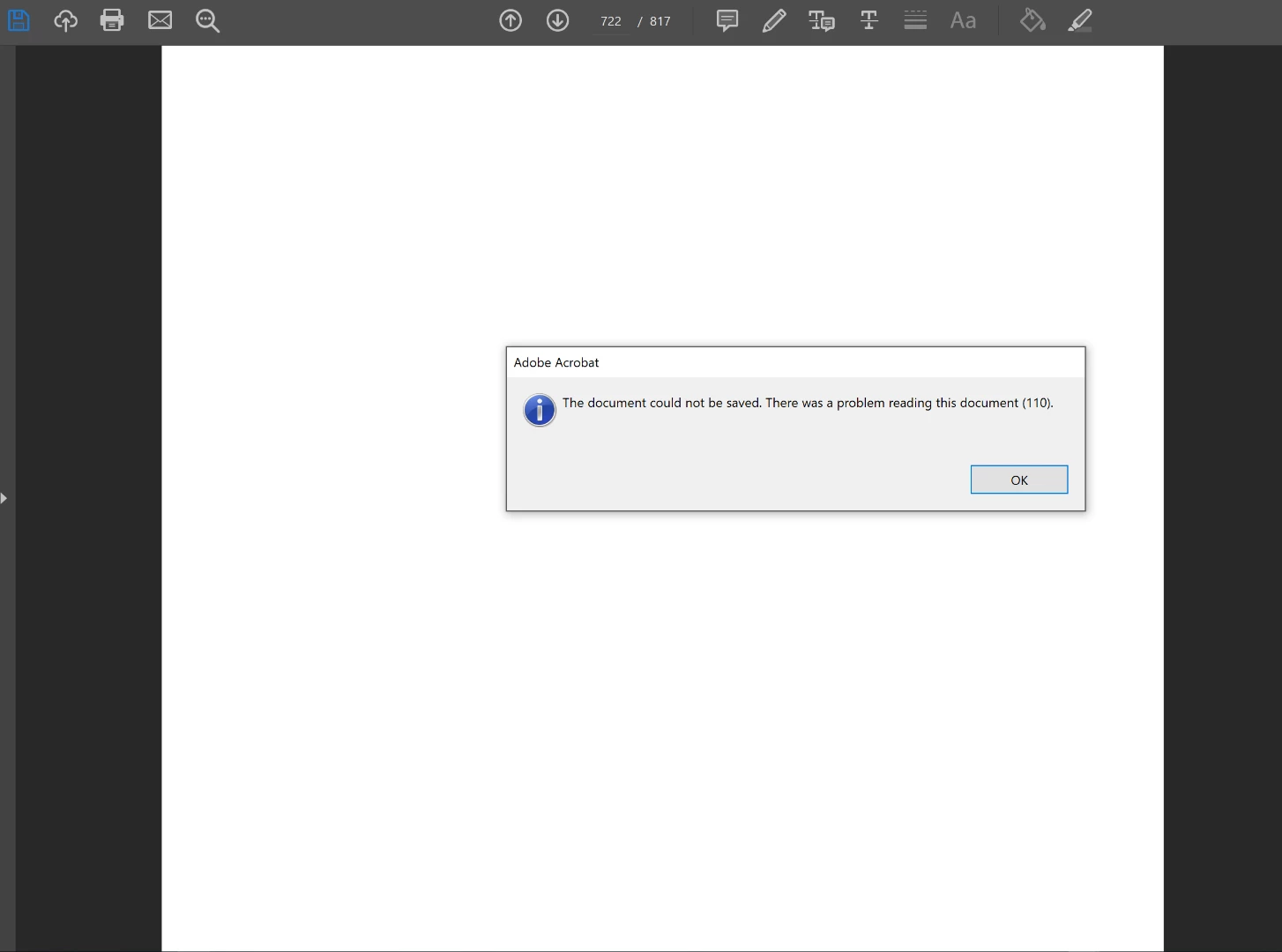
need to save comments but "Adobe Acrobat Pro: Error 110 Document could not be saved. There was a problem reading this document(110)."
Hello,
So the title describes the error I'm getting in Acrobat Pro DC version 2019.010.20091 when trying to save the document. After reading https://superuser.com/questions/988840/adobe-acrobat-pro-error-110-the-document-could-not-be-saved?newreg=96c2f60f50d24e27971b17689db2b616 the accepted solution was to use Foxit reader to open the pdf. However, this would require that I forfeit my changes made within acrobat. I cannot lose my annotations and comments. The reason for this is that the pdf I've been taking notes on has several weeks of review notes for a test I'm taking. I have both annotations and comments, and was hoping there is a way I can save the pdf with those changes?
Other information:
Windows 10
I am currently signed into my account on my desktop.
I tried reducing file size, and that wouldn't work because the document won't save.
Printing would remove comments and bookmarks.
Is there a way to possibly export directly to another pdf? I have the options to export as word document, webpage etc. but would prefer to keep it in adobe reader.
Thank you
 AdChoices