New Participant
November 30, 2019
Question

Problem with uploading a PDF to Document Cloud

  • November 30, 2019
  • 2 replies
  • 1815 views

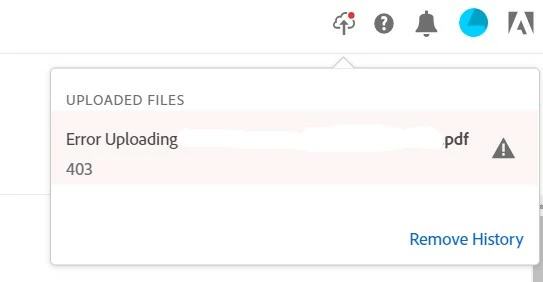
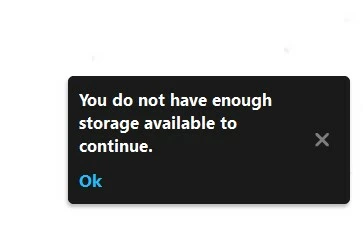
Hello! I am having a problem with uploading and saving pdfs to Document Cloud. In details, whenever i try to upload a file, a message "You do not have enough storage available to continue" (and "Error 403" in the on line Adobe Services) is shown, even though i do have enough storage. I tried to repair the installation, but the problem remained. What can i do to solve the problem? Thank you in advance.  
This topic has been closed for replies.

2 replies

New Participant
June 22, 2020

This error indicates that the server has determined that you are not allowed access to the thing you've requested, either on purpose or due to a misconfiguration . It's probably because the site owner has limited access to it and you don't have permission to view it. The vast majority of the time, there's not much you can do to fix things on your (*client) end. There are three common causes for 403 Forbidden error (server side) . Here they are listed from most likely to least likely:


  • An empty website directory
  • No index page
  • Permission / Ownership error
Abambo
Brainiac
November 30, 2019

May be this helps: https://helpx.adobe.com/creative-cloud/kb/download-error-403-launching-aam.html


It's not exactly your problem but could give some indication.


This is a general infor to the 403 error. I suppose they are related... https://www.howtogeek.com/357785/what-is-a-403-forbidden-error-and-how-can-i-fix-it/

ABAMBO | Hard- and Software Engineer | Photographer