


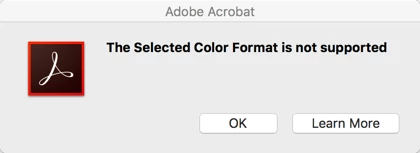
"The Selected Color Format is not supported" error
Hi,
I've seen this error message posted at least half a dozen times since 2014 and still no solution, but I figured, what the heck, might as well post the question again.
So, I'm running Adobe Acrobat Pro 2017 (17.11.30105.303785) on a Mac running OS 10.12.6. I'm trying to scan to my HP OfficeJet 3830 in "Color" from Acrobat. I can successfully scan in "Text" or "Black & White", but when I try to scan in "Color", I get the dreaded "The Selected Color Format is not supported" error message.
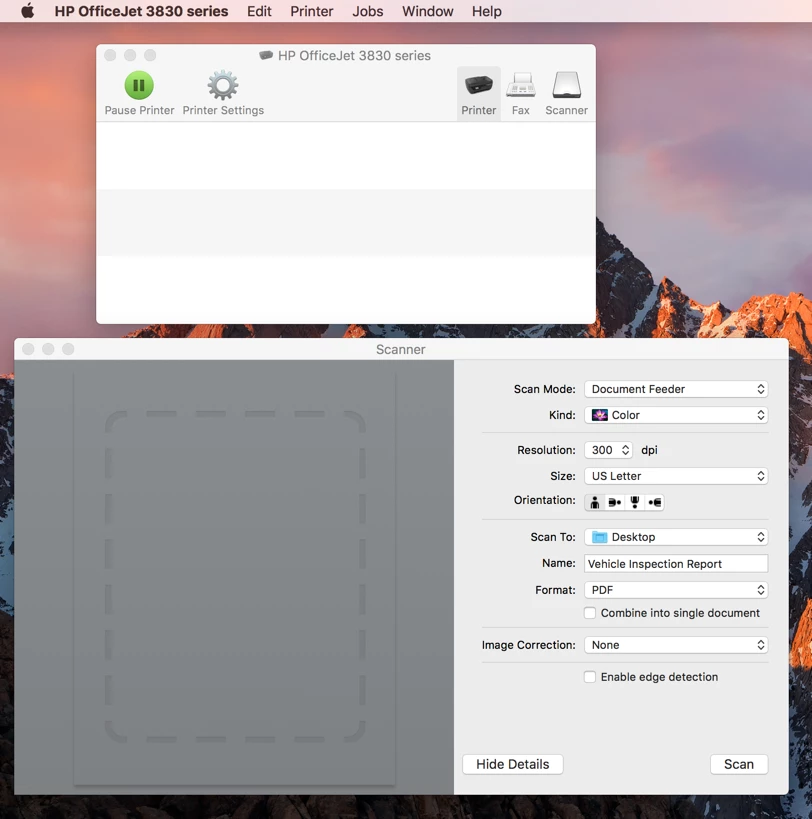
Using the default HP scanning tool, though, I can scan in color successfully. I just get gigantic sized PDF files, which totally stinks.
Adobe, please ask me any and as many questions as you want and I will answer them. Please, for the love, just fix this issue.
 AdChoices