


Prevent files uploading to the document cloud
Can someone from Adobe please give clear step by step instructions how to stop Acrobat Pro CC from sending files to the online storage, and how to remove those files from your servers. My work computer has sent a bunch a sensitive files to the document cloud. I need to stop this happening, or even better close the document cloud part of my account down (while keeping the creative cloud part). Due to our clients, I am legally bound to not have these documents stored anywhere other than on a work server, and this is a sackable offence for me. I need a solution quickly. I disabled sync, but then I was prevented from sharing files across CC libraries, and there are still files in the cloud.
In your arms race to compete with DropBox icloud etc and grab as much of the market as possible by forcing users to use your cloud, you are putting people's security at risk. We all remember the Adobe password hack of not that long ago which is one of the reasons why we can not store docs anywhere in the cloud
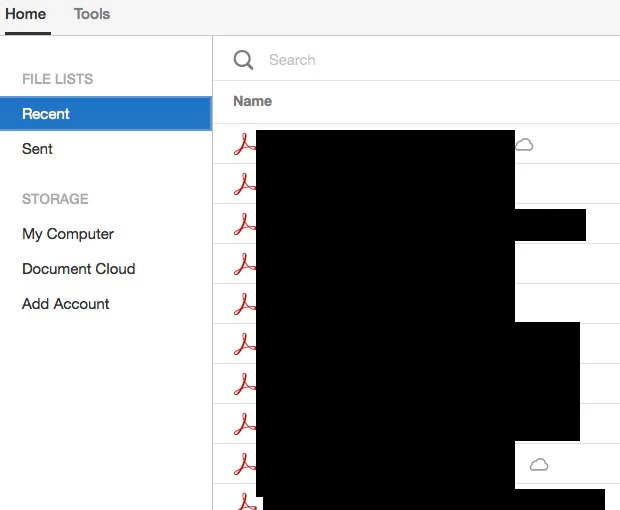
The recent list shows there are docs in the cloud, and if I click them they download from... where?... I have no idea:
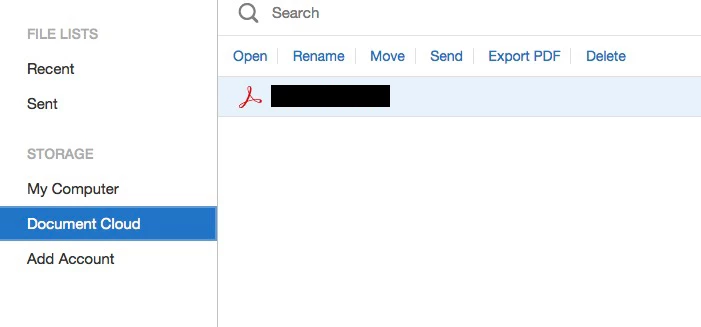
If select the Document Cloud option, it only lists one file:
You can see from this that the files are stored in the cloud somewhere:

 AdChoices