


Trying to use PDF Export in Acrobat Reader and get "No Internet Connection"
I'm trying to use my subscription in Acrobat Reader to export a PDF to Word. I've done this many time successfully but now I get an error that says:
No Internet Connection
The features in this area require internet connectivity. Please connect your computer to the internet and try again.
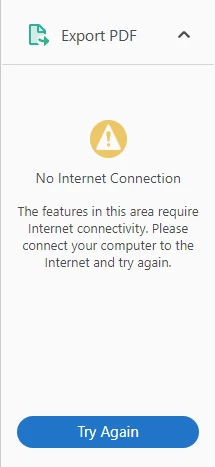
I do have a valid internet connection and can connect to Adobe.com.
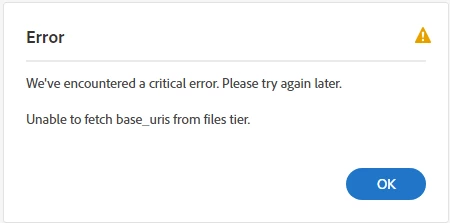
I also cannot connect to the online site, https://cloud.acrobat.com/exportpdf. I get an error that says:
We've encountered a critical error. Please try again later.
Unable to fetch basr_uris files tier.
I've tried everything in No Internet Connection when exporting to word and it hasn't helped. The only thing I found is that the folder Program Files\Common Files\Adobe\OOBE\PDApp\core doesn't exist on my Windows 10 machine.
I have also submitted a ticket to my IT department in case it's something that's blocked on this end.
Anyone have any ideas?
 AdChoices