


laurah14081032
Participant
June 22, 2020
Answered

Unable to open PDFs in SharePoint Online

  • June 22, 2020
  • 12 replies
  • 57491 views

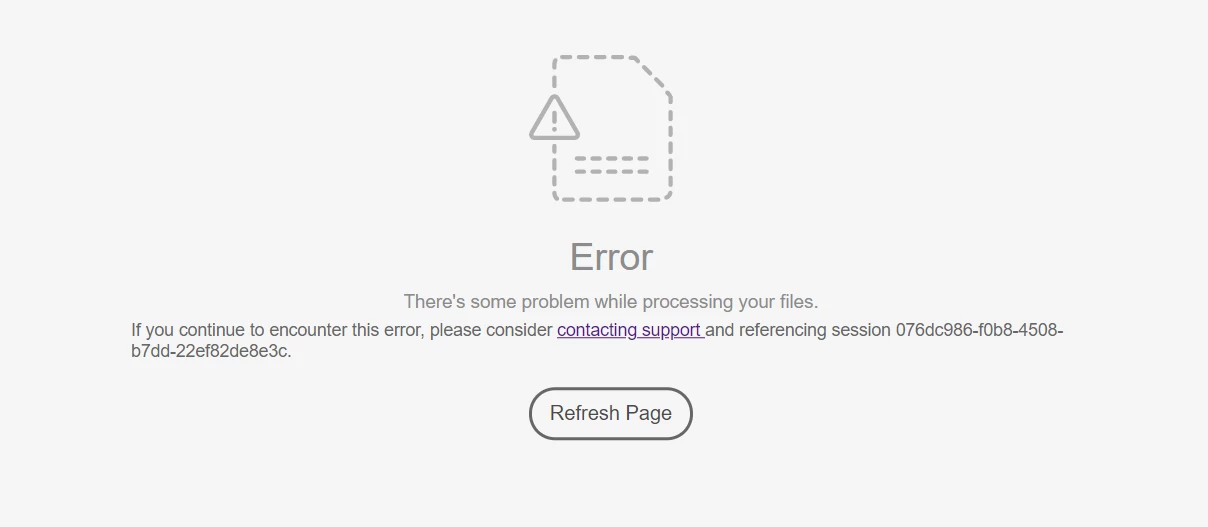
We have run into issues opening some PDF files from SharePoint Online when using Chrome (see screenshot).  We have the Adobe Document Cloud add in installed in our tenant.  The PDFs in question can be opened in the browser without Adobe Document Cloud in Edge and by clicking Open > Open in browser while in the document library using Chrome.  The PDFs in question can also be opened by Adobe Reader after downloading the PDF from the document library.  Is this a known issue?  Is there something we can do to the PDFs to fix the issue?  Or is the only work around to open the PDF in the browser or download it and open in Adobe Reader?
 

This topic has been closed for replies.
Correct answer brajeshk12751679

Hi Brajesh,


We are having this same issue, but with documents that have a hash (#) in the name. Is this a known limitation or a bug? When users try to open any document with a # in the name, they get the error "you may not have permission to access the SharePoint file being used this this workflow."


Thanks,

Henry


Hi Henry,


Your understanding is correct. There is a known bug where '#' in file name doesn't work with Microsoft Graph APIs. We have already raised this issue with Microsoft and awaiting fix from them but there isn't any ETA from them.


-Brajesh

12 replies

stefanom63576600
Participant
July 2, 2020

I have the same problem.
Have you found a solution?

Community Manager
July 6, 2020

Hi stefanom63576600 and laurah14081032,


I would require the few sample files which exhibits the behavior. If you can't share them publically, please feel free to sent it via private message. To send private message, click on my Profile name> "Send Message". There is no attachment option, you have to share with me a OneDrive, Dropbox or Adobe DocumentCloud link. 

Regards,
Tariq


laurah14081032
Participant
July 7, 2020

Hello.  I am working on getting a link to the file to you.  It looks like the file was able to be opened on the SharePoint site before it was renamed.  After a user renamed the file, the file was unable to be opened using the PDF viewer in SharePoint Online.  I also noticed that when I copied the file to another site using the copy to function in SharePoint Online, the file is able to be opened on the new site.  I was also able to download the file to my local desktop and upload it to another SharePoint site.  The file successfully opened using the PDF viewer on the new SharePoint site.  It looks like renaming the original PDF file broke the file in the first place.  Do you know why renaming a PDF in SharePoint Online would break the file?

Community Manager
July 1, 2020

Hi laurah14081032,


Sorry to hear about the experience.

When you open the file in Adobe Reader> File> Properties. You will see the file properties window. Click on Description tab, it will show you file producer. take the screenshot and attach. Also, is this happening with other browsers as well?


Regards,
Tariq

laurah14081032
Participant
July 1, 2020

I have attached the screen shot.  This is happening in Chrome and Edge.  It is only happening on certain PDF files.