


New Participant
May 7, 2025
Answered

Error message when accessing https://contentauthenticity.adobe.com/apply

  • May 7, 2025
  • 2 replies
  • 422 views

Hello,


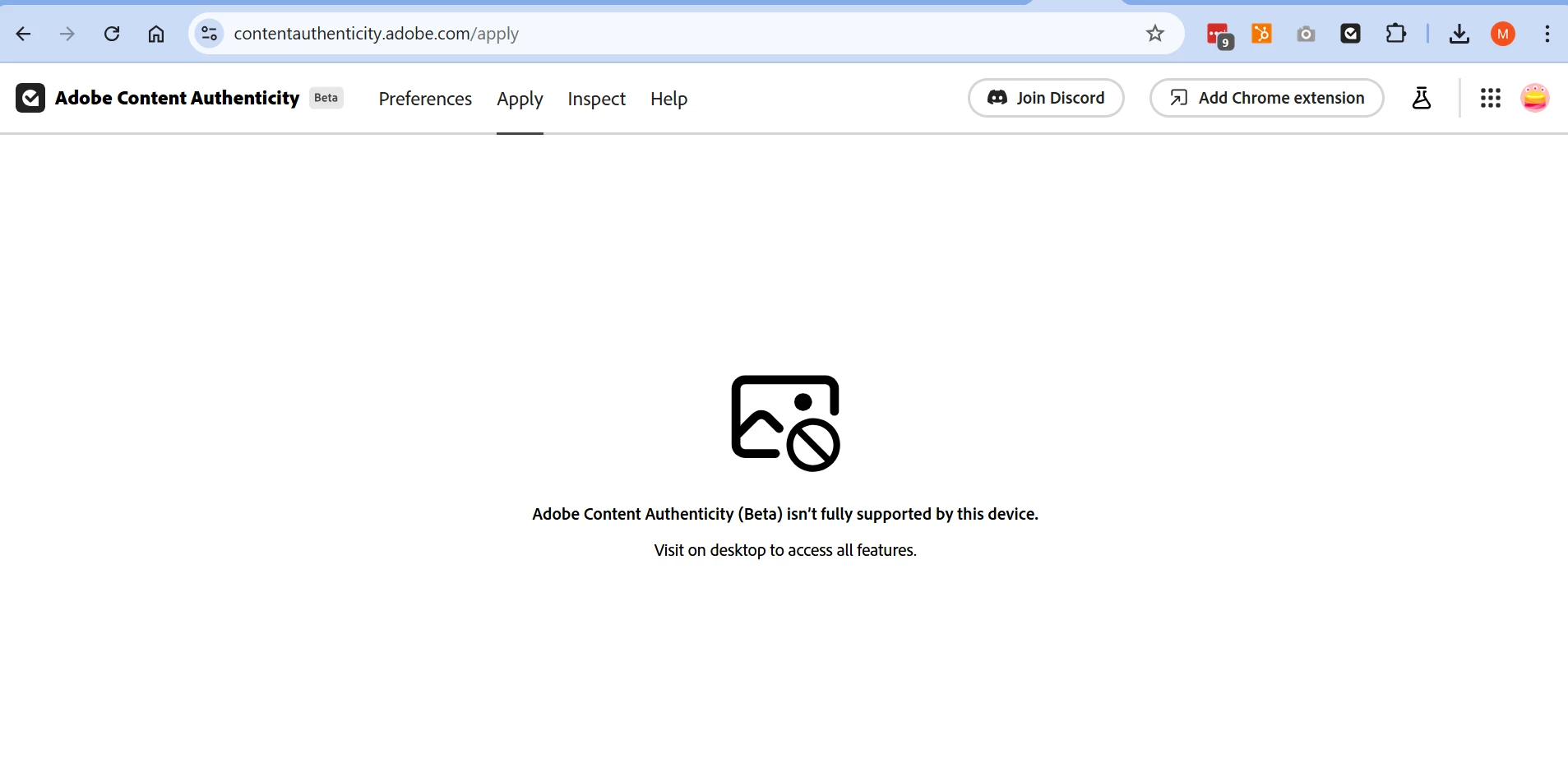
when I try to enter into Apply to create Content Credentials I get the error message below.

I am working with Windows 11, Chrome Version 136.0.7103.93 (Official Build) (64-bit) (latest).

I have tried disabling all Chrome extensions, same result.
 

Correct answer mheras

It is working fine now.


Thanks


2 replies

Adobe Employee
June 19, 2025

Hi MH, are you still experiencing this issue?

mherasCorrect answer
New Participant
June 20, 2025

It is working fine now.


Thanks


jane-e
Braniac
May 13, 2025

@mateo_25 


Try another browser.


What are your computer specs?


Jane


New Participant
May 14, 2025

Hello Jane,


just tried with Firefox and Opera, same error:


I am using a Notebook with the following configuration:


Device name XXXX
Processor Intel(R) Core(TM) i7-8565U CPU @ 1.80GHz 1.99 GHz
Installed RAM 16,0 GB (15,8 GB usable)
Device ID XXXXX
Product ID 00330-52095-47126-AAOEM
System type 64-bit operating system, x64-based processor
Pen and touch No pen or touch input is available for this display

Edition Windows 11 Pro
Version 24H2
Installed on ‎10/‎3/‎2025
OS build 26100.3915
Serial number XXXX
Experience Windows Feature Experience Pack 1000.26100.83.0


It is quite odd, the message would make sense if you were trying to access from a mobile phone, and it instructs you to access through a computer.

jane-e
Braniac
May 14, 2025


@mheras are you the same user as @mateo_25 with two Adobe IDs, or a different user jumping in on this thread?


Jane