Amitej S
Community Manager
Community Manager
August 24, 2023
Question

Create videos quickly and easily with Adobe Express
  • August 24, 2023
  • 4 replies
  • 10375 views


Create videos like a pro with new video editing features in Adobe Express!


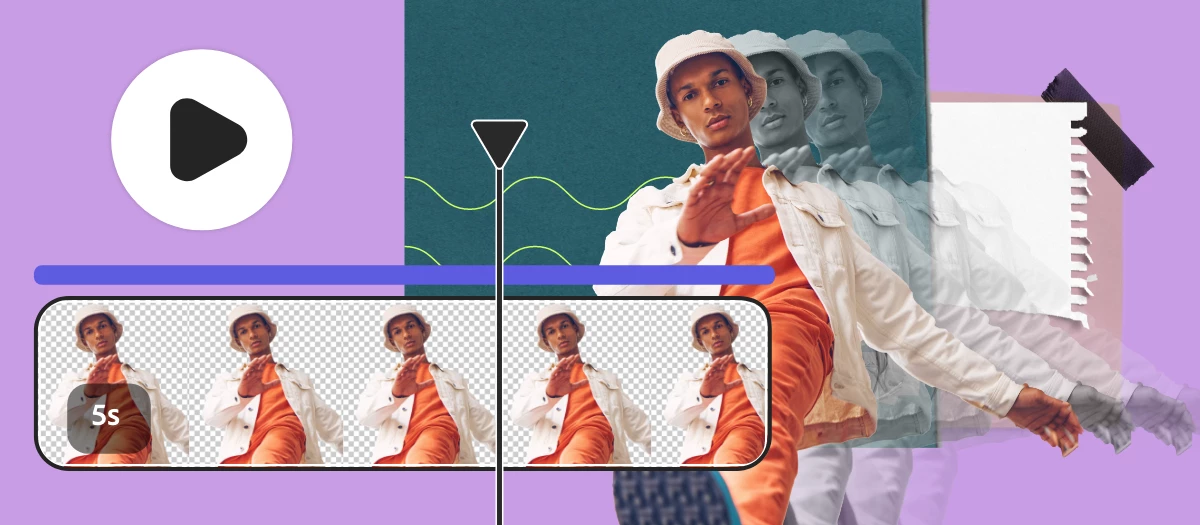
Create Reels, TikTok, and other standout videos with Adobe Express using simple drag & drop features to merge video clips, artwork, animations and music. Start with templates or your own static designs and add your brand, design assets, Adobe Stock videos and music, and more.


Check out the video below by @Sarah Schweiger on how to use scene timing, layer timing and audio track controls to create videos in Adobe Express.


Common Questions


How to remove the sound of a video?

  1. Select the purple track below the timeline panel to access and edit the audio track.
  2. Adjust the volume slider located in the left panel, or select Mute/Unmute.


How to add a soundtrack and voiceover at the same time?

  1. Select Media then select the Audio tab to access available soundtracks.
  2. Select a soundtrack from the list or upload a file from your device.
  3. Once more, select Media then select the Audio tab.
  4. Select Record voiceover and Start recording to add a voiceover track.


How to increase a video section speed?

  1. With the video track selected, right click and choose Split. This will create two video tracks that can be edited separately.
  2. Select a section of the video track and then select the video in the editor.
  3. Use the Speed control to adjust as desired. 


Visit HelpX for information on related features.


Hey community! Upvote if this post was helpful and leave a comment to join the conversation.



This topic has been closed for replies.

4 replies

New Participant
October 2, 2024

Hi. The volume of the mic when I record the voiceover is too loud, I've had it lower before where it was better but I can't seem to find a way to adjust it now.

Jonathan Lewis
Participating Frequently
July 1, 2024

The fact that the video editor doesn't even have a keyboard shortcut to reset the playhead just shows that you guys don't use your own products. This is as basic as it gets. There should also be in/out keyboard shortcusts (same as premier). These were mentioned in a feedback/feature request by chadNK on this page from 2023. Unfortunately I'm unable to reply to his post because the reply button is greyed out. Do better with our monthly subscription money.👎

Jonathan Lewis
Participating Frequently
July 1, 2024

Also, what is this? It's indexed by by search engines. https://express.adobe.com/page/mNgDGs1ILUndu/

New Participant
October 6, 2023

***This is product feedback regarding the Trim Video Feature on Adobe Express***


I currently have a workflow that involves taking video and cutting it down into multiple reels. Adobe Express and the Trim Video feature could be a very viable tool in that workflow, except for a few glaring issues. I propose the following feature additions in no particular order:


  1. The playhead needs a timer that shows where the playhead is currently at on the timeline. There is a timer for the end time but not for the current time.
  2. In-point and out-point buttons with keyboard shortcuts. Please make them the same as the shortcuts in Premiere.
  3.  Currently, if the playhead is resting at a certain point on the timeline and the left trim handle is moved, the playhead jumps to the start of the timeline and follows the left trim handle. (This seems like a bug to me).
  4.  A way to repeat the trim process with the same piece of video (upload, trim, download, repeat from trim).


From there I would be bringing the clips into social media templates in Express and exporting them for Meta Business Suite (or using Express's publishing tool.

wNutt
New Participant
August 26, 2023

How can I add simultaneous audio tracks? I have pre-recorded narration I'd like to play simultaneously with background music, but the timeline seems to accept only one audio track.

Amitej S
Community Manager
Amitej SCommunity ManagerAuthor
Community Manager
September 8, 2023

Hey @wNutt,

You can get simultaneous tracks if you record the voiceover in Adobe Express and use an audio track from Adobe Express's library or from any audio track you upload from your device.


Having multiple audio tracks (uploaded or Adobe Express library) run simultaneously is currently not possible in Adobe Express, but it is a great feature to have, and you can let our product team know about this here: https://adobeexpress.uservoice.com/forums/951181-adobe-express?query=audio; they might reach you out for more info on this.


I'd suggest you try the 'Record Voiceover' and let us know if it helped you.


Thanks,

Amitej