


Question
Web page project image files appear pixelated on mobile devices
The images I upload for my web page project render pixelated on mobile devices.
This is occuring for both .png files and .jpg files. It is occuring for images uploaded to the title portion and to the glideshow.
This is occurring in mobile devices when viewing the page in Firefox, Safari, and Chrome
I have attempted:
- uploading both .jpg and .png versions of the images
- changing the file sizes to very small
- changing the file sizes to very large
- uploading a variety of file sizes between small and large
- doing the above for both .png and .jpg files
What can I do differently so my webpage images render properly on mobile devices?
I have attached a screenshot of how the images appear, as well as an example of one of the files that I've uploaded.
I am creating vector graphics in Illustrator and saving as either .png or .jpg to create these files. I am not having this issue with photography-based images.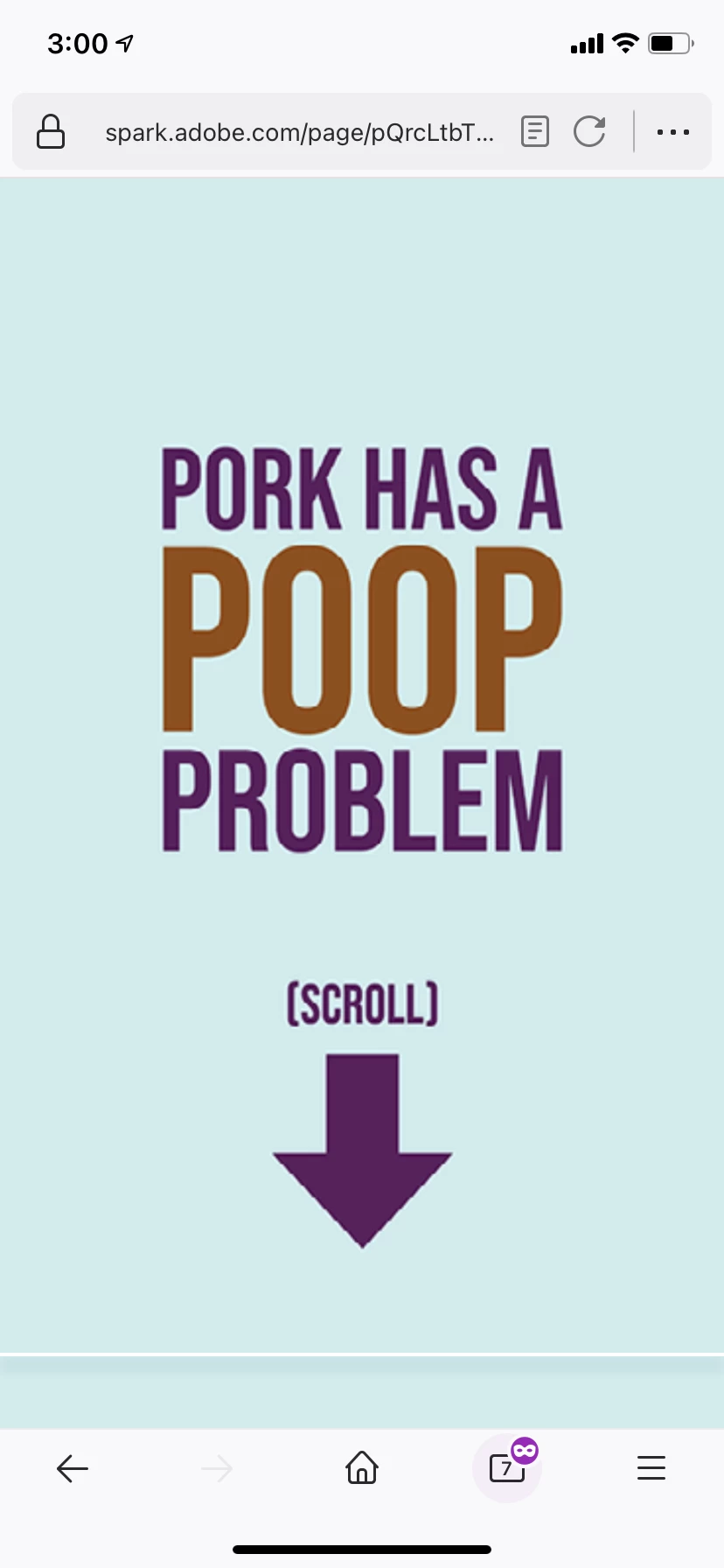

 AdChoices