New Participant
April 24, 2024
Answered

Firefly with upload a reference image?

  • April 24, 2024
  • 2 replies
  • 3951 views

Hi, 


Is there a way to anchor the "upload a reference image" with the Firefly app? Sometimes, when I logon there's an option, often there is not. Ideally, there is a setting or toggle to have "upload a reference image" for a preset, dashboard etc.


Appreciate guidance, links to a how to on Adobe even better.


Thanks 

This topic has been closed for replies.
Correct answer Kevin Stohlmeyer

Hi Thanks, 

I may not be explaining my issue clearly. Let me restate. Backstory, I use every few weeks and used last week. 

Adobe Firefly Text to Image tab in the recent past week and prior an option to upload (drag and drop) an image from a device/ file. I used that as a starting point/ reference image to then create prompts. The feature appears to be no longer available. Has that option been discontniued? If not, where does one access that feature? 


It was an option like using Generative Fill (preview) + screenshot but on the Text to Image tab. I do not see it now on the Text to Image tab now.


Also OK to say, it never exsisted on the tab too and maybe I am off base.


Thanks again for responding.


Sincerely  
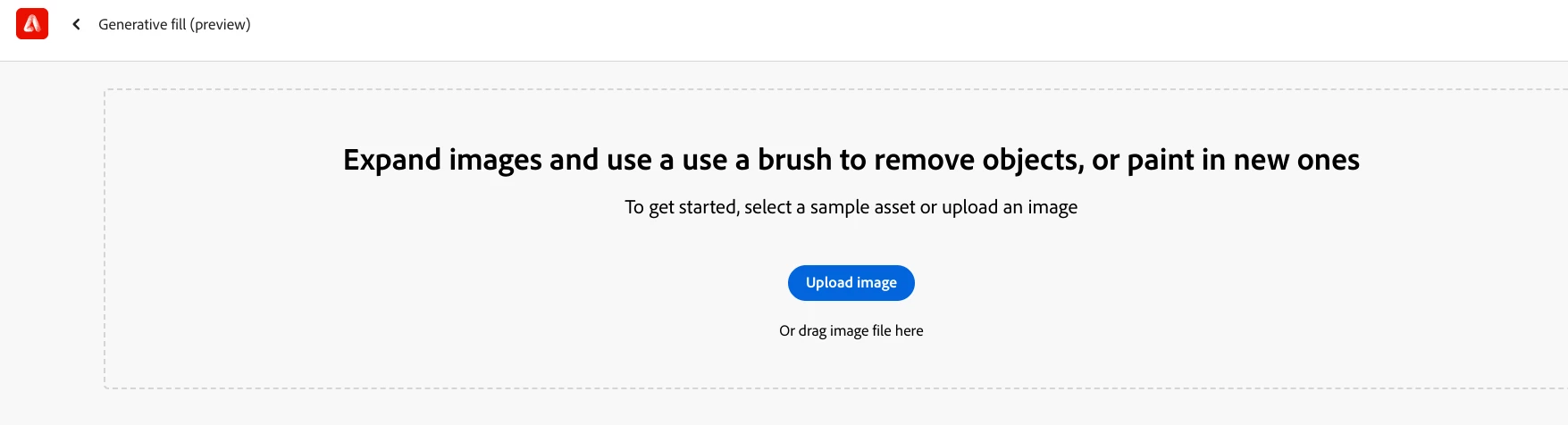


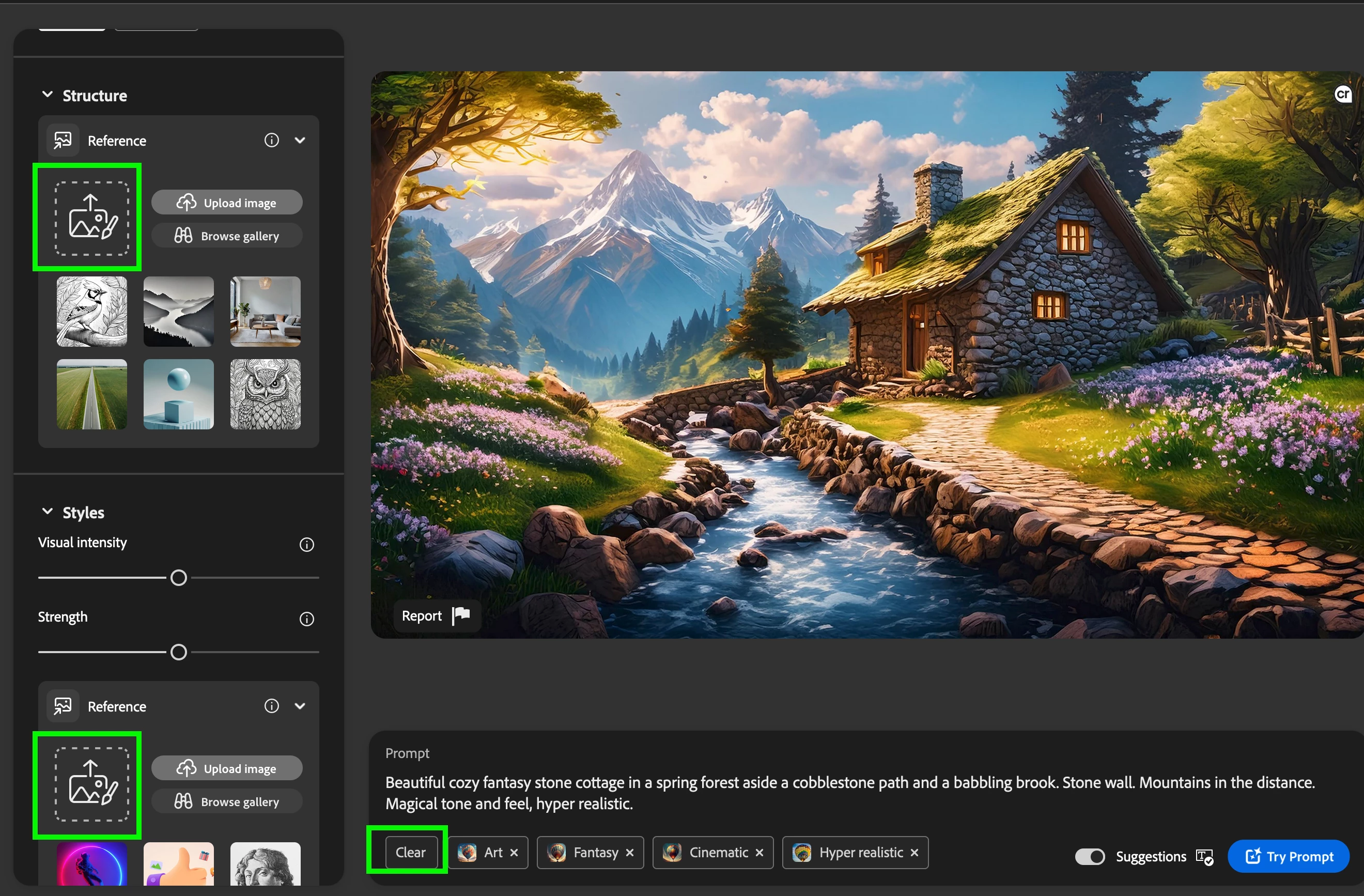
The landing page has been updated. The feature is still available but you have to be in the main UI for Firefly to access.  When you click through the generate button you get into the main Firefly UI where you can still upload images for style or structure. Click "clear" to remove the demo prompt.

 

2 replies

New Participant
April 24, 2024

Thanks, 

However on Chrome (latest update) and cleared cache and signed in and out creative cloud.

There does not appear to be an option on Firefly to "upload a reference image". There has been a promp to upload an image as a base line previously. I have not seen it consistently, nor does the Help FAQ's show how.


If some has a screenshot appreciate a post. Maybe, I am looking and not seeing.  

thanks

droopydog500
Community Manager
Community Manager
April 24, 2024

@davidm515014252 can you please post a screen shot of what you are seeing?  Thanks.

Adobe Community Expert (not an Adobe employee)
droopydog500
Community Manager
Community Manager
April 25, 2024

Hi Thanks, 

I may not be explaining my issue clearly. Let me restate. Backstory, I use every few weeks and used last week. 

Adobe Firefly Text to Image tab in the recent past week and prior an option to upload (drag and drop) an image from a device/ file. I used that as a starting point/ reference image to then create prompts. The feature appears to be no longer available. Has that option been discontniued? If not, where does one access that feature? 


It was an option like using Generative Fill (preview) + screenshot but on the Text to Image tab. I do not see it now on the Text to Image tab now.


Also OK to say, it never exsisted on the tab too and maybe I am off base.


Thanks again for responding.


Sincerely  


I have used Firefly since day one and do not remember that feature and cannot conceive how that would work except via style or structure reference.  Really sounds like a generative fill feature.

Adobe Community Expert (not an Adobe employee)
Kevin Stohlmeyer
Community Expert
April 24, 2024

@davidm515014252 its always there - clear your browser caches and reload the page.

