


Answered
How to return to the original image generation screen after editing
Hello,
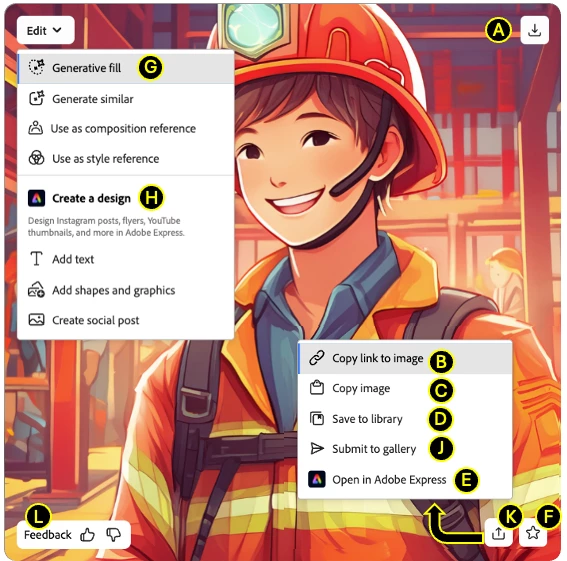
I am a beginner. I selected one of the four images that showed up in the generated results in fast mode and edited it. However, I cannot register the edited image as a favorite or return to the original screen where the four images were located. If I click on the back button at the top, https://firefly.adobe.com/upload/inpaint is opened and the original four images are lost. How can I go back to the original generation screen after editing?
Thank you.
 AdChoices