New Participant
February 17, 2019
Answered

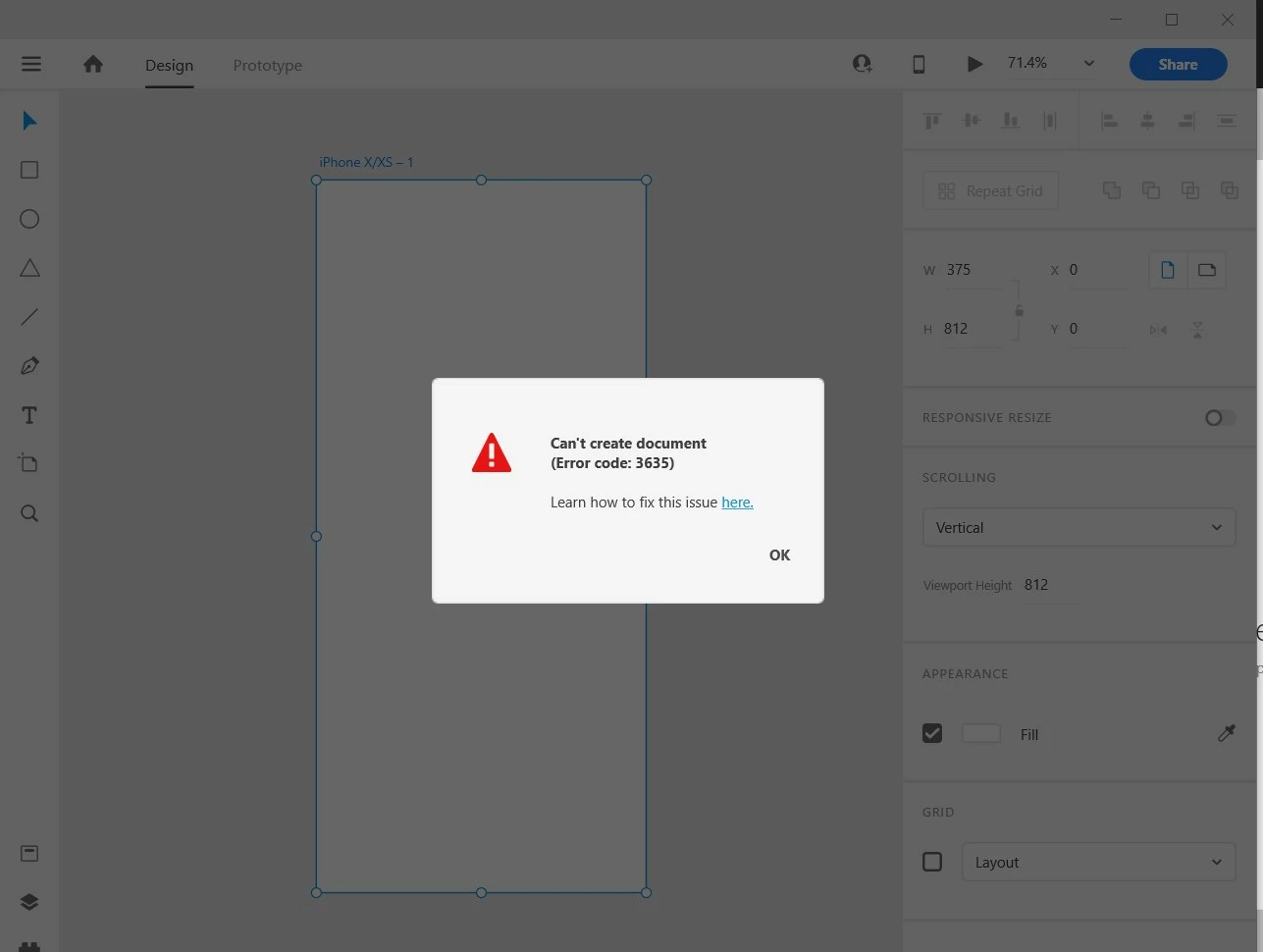
Error 3635, 3634, 3624 Cannot create new document in XD.

  • February 17, 2019
  • 38 replies
  • 103310 views

I have gone through these forums and have tried every recommended solution. Restarted Adobe CC, reinstalled Adobe CC, restarted computer, reinstalled XD, used the cleaning tool ETC. Nothing works. I have documents on there that I need for school and cannot access them.


These are the errors that I am getting:
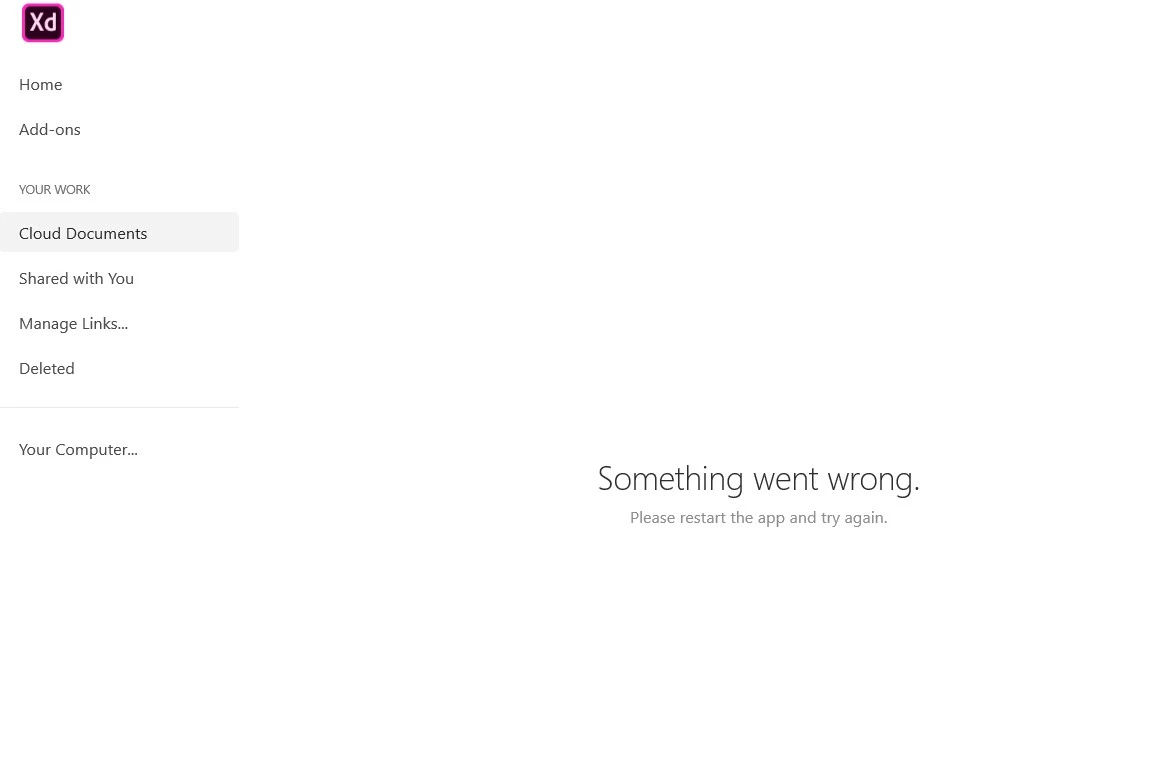
 

If anyone can provide me with a solution ASAP it would be very appreciated. I need access immediately.

Thanks


<The Title was renamed by moderator>

Correct answer Atul_Saini

Hi everyone,


Sorry to hear that you're unable to open the file and getting an "Error 3635, Cannot create a new document in XD" or other similar errors while opening or creating a cloud document. We'll try our best to help you with this. 


This list of solutions may seem long, however, I can assure you that it has helped a lot of customers with this error. 


Please start with Part one (Mac/Win) and proceed to Part two if the problem persists on the windows machine.


Part one (Mac/Win):


1. Ensure that XD is up to date using this link (https://helpx.adobe.com/in/creative-cloud/help/creative-cloud-updates.html).


2. Follow the instructions mentioned on this page step by step (https://helpx.adobe.com/xd/kb/issue-saving-xd-file-creative-cloud.html). Before proceeding to the next step. Please upload the logs to CC or Dropbox and share the link with me via PM (click on my name and hit the message button on my profile). This would help us to get to the root cause and investigate further. 


3. Please try cleaning the Creative Cloud desktop app from the cleaner tool: https://helpx.adobe.com/in/creative-cloud/kb/cc-cleaner-tool-installation-problems.html and then reinstall the Creative Cloud desktop app from here (https://helpx.adobe.com/in/download-install/kb/creative-cloud-desktop-app-download.html).


Part two: For Windows
 

1. We need to navigate to the following locations and rename the "Core Sync, OOBE, SLStore, SLCache, all AAM related folders" as "Core Sync_old" and similarly with the OOBE_old and so on.

  • C:\Program files(x86)\Adobe\Adobe Sync\
  • C:\Program files(x86)\Common\ Adobe
  • C:\ProgramData(Hidden)\Adobe\
  • C:\Users\Username\AppData(Hidden)\local\Adobe
  • C:\Users\Username\AppData(Hidden)\Roaming\Adobe

2. Reinstall the Creative Cloud desktop app from here (https://helpx.adobe.com/in/download-install/kb/creative-cloud-desktop-app-download.html).


If you still face issues, please share logs and the XD file with Harshika Verma over a private message so that we can escalate the issue to the team for further investigation.


Note: Please add your logs and XD file to a shared location such as CC or Dropbox and share the URL with me over a private message.


We will try our best to help.


Thanks,

Atul_Saini

38 replies

New Participant
January 14, 2023

Hello Atul / Adobe Employess,


I am extremly disappointed to use the Creative Cloud License Version. After puchased the license version of the Adobe. I am facing issue to installed with Adobe Dreamweaver and Adobe XD with Apple MacBook M1 Pro? 


So, I am truly getting frustrated with adobe services and solutions. 


Please, guide me how to fix this both issue and working with smoothly?

New Participant
May 3, 2022

This is why XD should be web-based.  Just saying.  I have issues daily

New Participant
January 6, 2022

Hello! I am having the same issue others are. I have done all the things suggested, including completely uninstalling all of my Adobe programs and the Creative Cloud app and reinstalling. I'm on a M1X Macbook Pro running Monterey.


I use this daily and the font sync is essential, so help for this issue would be greatly appreciated.

HARSHIKA_VERMA
Community Manager
Community Manager
January 11, 2022

Hi Laura Gosnell,


We are sorry to hear you are having touble opening XD document and getting this error. We would request you to please try the steps suggested in this post: https://community.adobe.com/t5/adobe-xd-discussions/error-3635-3634-3624-cannot-create-new-document-in-xd/m-p/11095409#M28544


Let us know if that helps. We'll try our best to help.


Thanks,

Harshika

New Participant
October 16, 2021

I just bought a maxbook pro with M1 . All files transferred . Creative cloud reinstalled with all programs . But now I keep getting the error message in XD ; 3634 . I've tried all the steps and nothing works. Does anyone know the solution? Thanks in advance .

Community Manager
October 18, 2021

Hi There,


Thanks for reaching out and sorry for the trouble. With reference to the screenshot which you have shared with us, what I see is your creative cloud sync is not running properly. so we would request you to please try the below steps and let us know if that works-

1. Try creating a new user account on your machine and then try to launch XD. If it works, go to the previous account-.

2. Signout of Creative Cloud Desktop app

3. End all all Creative Cloud desktop app process from task manager.

4. Uninstall Creative Cloud Desktop app.

4. Restart the machine.

5. Install Creative Cloud, XD.

Also could you please try the suggestions shared here:https://helpx.adobe.com/in/xd/kb/fix-issues-with-xd-cloud-documents.html


Please let us know if you need more assistance on this. We'd be happy to help.


Thanks,

Chethan G

New Participant
November 21, 2021

Hello, same problem and same machine here.

I have tried all the steps provided by the community including the adobe cc cleaner tool. I heard someone tries the old version and could work. I wonder if it is possible to provide some other advice or another version. Thanks a lot.

New Participant
July 13, 2021

Hi! I have a problem with the applciation XD.


When i open it, i have the error 3634 even when i followed all the steps from the Adobe Help.

I desinstalled and reinstalled Creative Cloud and XD two times and i still have the error, please help me!


PS: i have a Mac and im French

HARSHIKA_VERMA
Community Manager
Community Manager
July 14, 2021

Hi there,


Thank you for reaching out and sorry to hear you are unable to open XD and getting error. We would request you to please try the steps suggested in this post: https://community.adobe.com/t5/adobe-xd/error-3635-3634-3624-cannot-create-new-document-in-xd/m-p/11095409#M28544


Let us know if that helps.


Thanks,

Harshika

New Participant
August 25, 2021

The solution that worked for me is that I signed out adobe account in Adobe XD and created the document, saved it and for generating a link, again sign in.
I know this is not proper solution but trying different ways and this one worked for me.

Shiv Raj5E8C
New Participant
May 28, 2021

I get the every time same error while opening the Adobe XD. Error " Adobe XD Error Code 3635 (Can't Create Document. I have tried some solutions also but didn't work with any one of them?

Is there any solution for it?

Version Adobe XD-38.1.12.2

OS- window 10, ram 8GB,

Same issue on every device while creating documents- I-phone, mobile, and tablet.


HARSHIKA_VERMA
Community Manager
Community Manager
May 28, 2021

Hi Shiv, 


Thank you for reaching out and we are sorry to hear you are unable to create a document in XD. Would you mind updating your XD to the current version which is XD 40.1.22 and let us know if that helps?


If it doesn't, please try the steps mentioned in the correct answer to this post: https://community.adobe.com/t5/adobe-xd/error-3635-3634-3624-cannot-create-new-document-in-xd/td-p/10699520 


Let us know if you need further assistance. We're here to help.


Thanks,

Harshika

Participating Frequently
April 10, 2021

Uninstall adobe xd then


go to c drive then


 program files (86x) then


Delete whole folder Adobe Creative Cloud Experience.


Thats it.


Then install again.


Enjoy


Backup your data First.

Participating Frequently
April 10, 2021

Uninstall adobe xd then

go to c drive then

 program files (86x) then

Delete whole folder Adobe Creative Cloud Experience.

Thats it.

Then install again.

Enjoy


Backup your data First.

New Participant
April 6, 2021

Hello Team,

When I am trying to save my work on creative cloud, I got below error message

"Creative Cloud Sync is not running correctly"

Rishabh_Tiwari
Community Manager
Community Manager
April 6, 2021

Hi Tanu,


Sorry to hear about the trouble. Could you please try the suggestions shared here: https://helpx.adobe.com/sk/xd/user-guide.html/sk/xd/kb/fix-issues-with-xd-cloud-documents.ug.html


Let us know if this helps or if you need any further assistance.


Regards

Rishabh

New Participant
March 17, 2021

Hola, cuando instalé XD pude usarlo con normalidad, una vez que reinicié mi pc me empezó a aparecer el error 3635 y me deja de funcionar Adobe Creative Cloud porque me aparece el error de "se necesita para solucionar el problema, falta o está dañado. Puede intentar reparar para corregir problema. Si el problema sigue sin resolverse, descargue e instale la nueva copia de...". Para solucionar eso desinstalé XD y Adobe CC. Me vuelven a funcionar con normalidad pero una vez que reinicio mi pc vuelve a dejar de funcionar y tengo que reinstalar todo de nuevo y es muy tedioso tener que hacerlo cada vez que prendo mi pc y me lleva mucho tiempo. Espero que puedan ayudarme, muchas gracias.

Rishabh_Tiwari
Community Manager
Community Manager
March 18, 2021

Hi there,


Sorry to hear about the trouble. Please try the steps suggested here: https://helpx.adobe.com/xd/user-guide.html/sk/xd/kb/fix-issues-with-xd-cloud-documents.ug.html


Let us know if this helps or if you need any further assistance.


Regards

Rishabh