iawood
Known Participant
January 16, 2025

AE 25.1 Freezes Opening / Exiting Camera RAW with Cinema DNG Sequence

  • January 16, 2025
  • 8 replies
  • 904 views

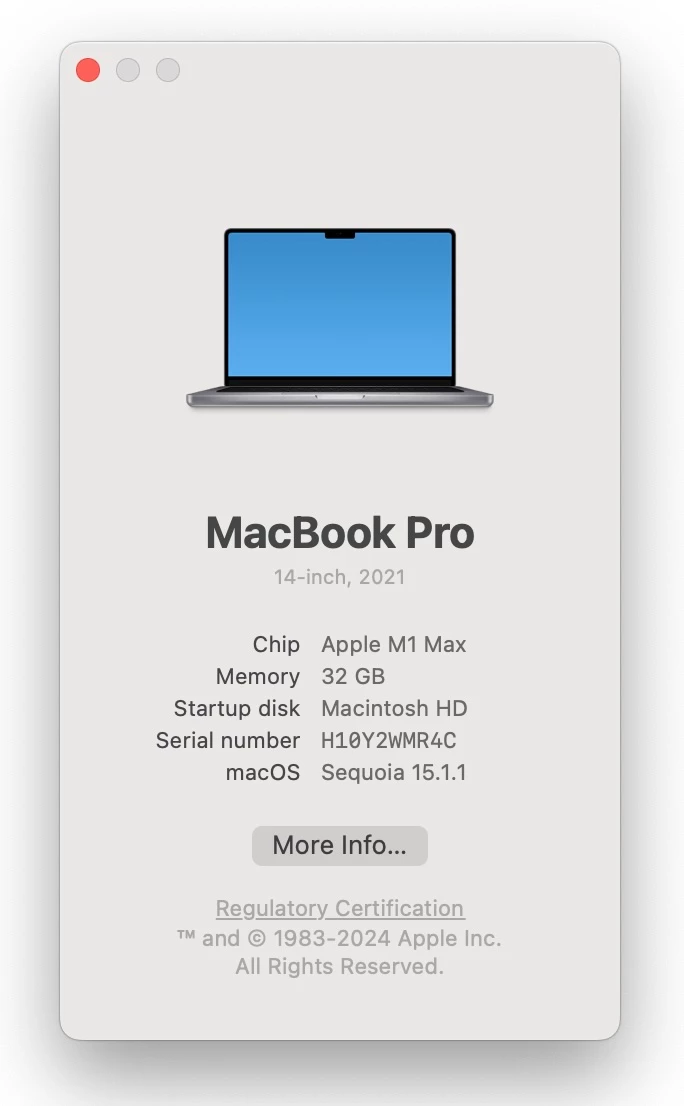
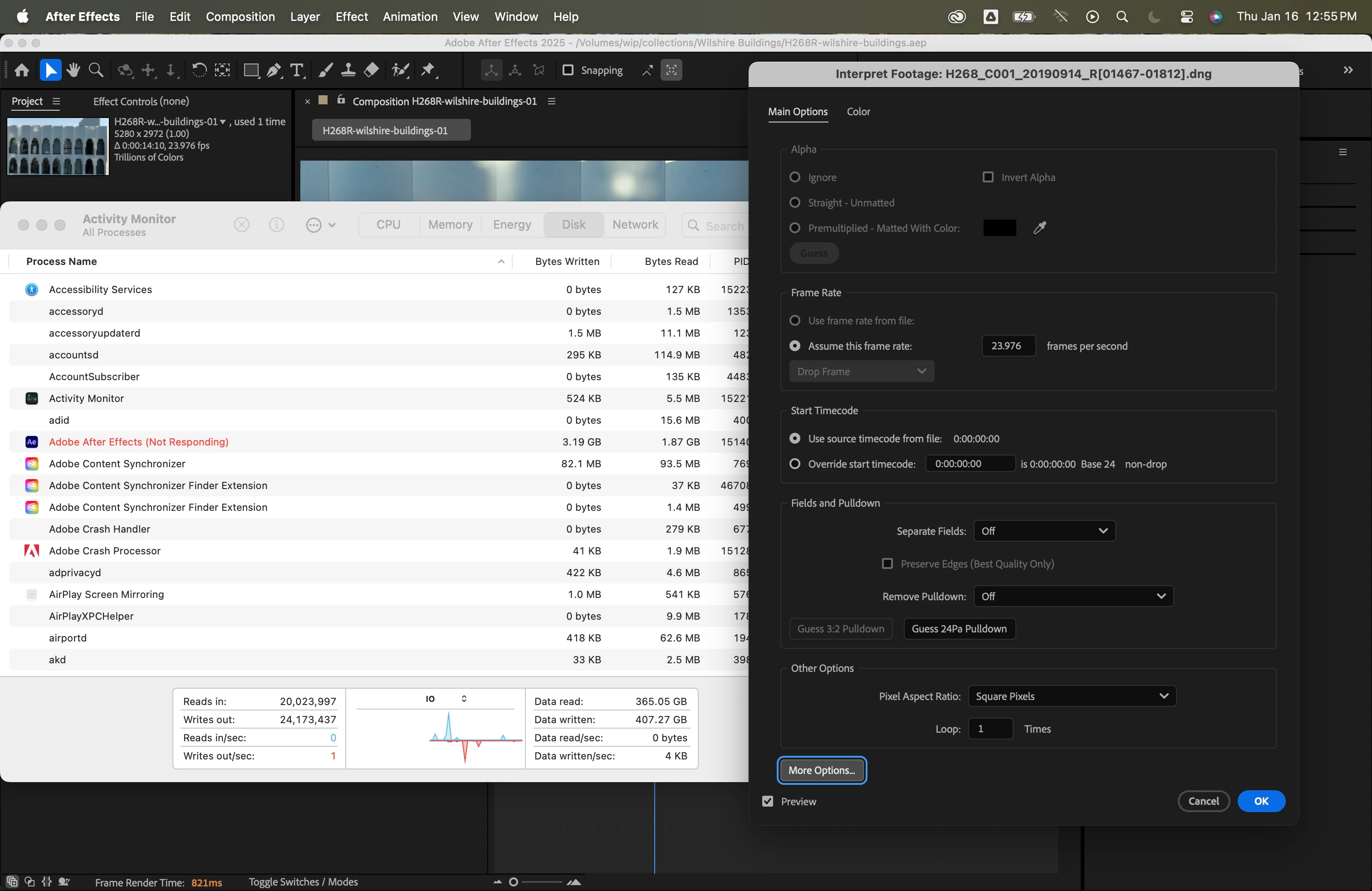
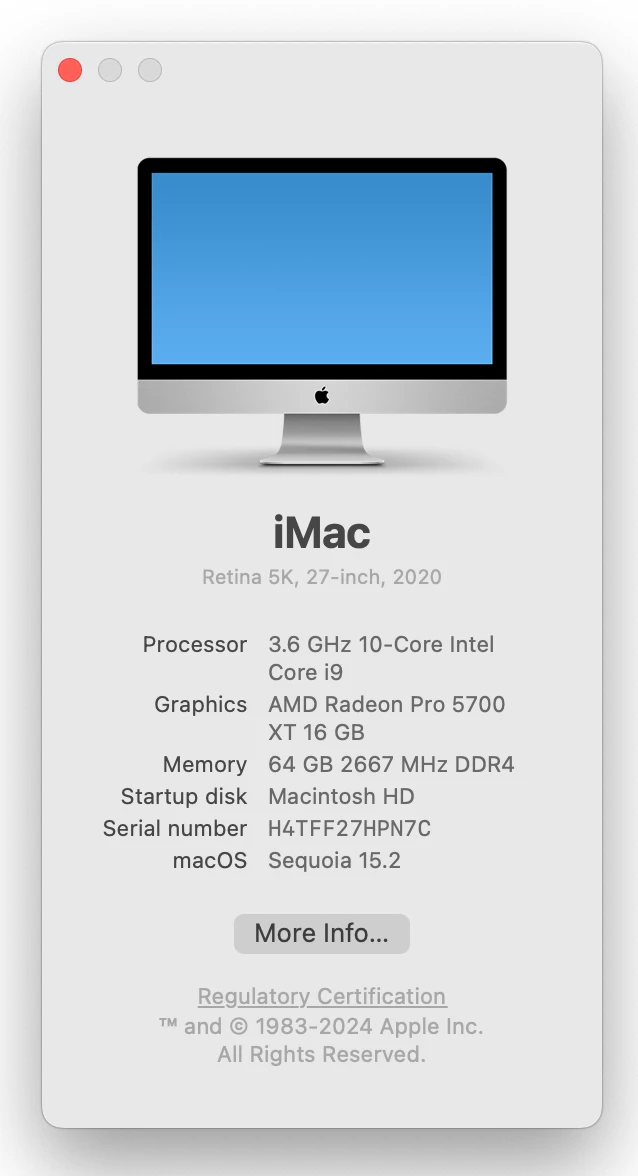
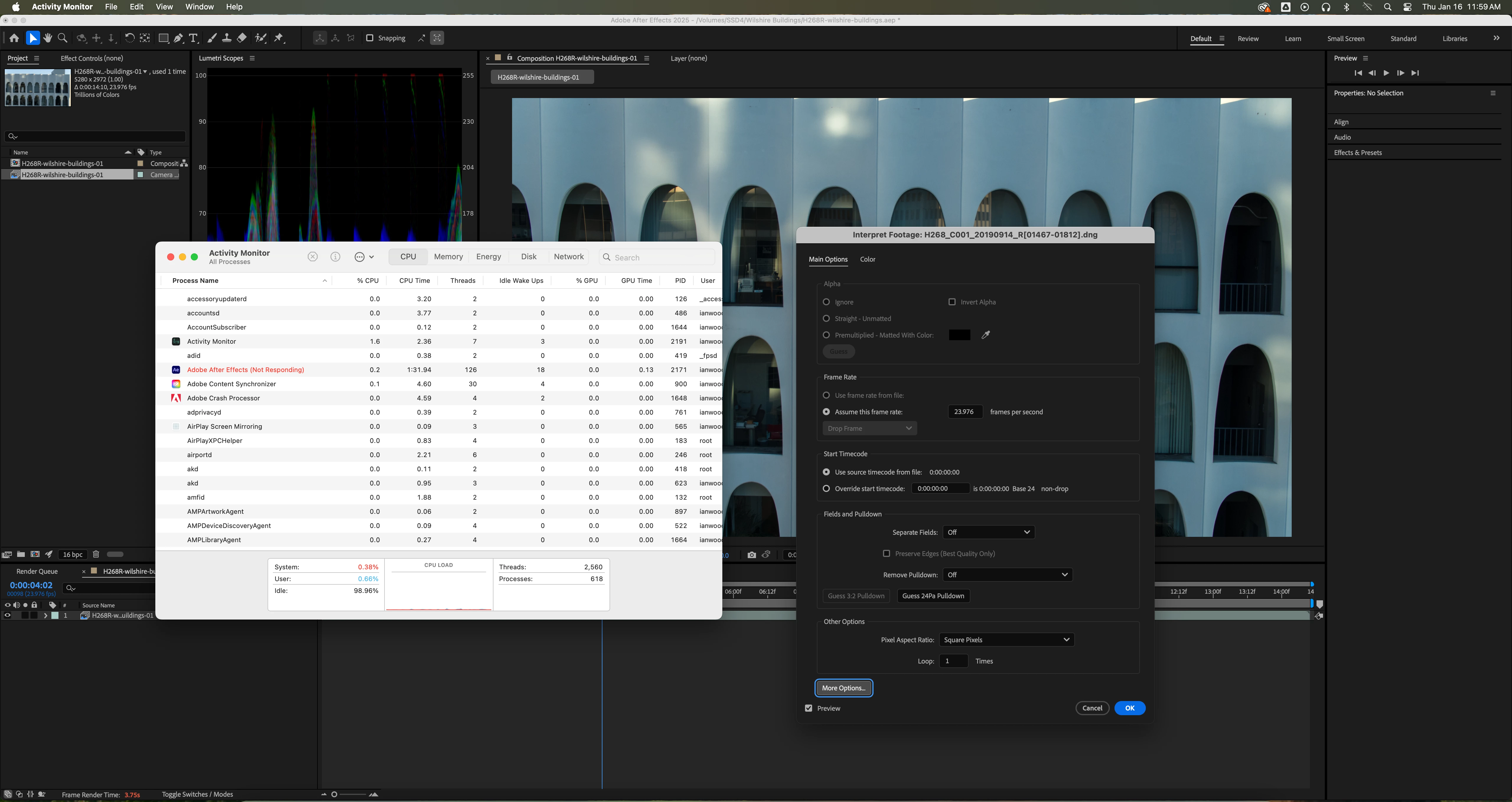
I can replicate this on two Macs (core i9 and M1 Max) running Sequioa 15.2 and AE 25.1. Happens when the Camera RAW dialog either opens or closes. Replicate by importing or adjusting a Cinema DNG sequence in a project. It will freeze either when attempting to open the ACR window or when closing it. It does not occur on my Windows 10 machine.
 

8 replies

March 6, 2025

Go to your Composition menu, Preview and turn off Cache Frames when Idle. There is a bug if that is running when trying to interact with Camera Raw. There is a fix in 25.3 beta and will be fixed in 25.2 when that releases.

nishu_kush
Legend
March 6, 2025

Thanks for sharing the files, @iawood.

I was finally able to reproduce this on my end. I've filed a bug.


Thanks again for your patience,

Nishu

iawood
iawoodAuthor
Known Participant
February 12, 2025

Bumping this again. I've provided a video and source material to recreate the problem. Please advise. 

iawood
iawoodAuthor
Known Participant
February 5, 2025

Any update on this?

I am dead in the water. At least give me a workaround. 

iawood
iawoodAuthor
Known Participant
January 28, 2025

DM sent with screen recording and sample C-DNG sequence. 

nishu_kush
Legend
January 22, 2025

Thanks for the details. Please share the DNG sequence as well so that we can test it on our end. If you don't want to share it publicly, feel free to DM me the download link.


Thanks,

Nishu

jake865
Known Participant
January 16, 2025

I'm trying to build a timelapse with a RAW image sequence (FX30 RAW). I can import the image sequence and edit RAW settings initially, but when I try to access Adobe Raw via Interpret Footage -> More Options, Adobe stalls indefinitely. My only workaround has been to delete the sequence and re-edit the raw settings upon import. Anyone else seeing this?


MBP M4 Pro - 128GB RAM

macOS 15.1

AE Version 25.1.0

Community Manager
January 16, 2025

A few questions:

When you are able to have the Camera Raw window open, if you click on the little gear icon in the upper right corner, what version of Camera Raw is it telling you that you have installed?

Does this happen with all Raw sequence types you try or just FX30 RAW? If it's just the latter, would it be possible for you to attach or DM me 2-3 sample files to test with here?

Finally, the next time AE stalls, could you do this?
1. Open the Activity Monitor Application.
2. Select the Adobe After Effects process.
3. Select Sample Process (see attached screenshot)
4. Save the resultant text file.
5. Copy and paste the contents of that text file into a direct message to me.

This may give us some means to reproduce the issue or understand what the problem is.

Thanks

Paul

iawood
iawoodAuthor
Known Participant
January 17, 2025

I will make a screen recording shortly. In the meantime, here are the steps:


  1.  New project.
  2.  Import > File. Select first DNG file in sequence. Click Open*.
  3.  Camera RAW opens. Adjust image. Click OK*. 
  4.  Interpret footage > Main > More Options*.
  5. Camera RAW opens. Adjust image. Click OK*.


* = places where it has frozen. 


It appears to be the same issue reported here: https://community.adobe.com/t5/after-effects-bugs/ae-freezes-when-trying-to-access-adobe-raw-via-interpret-footage-gt-more-options/idi-p/15094774

nishu_kush
Legend
January 17, 2025

That's strange! The latest version fixed a similar issue. Would you mind sharing a screen recording showing the issue and a DNG sequence so that we can try to reproduce it on our end? Feel free to share via DM if you do not want to share publicly.

Looking forward to your response.


Thanks,
Nishu