Known Participant
October 12, 2023
Question

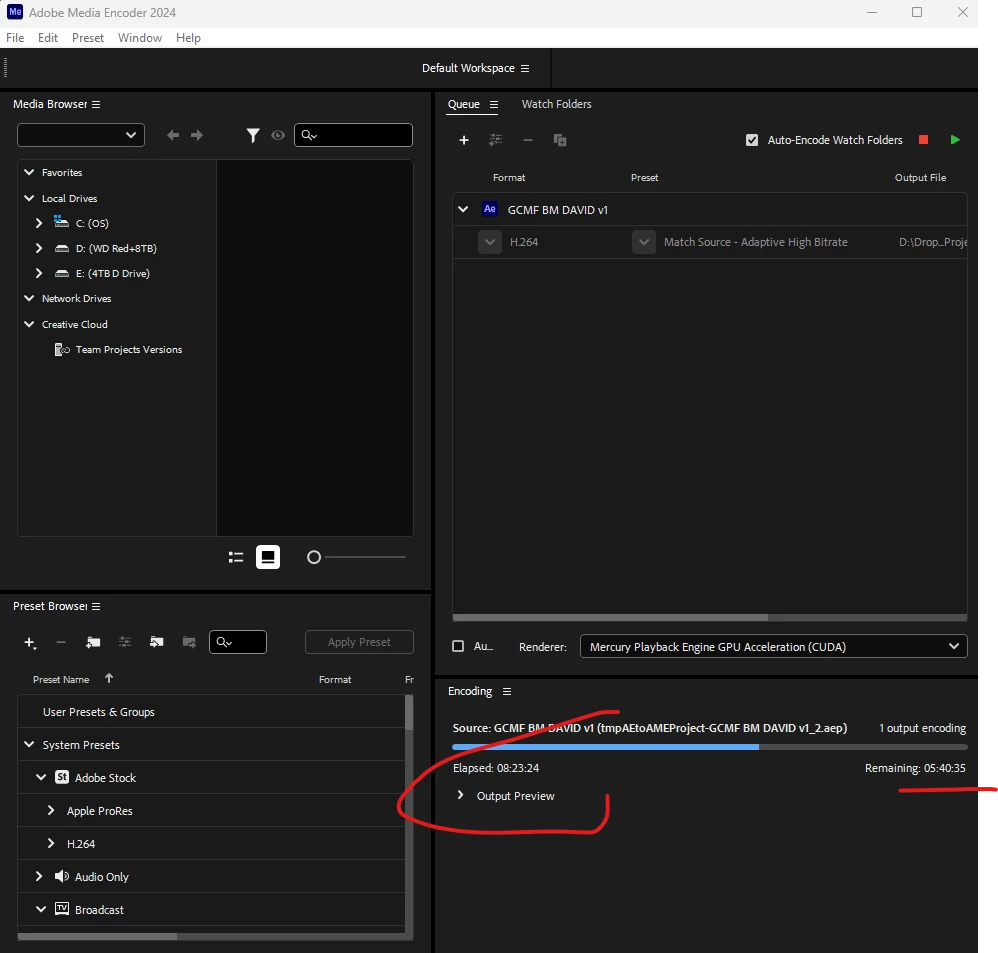
AE 24.0 Roto Brush Crash, Memory & Won't complete render overnight

  • October 12, 2023
  • 1 reply
  • 3017 views

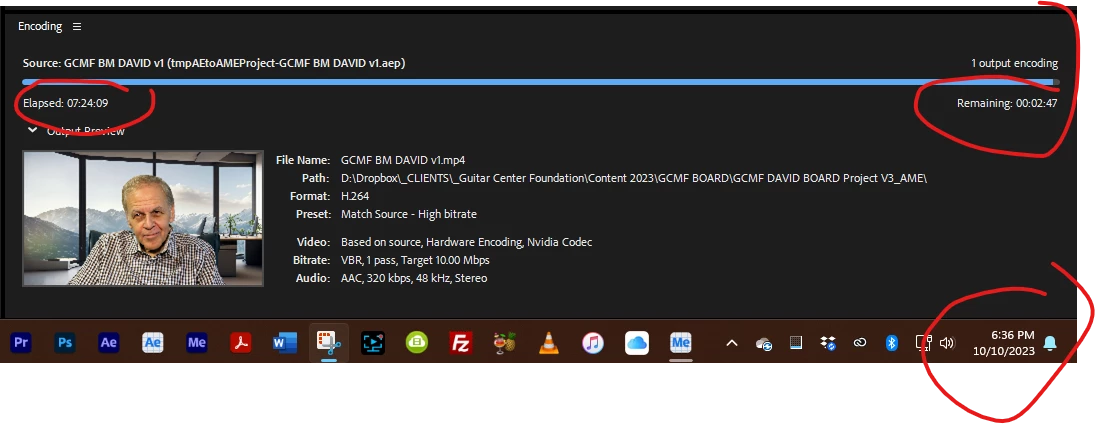
I've tried to use the AE Beta versions, and the new AE 24.0 to use the Roto Brush to mask a high-res video interview(s), and as these inserted screenshot show the rendering runs forever and either never finishes or crash the system.  I really want to be able to replace a simple background with different imagery.  The dynamic link option from Premier Pro doesn't work either.


What would you suggest I do to resolve these problems?

Previous ASC Bug 09-Oct-2023 post [no responses]
System Info:
Processor Intel(R) Core(TM) i9-10980XE CPU @ 3.00GHz 3.00 GHz
Installed RAM 96.0 GB (95.7 GB usable)
System type 64-bit operating system, x64-based processor
Adapter Description NVIDIA RTX A4000
Driver Version 31.0.15.3758

This topic has been closed for replies.

1 reply

Kartika Rawat
Community Manager
Community Manager
October 13, 2023

Hi GotChaDigi!

Sorry about the issue. Do you see any error codes or messages when it crashes? Could you check if crash reports are saved? https://adobe.ly/3PWqdhP

Do you have any third party plugins? 


Let us know. 

Thanks,

KR

Known Participant
October 13, 2023

Yes, I have a pdf file of the log files attached.  I've tried the beta 24.1 too.  Freezes on Freeze propagation.

No, I do not have any plugins.

Jenkmeister
October 18, 2023

Sure, thanks.  Still takes too long and something is up with the propagation and freeze processes.


I've got a 1080p at 29.976 export uploading now along with the aep file that contains the roto'd data. Hopefully that helps. If not, then again, I'd suggest breaking the clip up into smaller sections so that each one can be roto's independently so that it completes on your system. I'll send the link to you in a direct message here on the forums once everything has uploaded.