Participating Frequently
September 19, 2022
Question

"Cinema 4D by Maxon" Add-on is added not working in After Effects 23.0

  • September 19, 2022
  • 9 replies
  • 43213 views

Updated to 23.0 and my project will no longer render with the C4D renderer. Extrusing and rotating text.

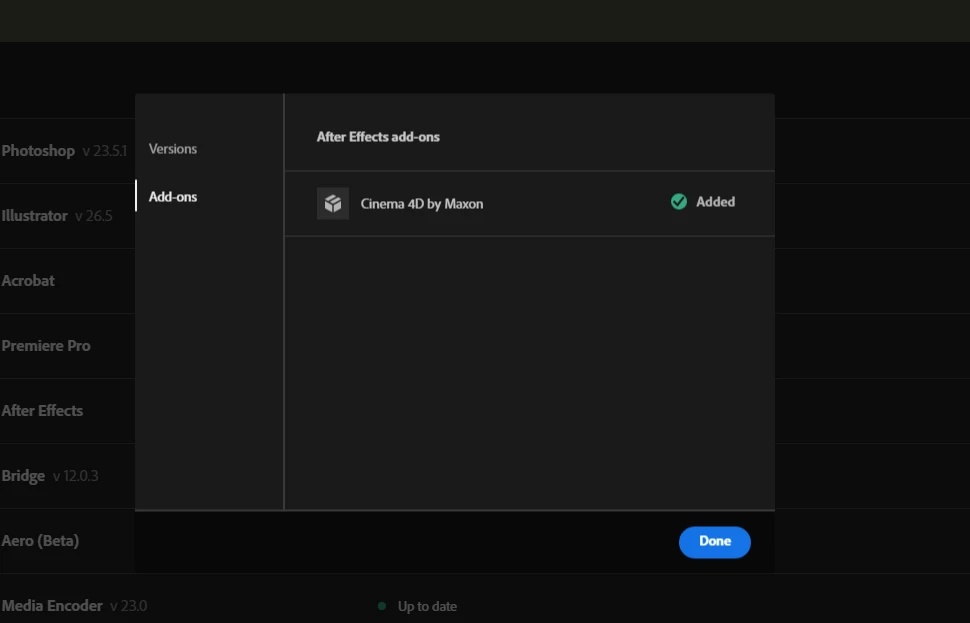
The Add-on is showing it's installed though.


After Effects (23.0)

Windows 10 Enterprise 21H2


9 replies

Participant
September 25, 2024

I'm facing Render by cinema 4d in After Effects...The geometry options isn't enabling in After Effects... When I've change the render in cinema 4d the after showing the message attached below 👇 

Participant
October 21, 2022

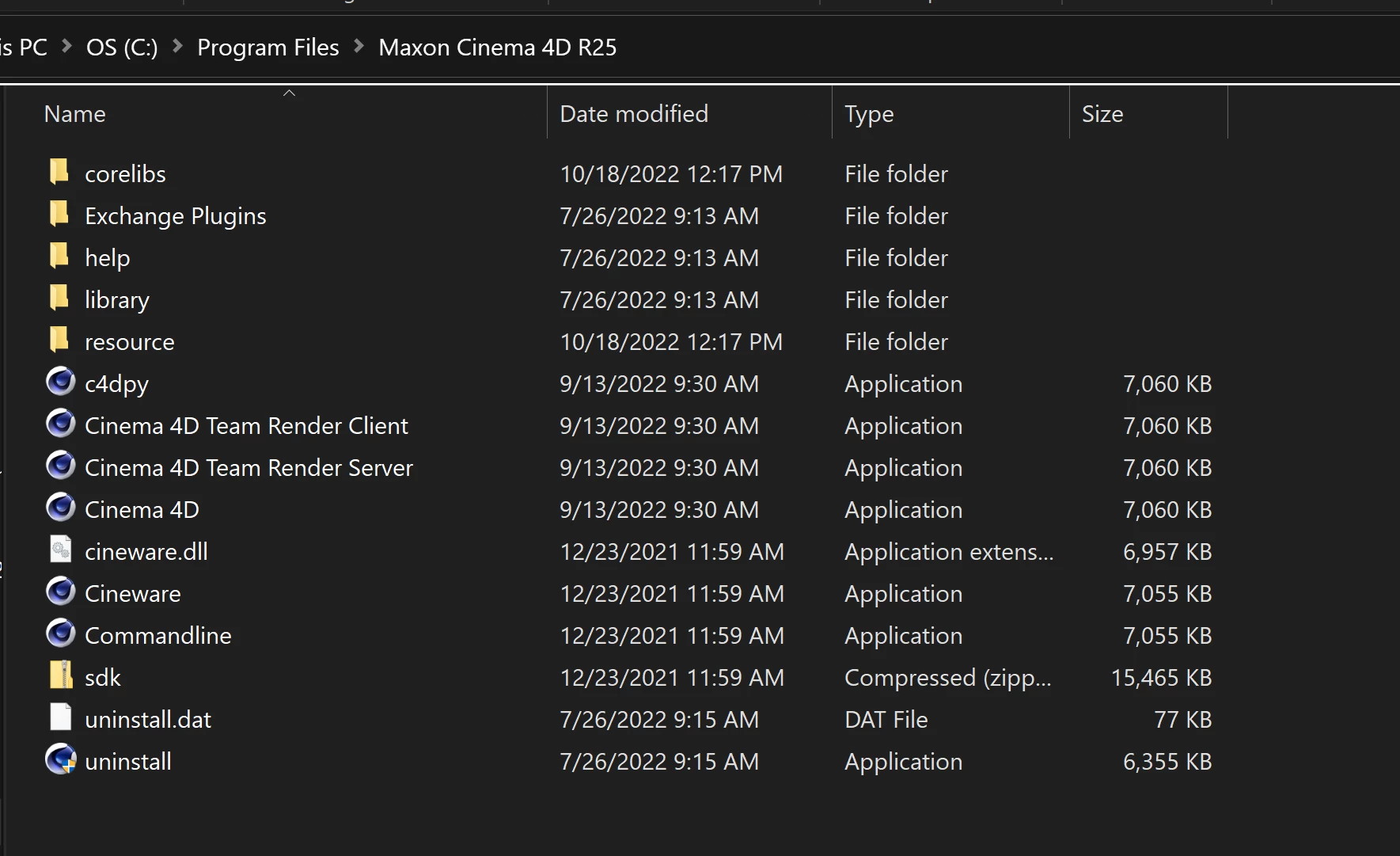
Same problem here, I deinstalled C4D R25 after installing AE, because I have C4D 2023 installed!

Ther should be an option to give AE the installation path of C4D 2023 instead of R25.

Rameez_Khan
Legend
November 5, 2022

As I mentioned above, that will result in certain stability issues. We're working closely with Maxon to improve the experience in a future release. 


-Rameez

Participant
October 20, 2022

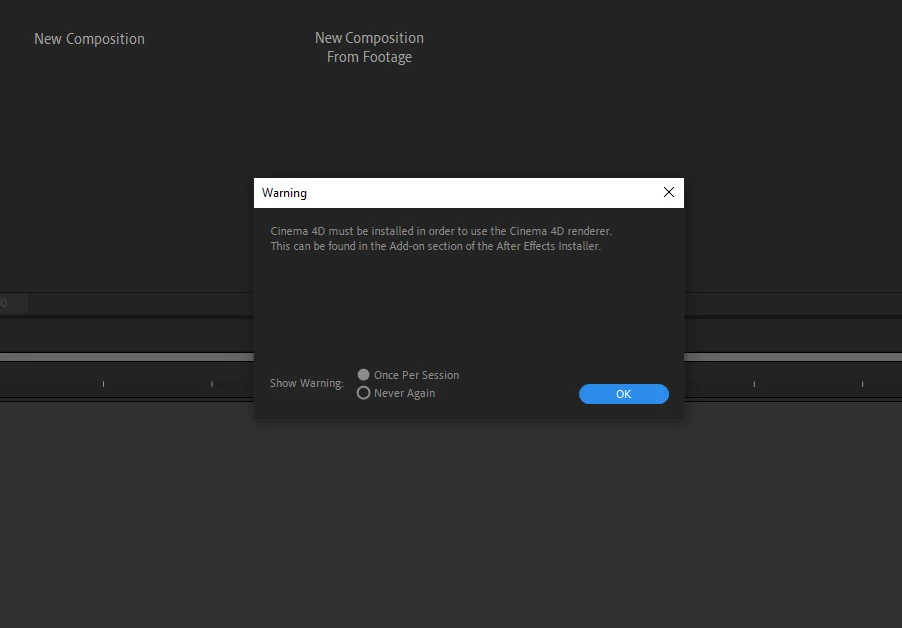
I have updated to the latest AE vesion with Cinema 4d addon, but when I open a project it shows a warning "Cinema 4d must be installed in order to use Cinema 4d renderer". When I check the addon in creative cloud, cinema 4d addon was installed.

But still it's showing the warning and when I try to preview it it shows an error "Cinema 4D: Render Failed 5070 ::0".

Anyone have a solution to fix this issue?


Participating Frequently
October 20, 2022

I too have noticed that After effects no longer understands where to find the Cinema4D installation ever since I added C4D R26 AND updated to AE 22.6.

Furthermore, I installed AE 23 today, as I was installing it I got a popup asking me if I wanted to also install the C4D plugin, to which I thought "Oh cool, that issue will be fixed!" 


NOPE.


As soon as I fire up AE 23 I get greeted with the same message about me needing to instlal C4D R25 to use the C4D renderer.


To summarize: it's been almost a month now where I am no longer allowed to use 3D elements in AE, but I am still paying for the increase in the subscuption next month when my yearly subscription needs to be paid.


Thanks Adobe!

Rameez_Khan
Legend
October 20, 2022

Sorry for the poor experience, @frank_d. I realize that not utilizing the app for 3D elements is frustrating.

Can you try the steps I have suggested above and report back? 


Thanks,

Rameez

Participant
October 20, 2022

I have so many problems. I've been trying to install After Effects on an external harddrive for my Surface Pro 6 for 3 days and I've run into a different problem literally every step of the way. The problem I'm facing right now is that Cinema 4D didn't install with After Effects even though I had the box checked, and I'm assuming that's the reason the preview box is empty and won't show anything, and I can't move around my assets because they don't seem to be connected to the bounding box thing. Like I can move the box around but the asset doesn't move. Anyway, when I was trying to figure out how to manually install Cinema 4D because the error box just says "you can install it from the add on section of the adobe after effects installer" and I can't for the life of me figure out what "the adobe after effects installer" is because I thought it was just a .exe file, one person recommended uninstalling after effects. I tried, but it doesn't seem like the Creative Cloud knows I already have it installed because I don't have the "open" or "update" or the three dot buttons, the only button I have is "try", which prompts me to install After Effects when I click it. I've been to my school's IT department 5 times in the last 3 days and I think they're starting to suspect I'm going to them for every minor issue I have and told me to google it the last time I went, but my laptop is just that messed up. I'm considering cancelling my After Effects subscription (which would be a struggle, I'm sure), chucking this laptop out the window, and starting from scratch. I've googled everything and I can't find my "I can't uninstall After Effects" problem anywhere. I can't go back to the IT department for the reasons I've said before. I'm at the end of my rope, please for the love of God someone help me. (by the way the brand of external hard drive I'm using is Seagate if that helps.)

Participant
October 20, 2022

Of course, as soon as I made this post the problem I was talking about magically fixed itself and I had the option to uninstall After Effects. I saw there was an "add-on" button, so I looked at it and it says Cinema 4D was already installed, so I opened After Effects to see if my laptop just wants to make a fool out of me by fixing everything as soon as I make a desperate plea for help, but no, it's telling me I need to install Cinema 4D. Not sure how to do that since it says I have it in the creative cloud. My less-than-amataur guess is that it installed somewhere on my laptop instead of the external hard drive, but I can't find it anywhere.

nishu_kush
Community Manager
Community Manager
October 25, 2022

Hi Valerie266872136uqq,


Sorry for your issue.

It is not recommended to install any Adobe app on an external drive. I'd suggest using the Adobe Cleaner tool to remove After Effects. Once done, go to the Windows Control panel and uninstall Cinema 4D (if it's there). Now install After Effects (including Cinema 4D) to the default location.

Let us know the result.


Thanks,

Nishu

Rameez_Khan
Legend
October 19, 2022

Hi @rdbaugh 


We need to dig deeper to understand this better. Please help me with the following information:

  • Did you choose not to install Cinema4D while installing After Effects 23.0?
  • Is any version of After Effects 2022 (v22.x.x) installed on your machine?
  • When you say the project will no longer render with the C4D renderer, are you getting any warning or error messages?
  • Do you have the Maxon app installed?


After Effects 23.0 should install C4D R25.121 on your machine if you opt-in.


Thanks,

Rameez 

rdbaughAuthor
Participating Frequently
October 19, 2022

Hi Rameez @Rameez_Khan ,


I did check the install add-on box on install since I regularly use the C4D AE renderer. 


23.0 is only version of AE I have installed. I have not installed a separate C4D or Maxon application. Anything I have for C4D on this machine would have been installed/uninstalled through the Creative Cloud App installer.


This is the error I get when I try to create a new C4D file. 


This is what appears when I try to add a cineware effect.


Another error message that comes when I try to play a preview.


This project was created in AE 22.3 before updating. There seemed to be an issue converting the original file upon opening in 23.0. The error said something like "failed to copy file".

Hope that helps!

Ryan

Mylenium
Legend
October 19, 2022

Anything before 23 I suppose, but since 22.6 was a bugfest as were soem versions inbetween, it may be smart to use 22.5 or 22.1. Just make sure you actually also let it reisntall the older C4D components.


Mylenium

Mylenium
Legend
October 19, 2022

Same as here:


https://community.adobe.com/t5/after-effects-discussions/after-effects-doesn-t-recognize-cinema-4d-2023/td-p/13277519


You have to wait until everybody has their updates rolled out.


Mylenium

rdbaughAuthor
Participating Frequently
October 19, 2022

Thank you. Could you tell me which AE version to rollback to in order to get the C4D renderer working again? I don't recall which version I was working in. 

Fasih K.
Inspiring
October 19, 2022

I have updated Cinema 4D v25 to the new 2023 but now After Effects keep showing errors when enabling C4D renderer in 3D files.


please help.

Mylenium
Legend
October 19, 2022

This is to be expected. These things are always a "keep it in the family" matter and the same version level is required. Usually this simply lags behind as the development teams need to decide which version to include in teh release and do a freeze/ lock. You have to wait for the next updates from Maxon and Adobe.


Mylenium

Fasih K.
Inspiring
October 19, 2022

There is a new release v23 will this support the new Cinema 4D 2023?

Participant
September 19, 2022

What about ae 2022 n c4d r25? I can't apply this plug-in lol

Rameez_Khan
Legend
November 7, 2022

Hi @Alex Berezovskiy ,


I have moved your post here for better assistance.

Are you getting any error messages?

Please provide more information about your OS and system.


Thanks,

Rameez