
Rihin
Participant
August 14, 2017
Answered

Audio Spectrum issue - Audio not creating movement.

  • August 14, 2017
  • 1 reply
  • 2219 views

So, been messing with this all day.

For some reason, none of my personal songs work with the Audio Spectrum.

However, other songs not made by me work. For example "Song 1":
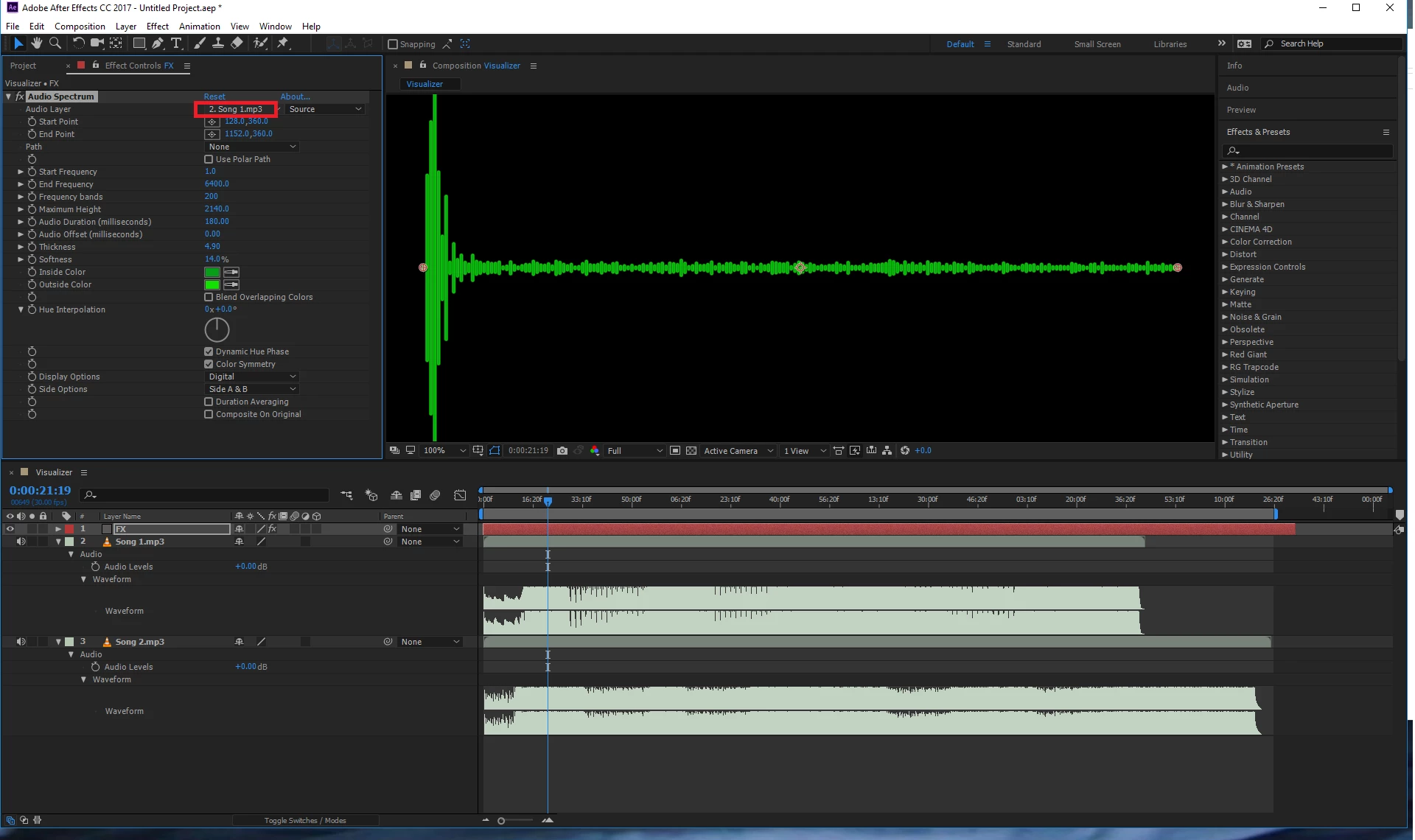
The format generated when I record is in .wav (PCM s24L) 48Hz. The result is the following ("Song 2"):
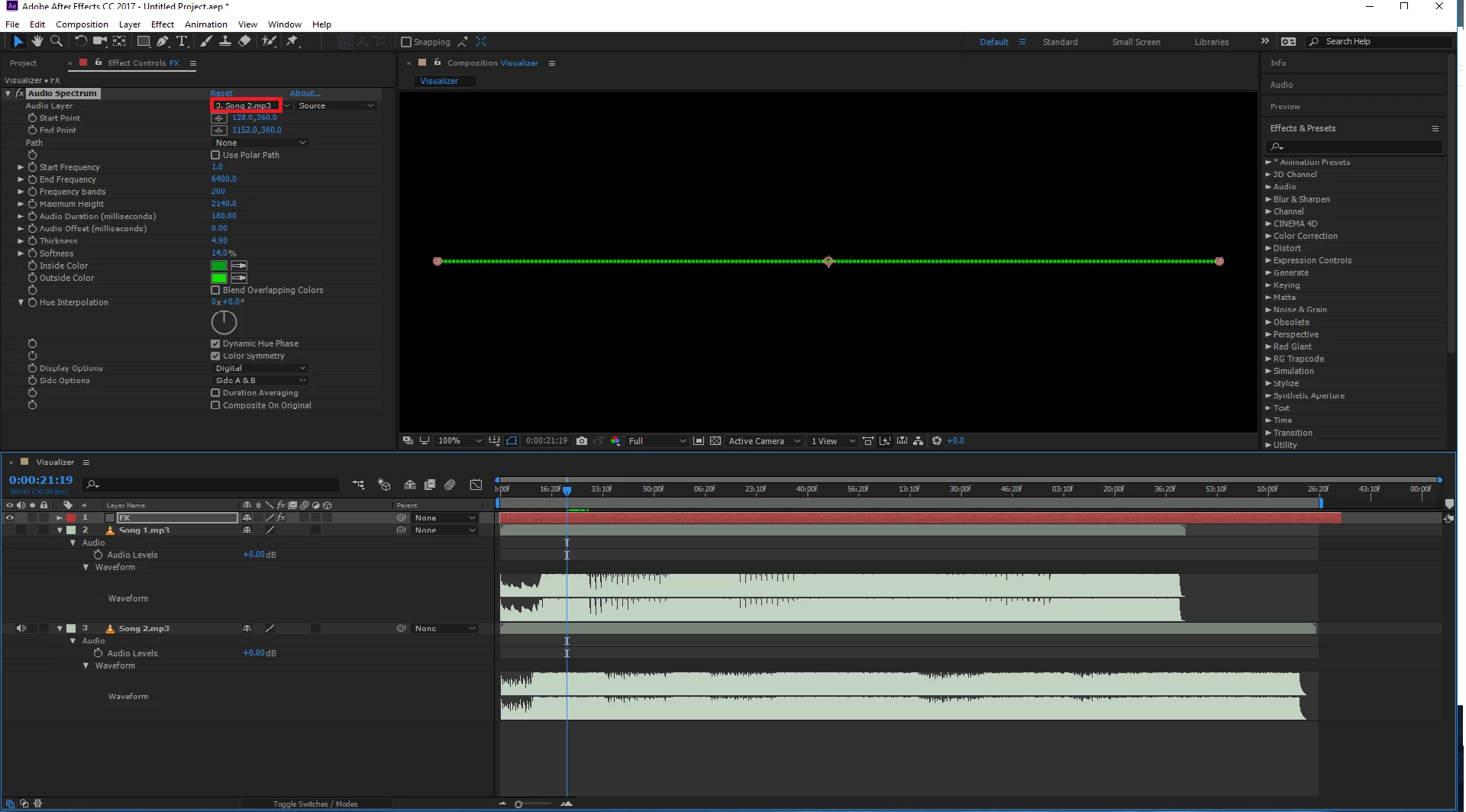
No recognition at all whatsoever. I've tried to convert to .AIFF, .MP3, .PMC, and to .FLAC. None of them are being recognized. I'm on version 14.2.1.34 of AE.

This topic has been closed for replies.
Correct answer Rick Gerard

Hello again Rick Gerard​.

1. Yes, it is most definitely up to date. 14.2.1.34 is my version.

2. It generates an object called Audio Amplitude. Clicking the arrows (left channel, right channel, both channels) show a lot of keyframes. I'm new to AE so I don't really know what that will do. I can see that if I scroll through the timeline, the volume changes.

3. Yup. Won't share whole songs (yet), but... a short sample of a guitar track that is supposed to act as a fill-up in one of my songs is something I can provide. It produces the same issue as with the song itself. This is the very format that the audio file comes out as first. This is the same file I used the key assistant with.

https://www.dropbox.com/s/06fd1f4kmfwqevz/%28Guitar%20background%29%20ADOBE%20AE%20Audio%20Spectrum%20issue.wav?dl=1


Your left and right channels are 180º out off phase. This results in Zero gain for Audio Spectrum to analyze. Nothing you record with those microphones or more likely the cables you used will work as a stereo wave file for Audio Spectrum.

This happens when you have two microphones and one of them has been cross wired.

Convert your file to MONO after muting one channel and it will work.

1 reply

Community Expert
August 14, 2017

Your levels are extremely low. Try normalizing your songs to bring the levels up out of the mud.

Rihin
RihinAuthor
Participant
August 14, 2017

That's not correct at all. The audio was rendered using a master limiter, pushing it up to where it should be. As you can see in the lower part of the project where you have the music files, they're near identical.

Community Expert
August 14, 2017

Sorry, looked at the images on my phone and didn't see the screenshots correctly.

1. Is AE up to date?

2. What happens if you convert audio to keyframes using keyframe assistant?

3. Is it possible to share one of your non-working audio files? I cannot reproduce your bug.