



질문
How to get rid of black Lines on sides on the video
Hi everyone,
I'm trying to upload my finished video using after effect on Behance.
I wanted to upload it as a GIF but the size is too big and I couldn't upload it as a result (the outcome of downsizing of my GIF file through both photoshop and website was not smooth).
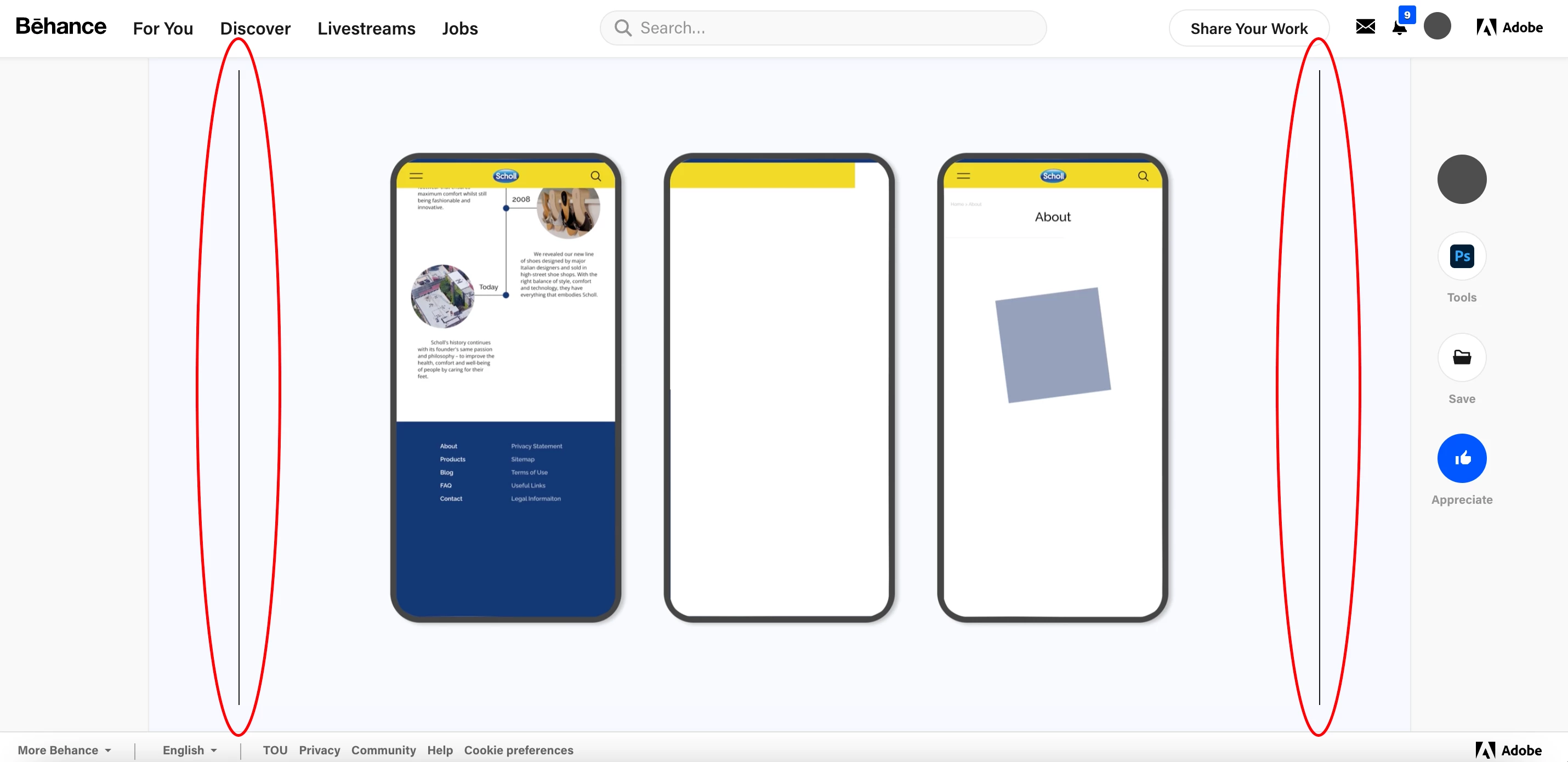
So I decided to put it as a normal H.264 in Behance. However, as you can see in the photo that I attached, there are black lines on the side. I adjusted the size few times and the bottom thin line has disappeared but the ones on the sides do not seem to disappear. The pixel size of the uploaded image is 2720 x 1555 px. If I encode it as GIF with the same size black lines are not appearing. I also tried encoding from Vimeo but somehow whenever I encode the video becomes too small with bad quality.
I prefer to upload it as GIF but would be happy to upload it as H.264. I have been struggling with this problem for more than a month and still couldn't find the solution. If anyone could help me out I would really appreciate it!
 AdChoices