


해결됨
How to get rid of grain and colour correct in a video?
For practice, I want to make a video of black ink dripping onto canvas, and I've found footage on YouTube to use. However, I've found that one of the videos of ink dripping has some grain around it, that is visible on the canvas background. The original footage background isn't white, but a light blue. I used the Keylight 1.2 option from Effects to get rid of the background, but it's still visible and lowers the overall quality I think.
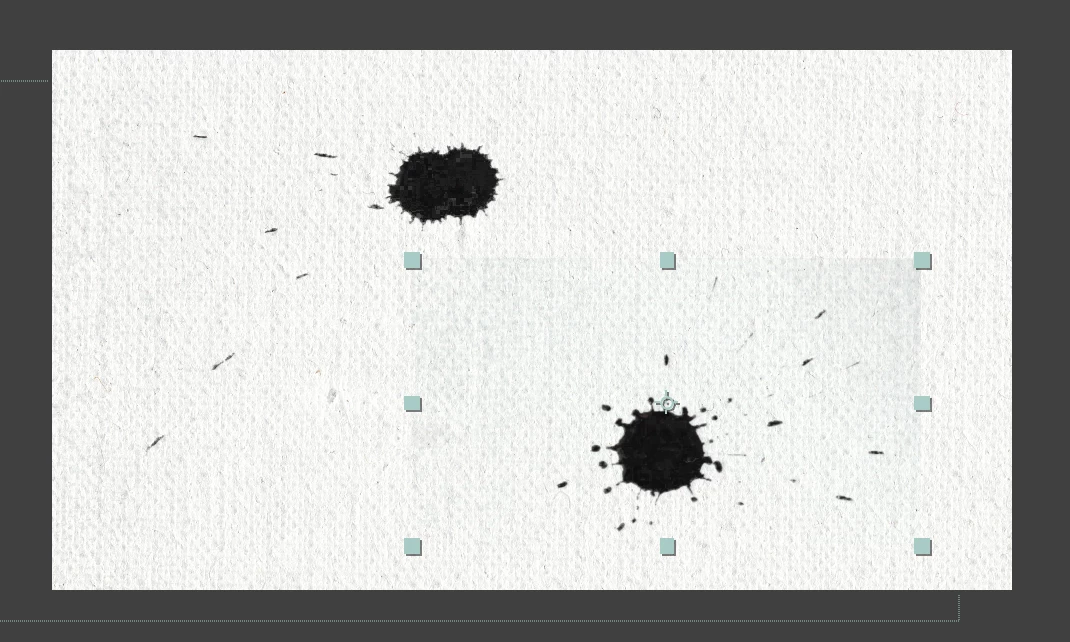
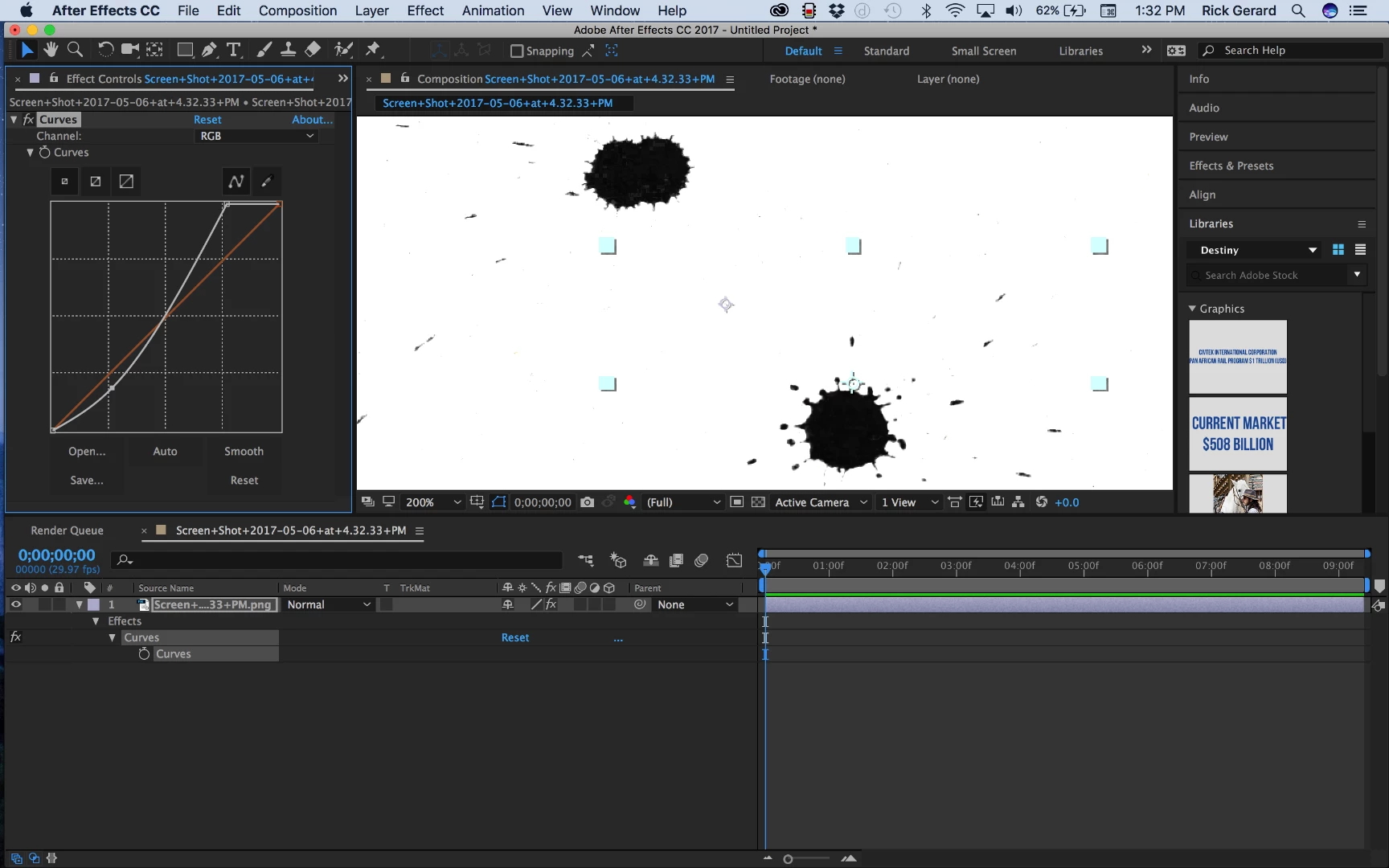
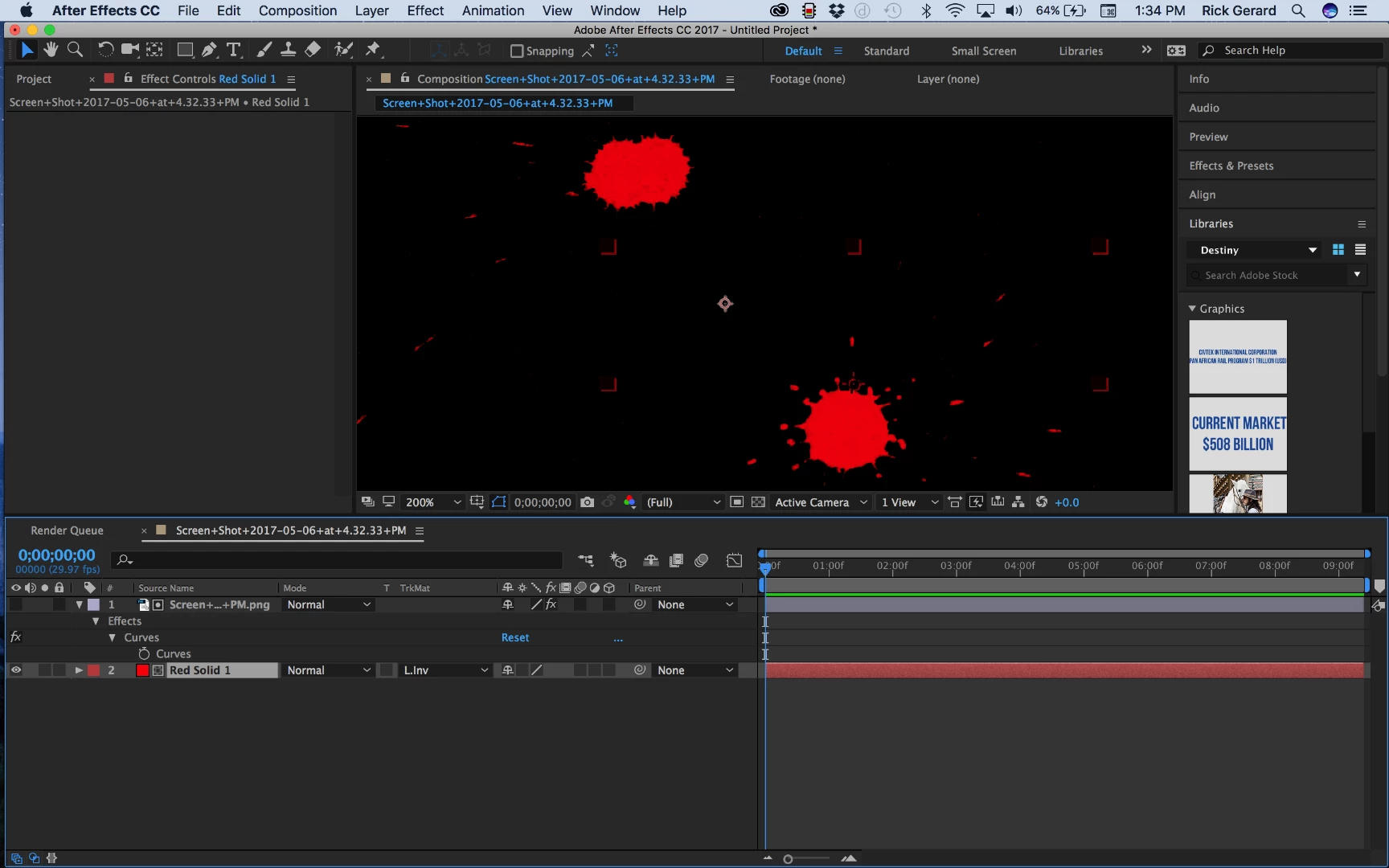
How can I get rid of the grain? Would it have to do with colour correction? Also, if possible, how could I make the black ink seem blacker? I think by using the Keylight option the black became lighter, with flecks showing through.
Any help or tips for a beginner would be appreciated. Thanks.
 AdChoices