
ScooterD76
Legend
January 31, 2019
Answered

Weird opacity Issue- need help with a workaround

  • January 31, 2019
  • 1 reply
  • 6859 views

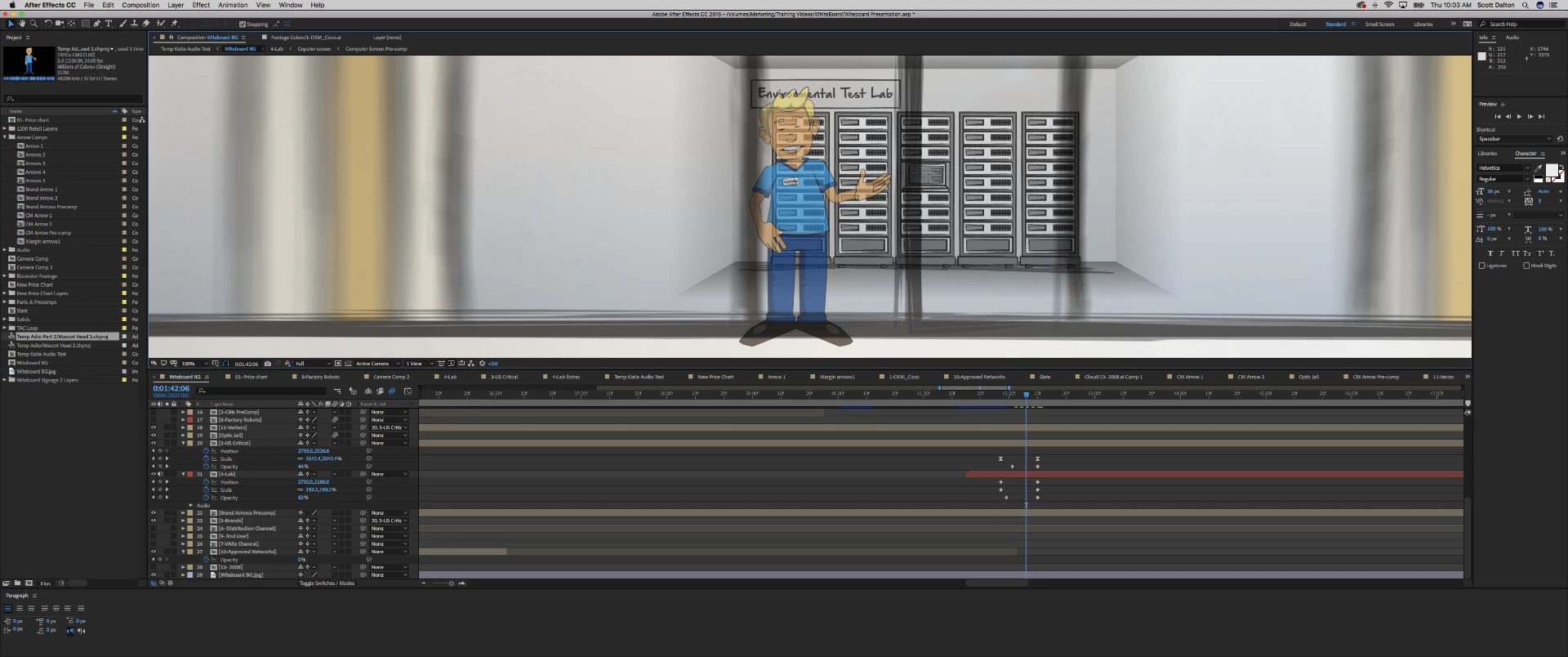
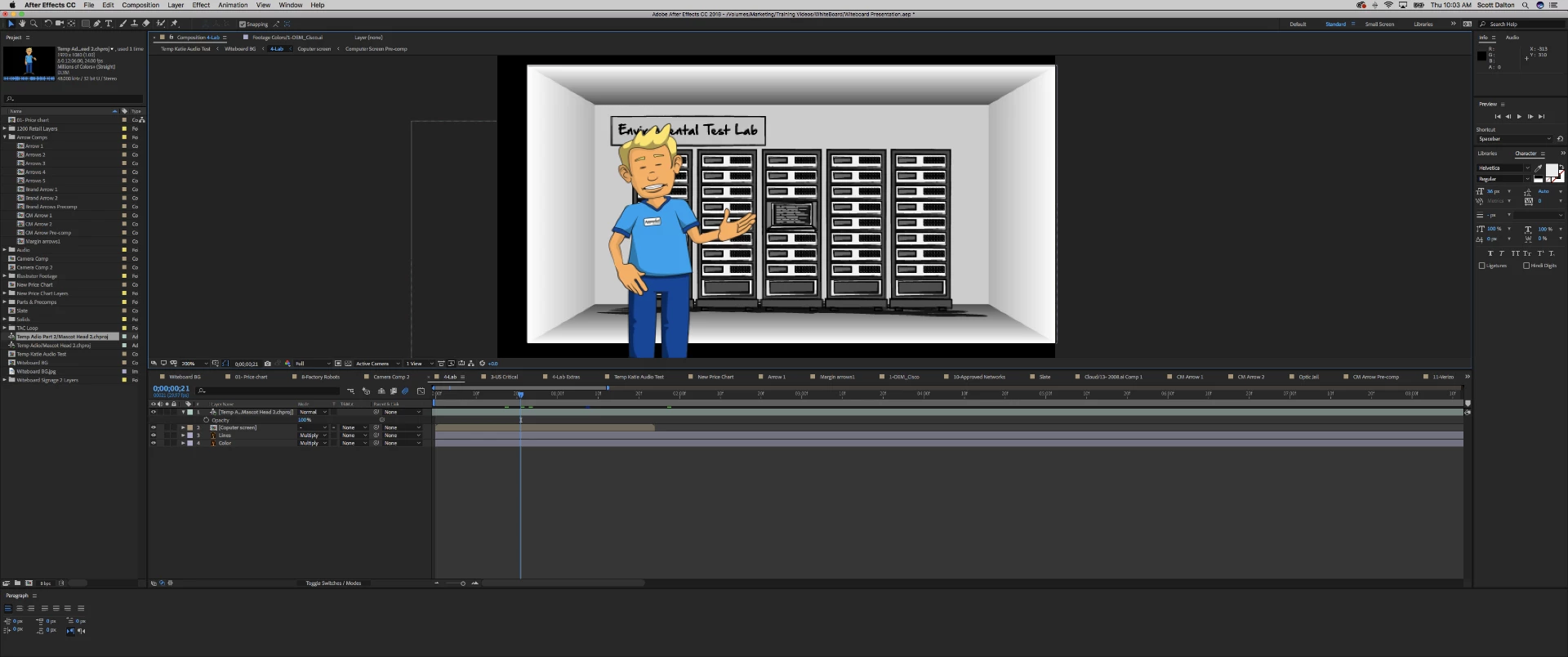
Layer "Lab" is a precomp with the character ( an imported CH scene) and the background, when the opacity changes, as you can see, you can start to see through the character? There is no opacity change in the pre-comp. Continualy rasterize /collapse transfomations is activated on the problem layer, turning it OFF fixes it. BUT i need it on otherwise the graphics look like garbage. Anyone have any ideas on how I can work around this?
    This topic has been closed for replies.
    Correct answer Rick Gerard

    You can actually fix the problem and re-order the render so layer>transform>opacity affects all layers as a group by adding any effect (curves, levels) to the nested comp. The effect does not even need to be turned on.

    1 reply

    Community Expert
    January 31, 2019

    I gather that you are pushing in on the Lab comp and scaling to at least 190% so that is why you need Collapse transformations. When you do that the opacity change is going to be applied individually to every layer in the pre-comp so what you are seeing is normal.

    The easiest solution is to add the Effect>Distort>Transform effect to the nested comp and animate the solution there. That way the opacity is calculated before the layer transform effect has a chance to work. There is no bug, you just have to understand how the rendering pipeline works and compensate for that. The new rendering order taking into account collapse transformations is starting at the bottom on each layer in the nested comp, opacity, rotation, scale (which you want to change), position and anchor point, then the effects are applied to the transformed layers.

    Mo Moolla
    Legend
    January 31, 2019

    Spot on Rick Gerard

    Rick GerardCommunity ExpertCorrect answer
    Community Expert
    January 31, 2019

    You can actually fix the problem and re-order the render so layer>transform>opacity affects all layers as a group by adding any effect (curves, levels) to the nested comp. The effect does not even need to be turned on.