
After Effects is Distorting My Audio - HELP!!!
I wanted to bass boost a song so I imported it into Audacity and added all the required effects needed to bass boost it. I've used Audacity many times to do this and I made sure that the Audio didn't travel into the red area. I then exported it as a WAV file at 41hz with 32-bit PCM. Then I imported this file into After Effects and made a cool music effect to go along with the song. I didn't mess with the audio but after I rendered I noticed that the audio had become really distorted on the bass parts of the song. So I went back into after effects and noticed that the audio was red lining under the audio tab. No matter what I do the audio still redlines. I've tried different formats, i've turned the gain down, i've checked the settings for after effects and all of the sound settings seem to match up correctly in Audacity with After Effects. I don't know if there is a problem with my Macbook audio settings or even my Audacity or After Effects settings. So I really need all the help I can get.
My system is a Macbook Air 2015 running the latest version of OSX and the latest After Effects and Audacity.
It has 8GB of RAM and an i5 at 1.6ghz.
My system has no problem running any of these programs and can handle Premiere Pro and After Effects at the same time.
I've also been rendering with Adobe Media Encoder if that helps.
All my programs are the Creative Cloud 2017 editions.

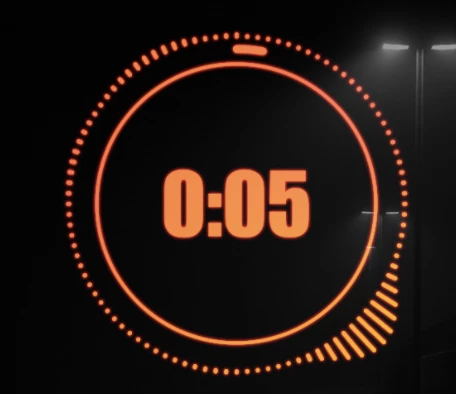
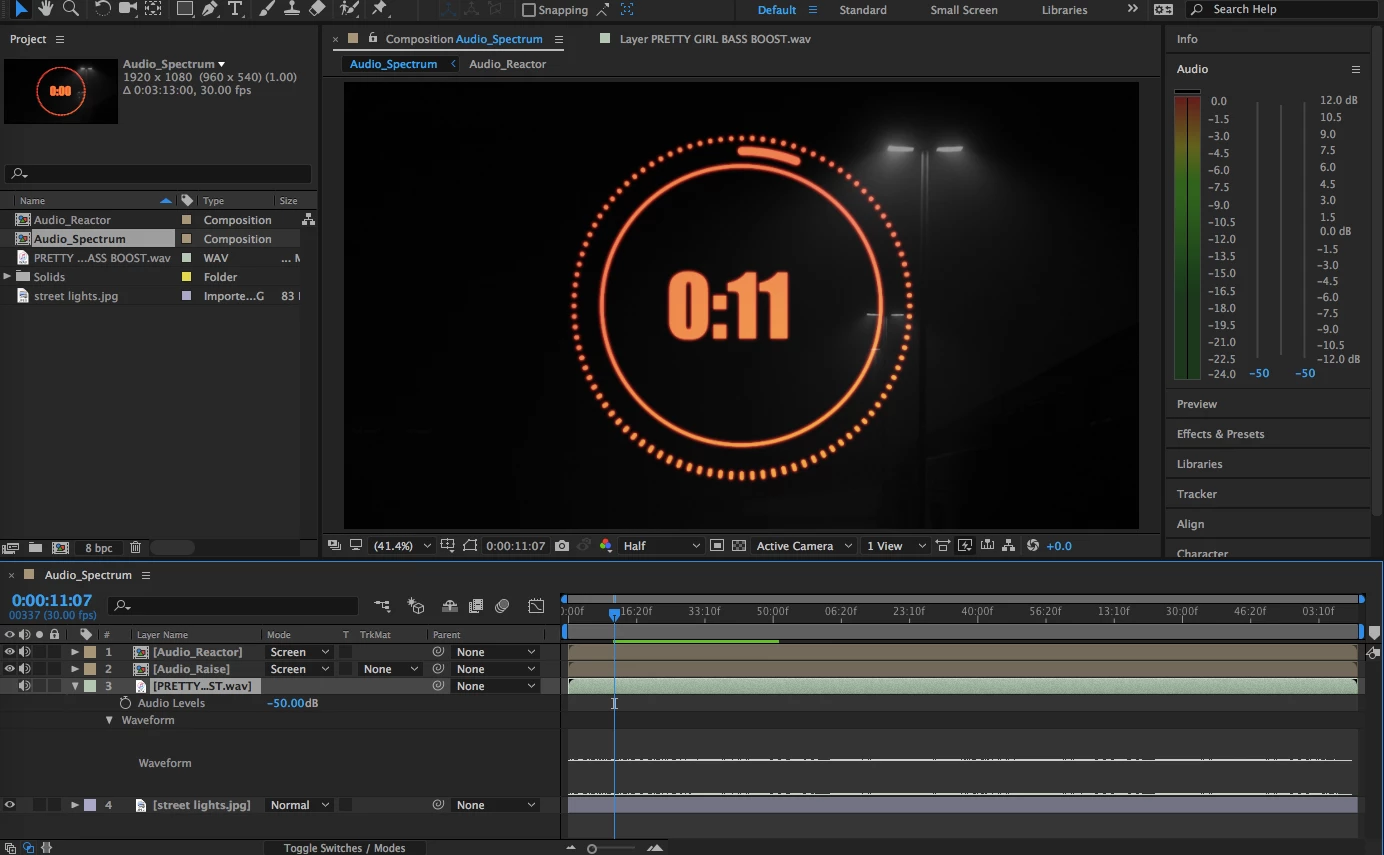
Above is the audio area when it is playing the bass parts of the song and the second image is what my video looks like, i've also tried lowering the gain wit the sliders next to the audio area.
Any help would be greatly appreciated as I badly need this video to work.
Thanks!!!

 AdChoices