
Participant
July 23, 2021
Question

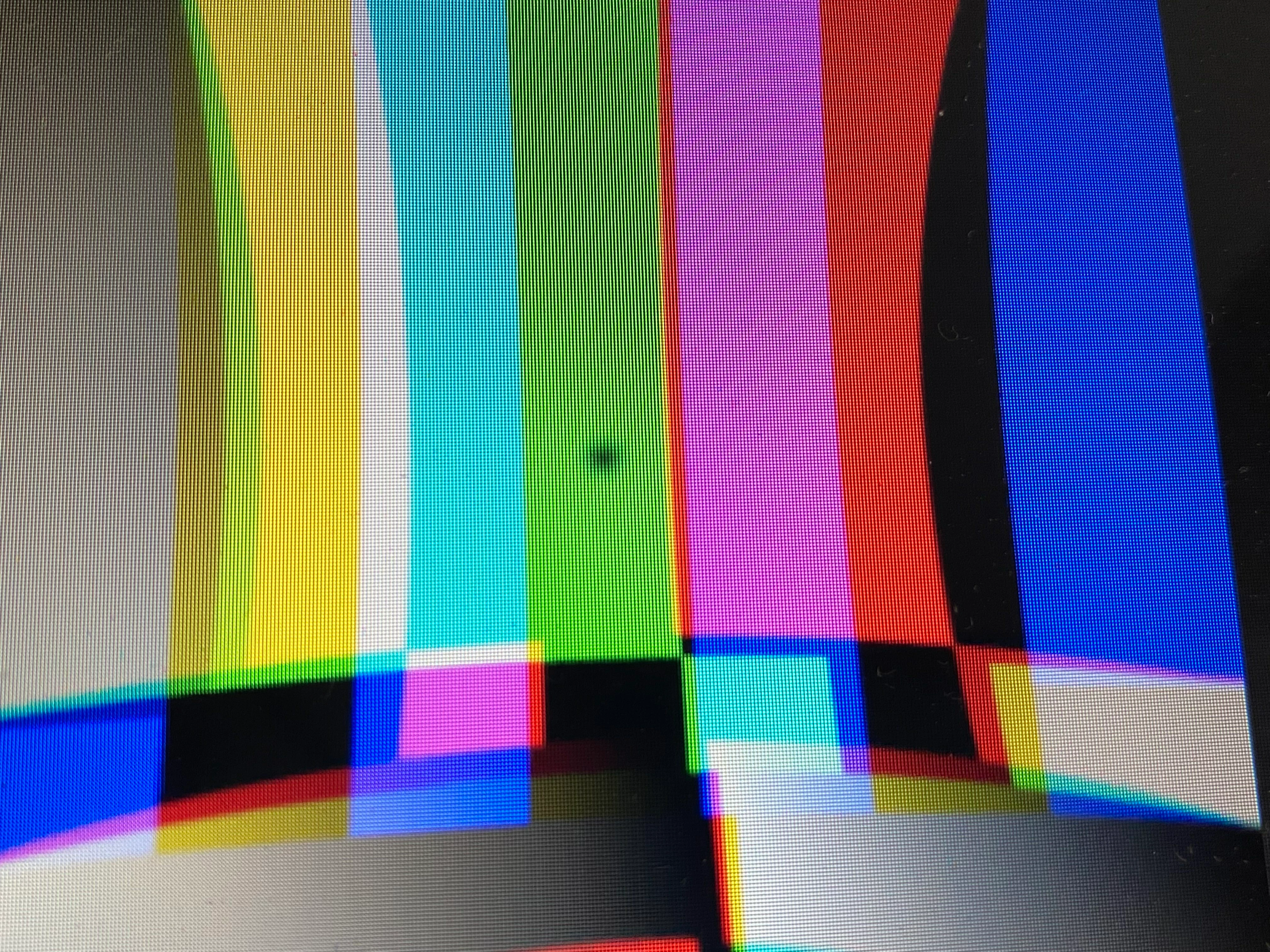
when i use uni.chromatic aberration this black dot pops up (red giant universe)
  • July 23, 2021
  • 5 replies
  • 7047 views

 Hello, i just trying to use uni.chromatic aberration effect but this black dot pops up! I downloaded After Effects 2019 and universe plugin again but it didn't work. Also i use Macbook Air 2017. 

This topic has been closed for replies.

5 replies

Inspiring
September 15, 2021

Any ideas on how to avoid the blurry dot if using an adjustment layer on top of several layers? Is pre-comping and duplicating the only solution?

This is such an annoying bug.

Inspiring
September 15, 2021

I just tried Uni.Chromatic Aberration and don't see this black dot. Universe 5.0 was released yesterday, have you updated and tried again?

Participating Frequently
July 30, 2021

Same here and I have found fix for this. Create two layers (of same video). Put uni.chromatic aberration on top video and bottom video will be without effect. Dot will disappear.

Participating Frequently
July 30, 2021

You can also do the trick where top clip will be with gaussian blur and bottom clip will be with radial blur 0,00 setting.

Participating Frequently
July 30, 2021

*sorry I made mistake, no gaussian blur but radial blur

Shaina Stein
Participant
July 28, 2021

I may have found a fix. In the settings for uni. chromatic aberration click the layer on your time line, go to your effects panel and reduce the radial blur to 0.0  it got rid of my dot! 

Shaina Stein
Participant
July 28, 2021

Same here, and I'm using premiere pro...

I tried masking a small circle and putting fast blur on an adjustment layer but still super noticeable that there's some type of blur/dot in the center of the screen. 

Ged_Traynor
Community Expert
Community Expert
July 23, 2021

Moving thread to the After Effects forum from Using the Community