This topic has been closed for replies.

2 replies

SteveG_AudioMasters_
Community Expert
Community Expert
November 11, 2022

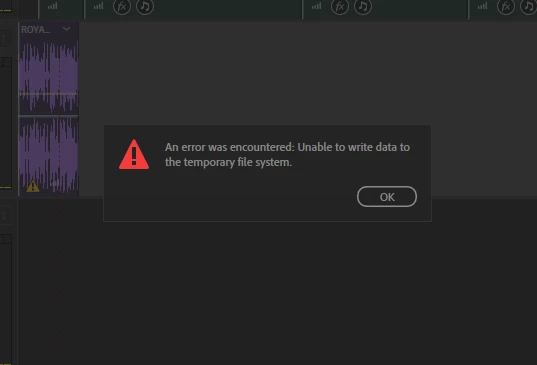
For a start, is this on a Mac or a PC? And if you look in Preferences, what are your temp file settings?

Participant
November 12, 2022

It's on Windows 10 and I'm not too sure what you mean about Temp file settings. Would it be the temp file in media & disk cache?

SteveG_AudioMasters_
Community Expert
Community Expert
November 12, 2022

Yes it would. By default the temp file location is in the same place that Windows uses for a temp file. Inherently, this is - of course - a bad idea, as Windows automatically assumes priority in this space, and is capable of dynamic resizing, and probably a few other nasties too.


The very best thing you can do is to create your own Audition temp file space on a separate drive, but even creating a space on your root drive that isn't the same one that Windows uses will be an improvement. Personally I've never bothered to set up the second temp space, but if you do, the same thing applies.


Anyway, try that first and if you still have problems, report back.

Participant
November 11, 2022

This applies to everyway to export and won't allow me to add anymore audios either