

Answered
Audition's primary temp volume is low on disk space
hi there, can you help me address this?
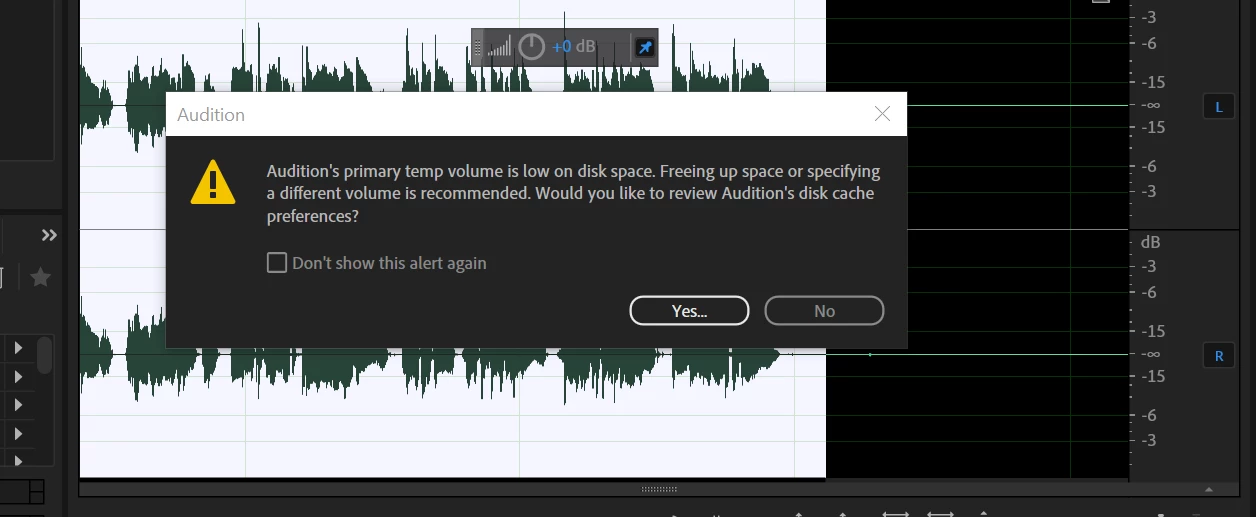

hi there, can you help me address this?
That's good advice - but the other thing you might want to check out is why this is happening, especially on a system that's been working okay. One reason for this happening out of the blue can be that you are working on larger files, especially with the number of undos set rather high. Each undo requires the temp space to store a complete version of your file, and if you have, say, a one hour file with undos set to 25, then that's going to take up a heck of a lot of temp space! And if you have more than one file open, and do the same thing with both, then things can easily get completely out of hand.
There are ways to get around this, of course. Firstly set the number of undos to a relatively low figure - like 5. Secondly, there's version staging; if you make a major change to a file, then use Save As to store an intermediate copy, so that if you need to, you can get back to a previous version easily. Every time you open that saved version you reset the temp file. When you've finished and are happy with what you've done you can ditch all the intermediate ones if you want.
But emmrecs is right - get a dedicated temp space drive - ideally a very large SSD. It's okay to have this on a usb-connected device, as long as it's available when you use Audition.
Already have an account? Login
Enter your E-mail address. We'll send you an e-mail with instructions to reset your password.
 AdChoices