


Question
Cannot turn off left and right channels in waveform mode
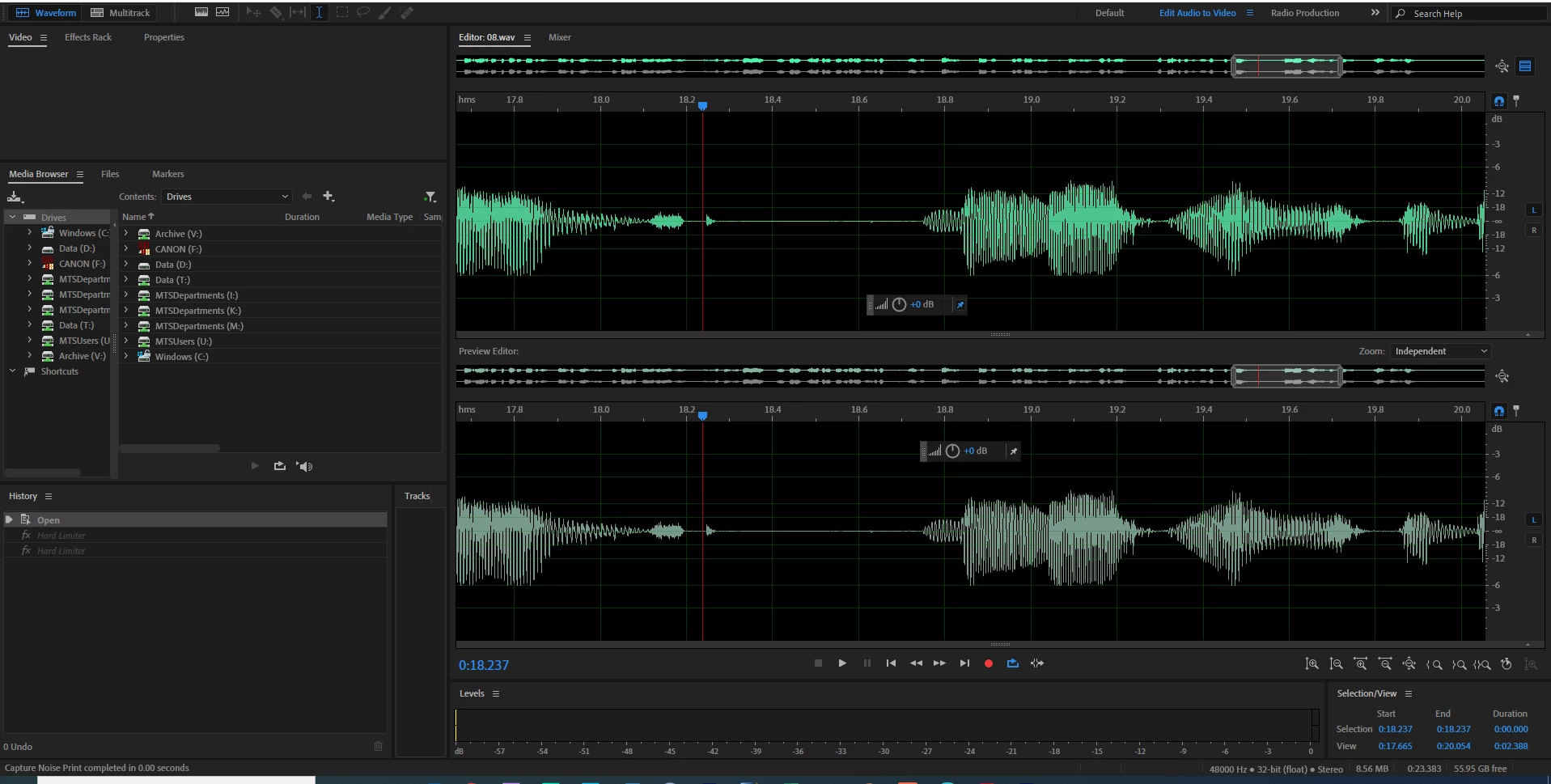
After updating Audition, I can no longer select one channel by itself in waveform mode. Both channels have an L and R icon, and when I click them, the color of the waveform changes slightly, but not as it used to do. Previously, I could just click the icon to deselect a channel. That no longer works. The color changes, but if I edit, it edits both channels.
How do I turn off a channel now? Why is there an L and R at the end of both channels?
 AdChoices