


Left speaker only in Multitrack; both speakers in Waveform
Hello.
I am looking for some help.
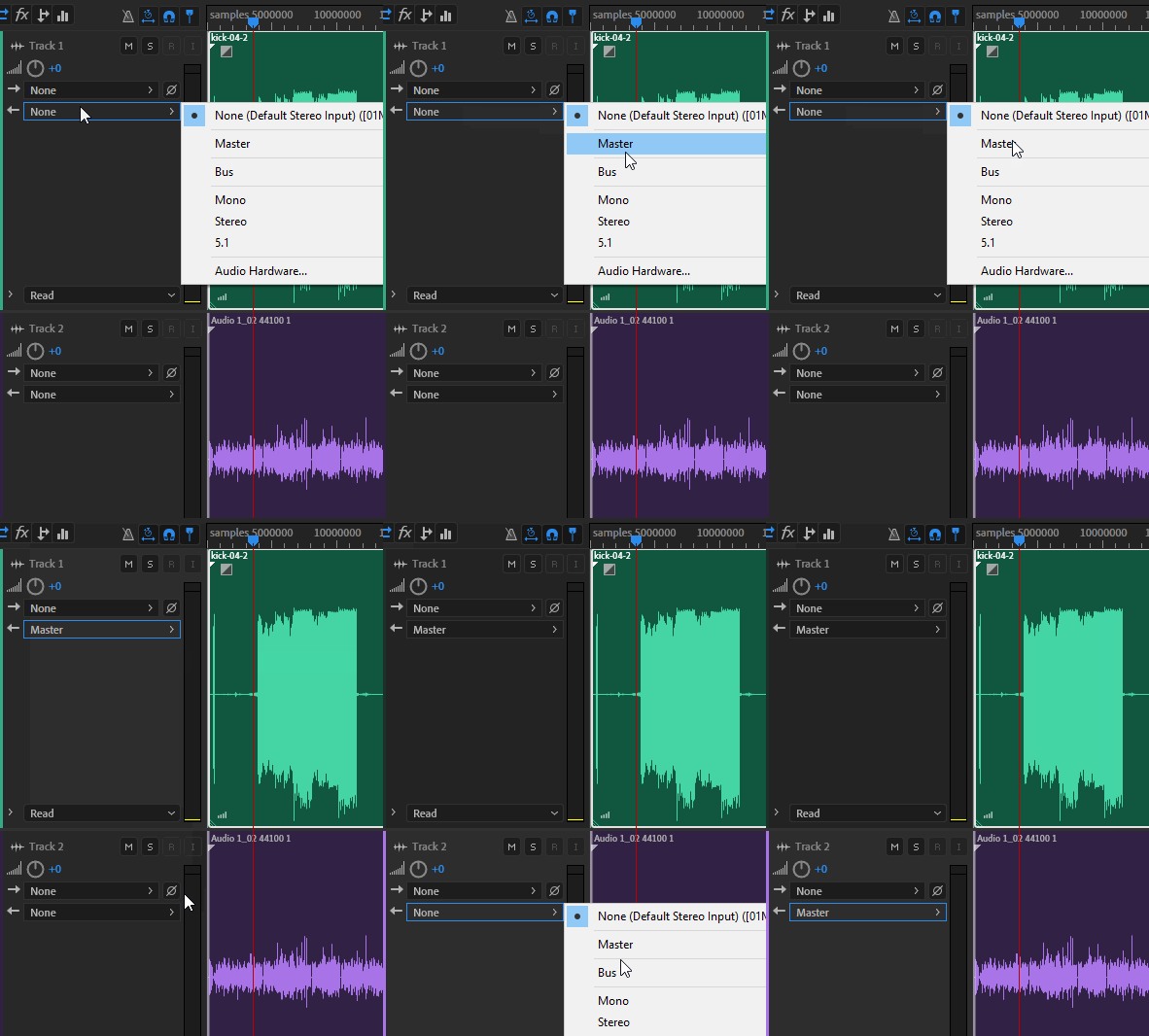
Currently in Adobe Audition 2020, I have a multitrack sessions, with 2 tracks in each multitrack that play only out of the left speaker in the multitrack, yet in both speakers in the waveform.
This is not the case for other multitrack sessions. Over the past week I have conducted 2 interviews. The first of these interviews recorded and had playback in Audition via both speakers; it worked perfect. Then an interview resulted in this left only problem. I assume I inadvertently altered a setting.
My set up for the recording is this:
Mac Book Pro
Adobe Audition 2020
No mixer
Simple stereo with 2 speakers connected to Mac from headphone jack on Mac to back of stereo
Zoom H5 connected to Mac via USB
Headphones connected to Zoom H5
Mic 1 is mic attached to Zoom H5, on top of Zoom H5; this is guest mic pointed at speaker to pick up guest
Mic 2 is mic attached to Zoom H5 via XLR; this is my mic on a boom
Guest input is via internet, Zoom Video Conference
I am recording directly to Adobe Audition via Zoom H5. I record as Multi Track.
I am pretty sure all my settings in Audition are mono.
I have looked at many forums and videos in search of an answer and have tried several suggestions for a fix, yet none have worked. I have done the reset of opening Audition while holding "shift". This did not fix the problem.
Further, I have even loaded this audio files into Audacity, opened as mono, converted to stereo, exported as WAV. Reopened in Audition and same problem. Also reopened in Audacity, converted to mono, exported as WAV, opened in Audition, and still have the left side problem.
In terms of skill with Audition, I am still a rookie and frequently say things like, "wow, I just learned so much about audtion today" or "amazing that this tool I just learned even exists". So, I am thrilled to learn, and know I am likely missing a setting or option that can fix this.
Thank You
 AdChoices