

Answered
Minimize, Maximize Buttons are Off Screen
I generally edit audio on a second screen. I do not have access to that today. How can I get my program back on the full screen?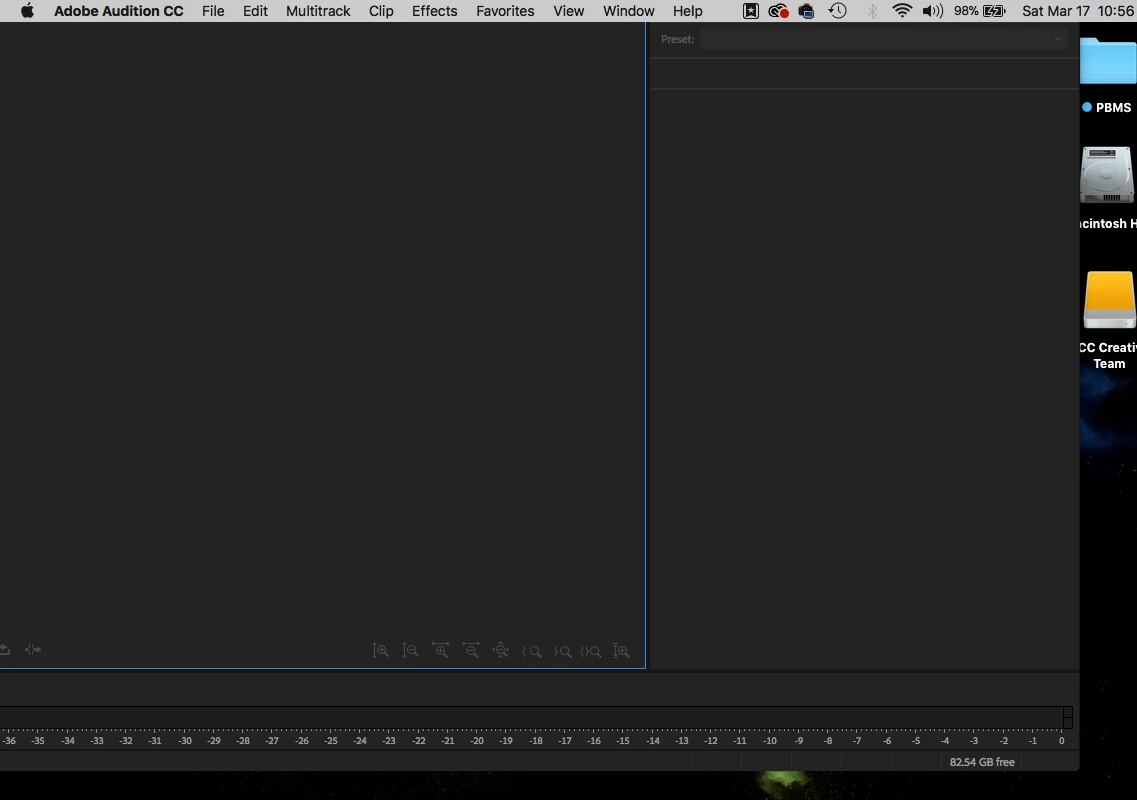

I generally edit audio on a second screen. I do not have access to that today. How can I get my program back on the full screen?
Well it's on a Mac, so I have no first-hand experience, but a quick search reveals this:
How to Move an Off Screen Window Back Onto the Active Mac Screen in OS X
Already have an account? Login
Enter your E-mail address. We'll send you an e-mail with instructions to reset your password.
 AdChoices